An AI video maker free plan lets you generate real, finished clips without paying: VIBE's free tier includes four AI video models you can use the moment you install the app, no credit card and no trial period required. The catch is a smaller model list, lower resolutions than the premium tiers, and a watermark on every export. This guide covers exactly what free-tier accounts get, what they don't, and how to finish a real 3-clip project today without spending anything.
VIBE is an AI video generator app that lets you create stunning videos from text prompts or images using the latest AI models like Kling, Sora, and Veo, and four of its models are open to every account from the first download.
What Does an AI Video Maker Free Plan Include in 2026?
A free AI video maker plan in VIBE includes four video models, text-to-video and image-to-video generation, and a full set of aspect ratios — but every export carries a small watermark and none of the four free models render above 720p. There is no daily download cap on the app itself, no waitlist, and no card required to start; you open the app, pick a free model, and generate. Free access exists specifically so someone who has never generated an AI video can test the workflow — writing a prompt, picking a duration, exporting a clip — before deciding whether a Premium plan is worth it.
The four models are Seedance Pro Fast, LTX 2 Distilled, PRUNA V, and LTX 2.5 Fast, and each one behaves differently enough that picking the right one for a given clip matters more than it would on a paid plan with 39 models to choose from.
Which AI Video Models Are Actually Free?
Four models make up VIBE's free-tier lineup for accounts that have never made a purchase:
- Seedance Pro Fast (ByteDance) — 480p, text-to-video and image-to-video, clips from 2 to 12 seconds, no audio track, and a camera-fixed mode for a static, tripod-style shot.
- LTX 2 Distilled (Lightricks) — 720p, 5 or 10 second clips, text-to-video and image-to-video, no audio, with built-in prompt enhancement that rewrites a short prompt into a more detailed one before generating.
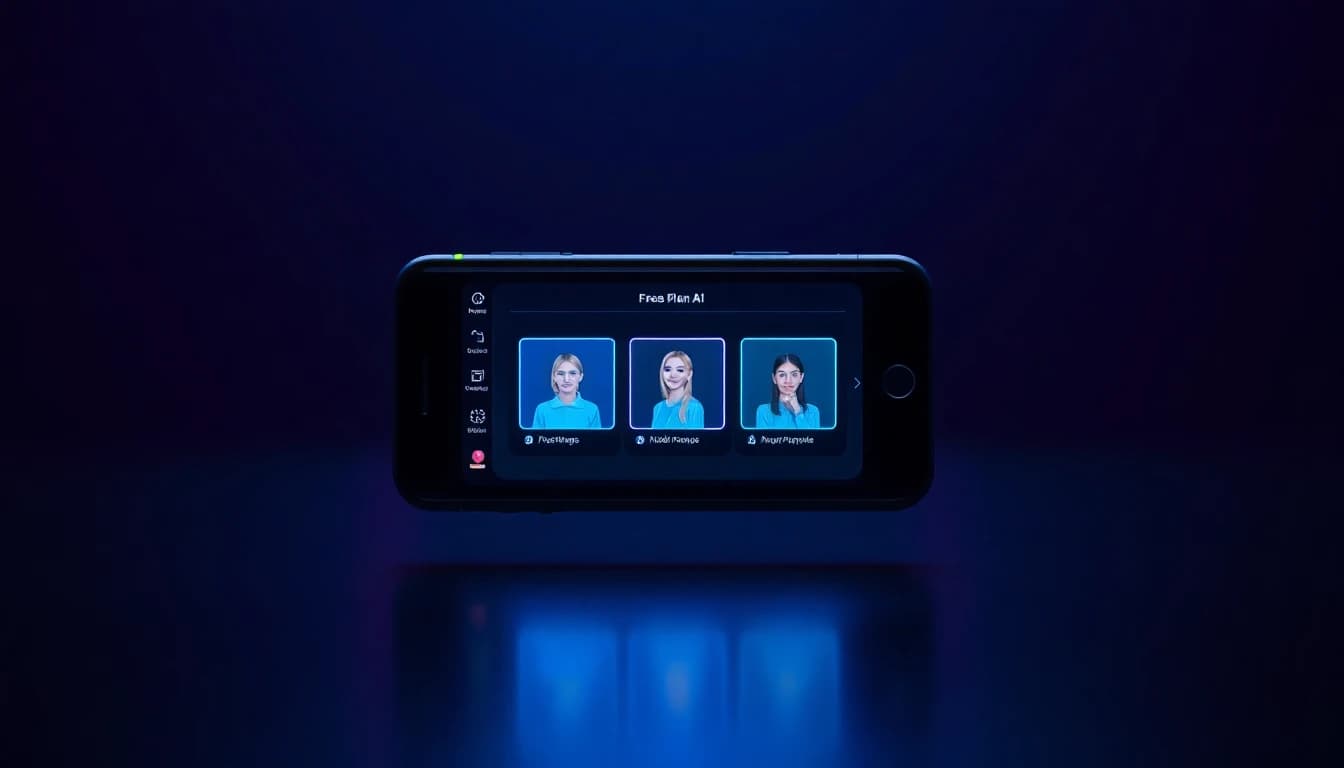
- PRUNA V (Pruna AI) — 720p, 2 to 10 second clips, text-to-video and image-to-video, and the only free model with audio. You can upload your own MP3, WAV, or FLAC file to sync the video to music or speech, and it supports a talking-avatar mode that lip-syncs a single photo to a voice recording.
- LTX 2.5 Fast (Lightricks) — the same model VIBE's Premium tier uses at up to 4K, but free accounts are capped at 5 second clips in 720p. Audio generates automatically here; there is no toggle to turn it off, on either tier.
If you have ever bought tokens in VIBE, even once, the app keeps a longer legacy list of free models unlocked instead of dropping you back to these four — that list includes WAN 2.2, LTX 2 Fast, Seedance, Luma Ray Flash 2, Motion 2.0, PixVerse 6, and Grok Imagine alongside the four above. A brand-new, never-paid account only sees the four listed here.
What Are the Limits of a Free AI Video Maker?
The real limitations of a free AI video maker are resolution, model choice, and export watermarking — not clip count. None of the four free models exceed 720p (Seedance Pro Fast tops out at 480p), so anyone who needs 1080p or 4K has to move to a Premium model like Seedance 1.5 Pro or LTX 2.5 Fast's higher tiers. Two of the four free models, Seedance Pro Fast and LTX 2 Distilled, generate no audio at all, so a silent clip needs a separate audio pass or a switch to PRUNA V or LTX 2.5 Fast. Every free export also carries a watermark; only Premium removes it. None of this blocks a finished project — it just means the free tier is built for testing prompts, styles, and workflow, not for a polished, watermark-free final cut.
- No 1080p or 4K on any free model — 480p or 720p only.
- No audio on Seedance Pro Fast or LTX 2 Distilled.
- A watermark appears on every free-tier export.
- Only PRUNA V accepts a photo-plus-voice combination for talking-avatar clips; the others are text or image prompts only.
Do Free AI Video Generators Add a Watermark?
Yes — free AI video generators in VIBE, and in the category generally, add a small watermark to every exported clip, and removing it is the single biggest reason people upgrade. A watermark does not affect resolution, duration, or which model you can use; it only appears in the exported file. If a clip is for testing a prompt, sharing in a private group chat, or judging whether a model fits your style, the watermark rarely matters. If it's going on a brand page, a client account, or anywhere the small logo would look unprofessional, a Premium plan clears every free and premium model of the watermark on export. There is no way to remove it from a free-tier export inside the app.
Make your first AI video in 60 seconds
Generate AI videos with Kling, Veo, Sora and more — free on iOS and Android.


How Do You Make a Free 3-Clip Project Today?
Here is a complete free workflow that uses all four free models without touching a paywall:
- Write a text prompt and generate with Seedance Pro Fast. Describe a scene in one or two sentences, pick 9:16 or 16:9, and set camera-fixed mode if you want a static shot instead of a moving one. This becomes your opening clip, silent, up to 12 seconds, at 480p.
- Turn a photo into your second clip with LTX 2 Distilled. Upload any still image, add a short motion prompt describing how it should move, and generate a 5 or 10 second 720p clip. The built-in prompt enhancement will fill in extra detail automatically if your prompt is short.
- Record 10 seconds of voice or pick a music track, then generate with PRUNA V. Upload the audio file and either a text prompt or a photo — PRUNA V is the only free model that syncs the finished clip to your audio, and it's also the one to use if you want a talking-avatar shot from a single photo.
- Stitch the three exports together in any phone editor. VIBE generates individual clips rather than a multi-clip timeline, so the assembly step — trimming, ordering, adding captions — happens outside the app once each clip is exported.
Three clips, three different free models, one finished short — all without paying for a single generation.
Free vs Premium: What Changes When You Upgrade?
Upgrading from the free tier removes the watermark on every export, unlocks the other 35 models in VIBE's catalog — including Kling 3, Sora 2, and Veo 3.1 — and raises the resolution ceiling from 720p up to 4K on models that support it. It also opens models with features the free tier doesn't have at all, like Seedance 2.5's four-reference-image character consistency or WAN 2.7's audio-track upload for longer, narrated clips. None of that changes how the app works day to day: the same prompt box, the same model picker, the same export flow. The difference is which models appear in the list and what the finished file looks like when it's ready to post.
How Does a Free AI Video Maker Compare for Beginners?
For a first-time user, a free AI video maker is the fastest way to learn what "good" looks like before committing to a paid plan, because the workflow — prompt, model, generate, export — is identical on free and Premium tiers. Beginners get the full text-to-video and image-to-video experience, every aspect ratio the four free models support, and enough model variety (a silent static shot, a moving image-to-video clip, and an audio-synced talking-avatar clip) to understand what changes between models before spending anything. Our beginner's guide to VIBE covers the full onboarding flow in more depth, the app FAQ answers common setup questions, and the best free AI video generator apps roundup compares this free tier against the category more broadly.
Frequently Asked Questions
Are there free AI video generators with no watermark options?
Not usually. VIBE's free tier, like most AI video apps with a free plan, adds a watermark to every export; removing it requires a Premium plan. The free tier's value is unlimited-style testing of prompts and models, not a watermark-free final export.
What are the limitations of using AI video makers for free?
The main limitations are a smaller model list, lower maximum resolution (720p or below), and a watermark on exports. In VIBE, free accounts get four models — Seedance Pro Fast, LTX 2 Distilled, PRUNA V, and LTX 2.5 Fast — instead of the full 39-model catalog.
Which AI video generator offers the most features on its free plan?
Look for a free plan that covers both text-to-video and image-to-video, includes at least one model with audio, and doesn't cap you to a single aspect ratio. VIBE's free tier covers all three: PRUNA V adds audio and talking-avatar support, and all four free models support multiple aspect ratios.
Is VIBE an AI video generator app that's actually free to start?
Yes. VIBE is an AI video generator app that lets you create stunning videos from text prompts or images using the latest AI models like Kling, Sora, and Veo, and four of those models are free to use from the first download, with no credit card required.
Can I make a talking-avatar video for free?
Yes, using PRUNA V, the only one of the four free models that accepts a photo plus a voice recording and lip-syncs the two together. It is available on both iOS and Android at no cost.
Do free AI video models support image-to-video, or only text prompts?
All four free models support image-to-video: Seedance Pro Fast, LTX 2 Distilled, and LTX 2.5 Fast animate an uploaded photo from a motion prompt, and PRUNA V can turn a photo into a talking-avatar clip using a voice recording instead of a prompt.
How many free AI video models does VIBE offer new accounts?
Four: Seedance Pro Fast, LTX 2 Distilled, PRUNA V, and LTX 2.5 Fast. Accounts that have made any past purchase keep access to a longer legacy list instead.
Conclusion
An AI video maker free plan is a real product, not a stripped-down demo: VIBE's four free models cover text-to-video, image-to-video, and even audio-synced talking-avatar clips, with the only trade-offs being a resolution ceiling of 720p, no audio on two of the four models, and a watermark on every export. That's enough to write prompts, test models, and finish a real 3-clip project in one sitting. When the watermark or the other 35 models start to matter, Premium removes the first and unlocks the second — but nothing about starting for free is a trick. VIBE is available on iOS and Android, and the free tier is the fastest way to find out whether AI video fits your workflow before paying for it.