Sora 2 Video Generator
OpenAI Sora 2 & Sora 2 Pro
Create cinematic AI videos with OpenAI Sora 2, the groundbreaking video generation model. VIBE gives you instant access to Sora 2 for text-to-video and image-to-video generation directly on your phone.


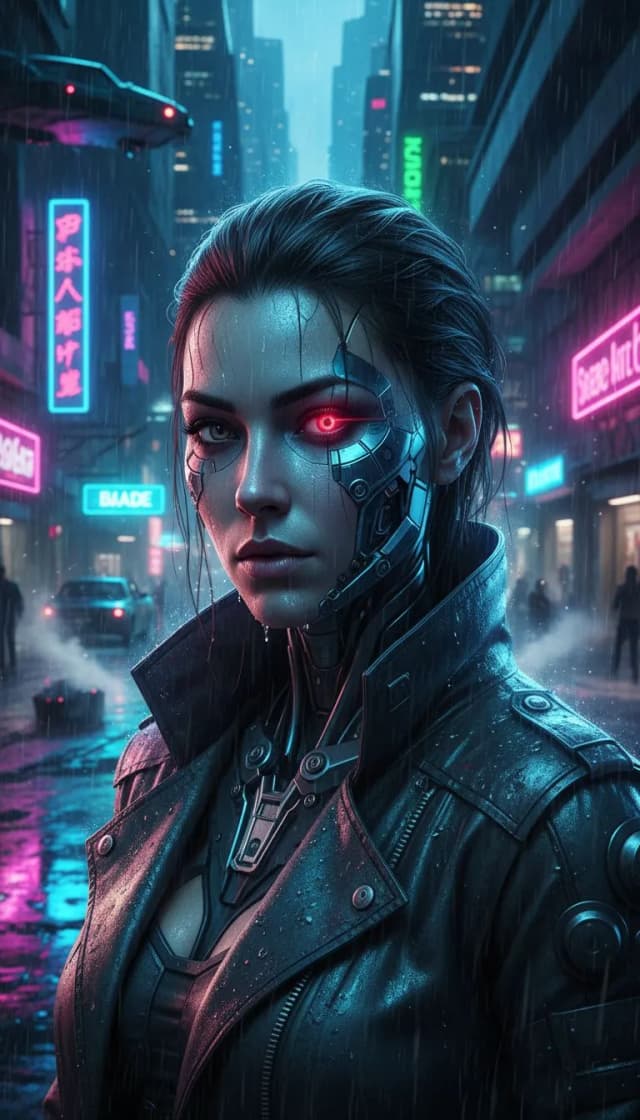
 OpenAI Sora 2
What You Can Do with OpenAI Sora 2
Explore the capabilities of OpenAI Sora 2 for AI video generation in the VIBE app.
World-Class Scene Understanding
Sora 2 understands physics, spatial relationships, and real-world dynamics. Generate videos with accurate shadows, reflections, and object interactions that look remarkably natural.
Text-to-Video with Sora 2
Describe any scene and Sora 2 brings it to life. From fantasy worlds to realistic environments, Sora 2 handles complex multi-subject scenes with exceptional coherence.
Sora 2 Pro for Maximum Quality
Sora 2 Pro delivers the highest quality output with extended generation time. Ideal for final renders and professional content where every detail matters.
Image-to-Video Animation
Upload any image and Sora 2 transforms it into a dynamic video. The model adds natural motion, camera movement, and atmospheric effects while respecting the source image.
Creative Storytelling
Sora 2 excels at narrative scenes. Create story-driven content with characters, emotions, and dramatic pacing that feel intentional and directed.
Multi-Platform Export
Generate Sora 2 videos in any aspect ratio. Export in 9:16 for TikTok and Reels, 16:9 for YouTube, or 1:1 for social media feeds.
How to Use OpenAI Sora 2 in VIBE
Generate AI videos with OpenAI Sora 2 in three simple steps.
Select Sora 2 or Sora 2 Pro
Open VIBE and choose Sora 2 for fast generation or Sora 2 Pro for maximum quality from the model selector.
Describe Your Video or Upload an Image
Enter a text prompt with scene details, style preferences, and camera directions, or upload a photo to animate.
Generate and Share
Tap Generate and receive your Sora 2 AI video. Export to any social platform or save to your device in full quality.
OpenAI Sora 2 Specifications
What Creators Make with OpenAI Sora 2
See how content creators use OpenAI Sora 2 in VIBE to produce professional AI videos.
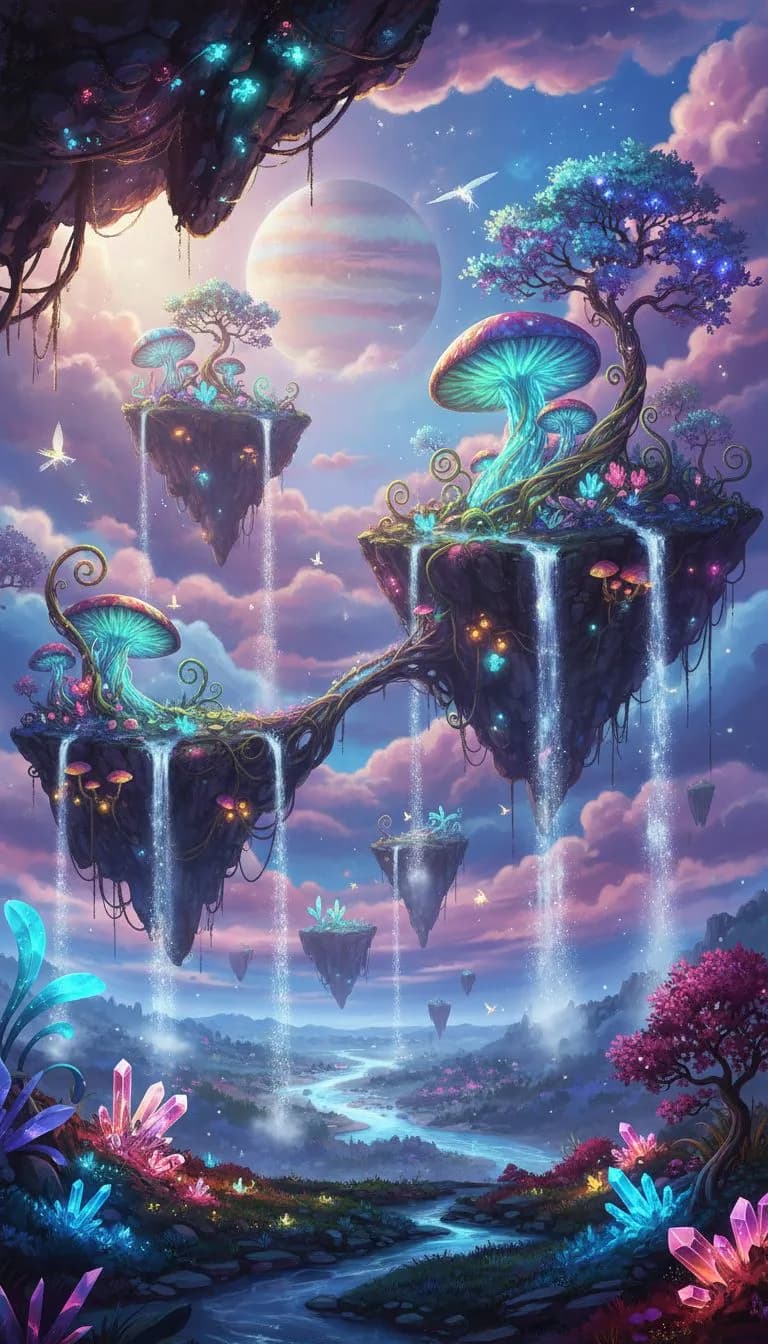
Viral Social Content
Create scroll-stopping social media content with Sora 2. Generate eye-catching videos with dramatic visuals and cinematic movement.
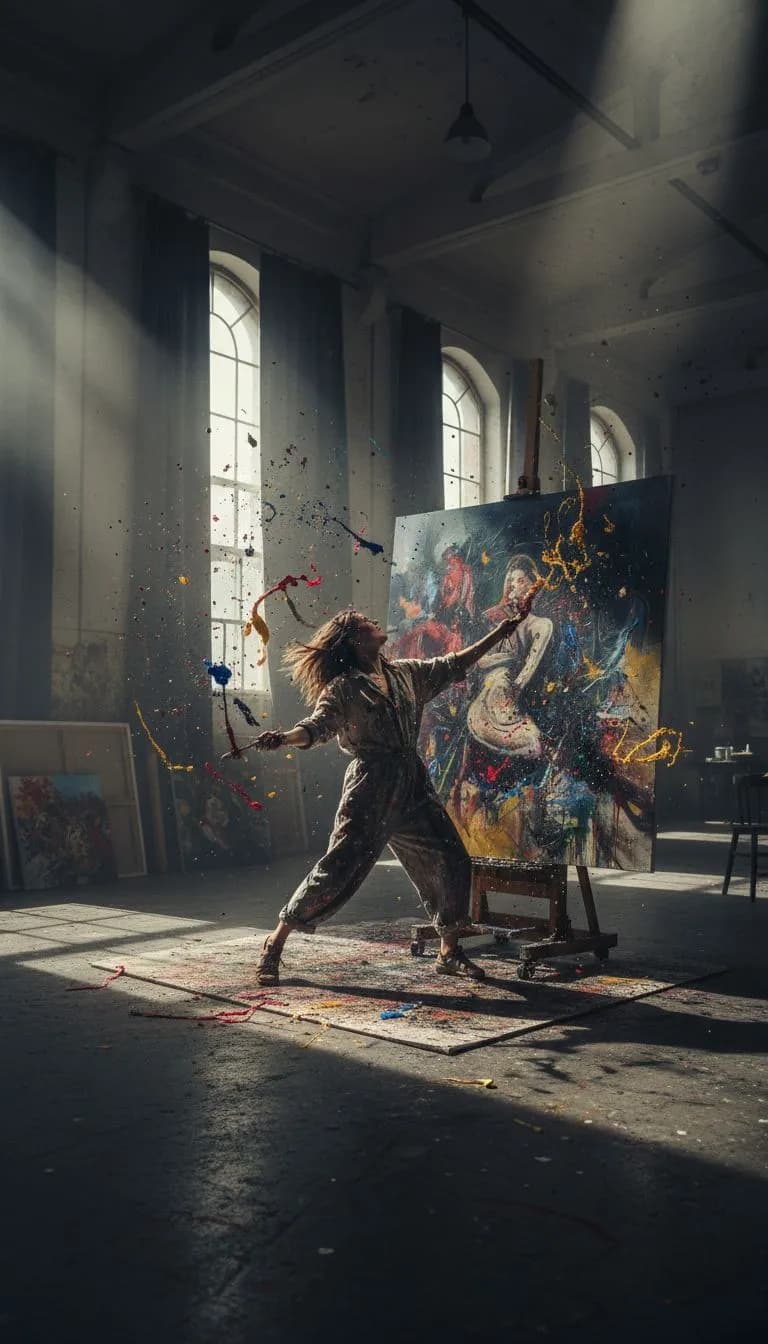
Creative Projects
Bring creative visions to life with Sora 2's world-class scene understanding. From music videos to short films, Sora 2 handles complex creative briefs.
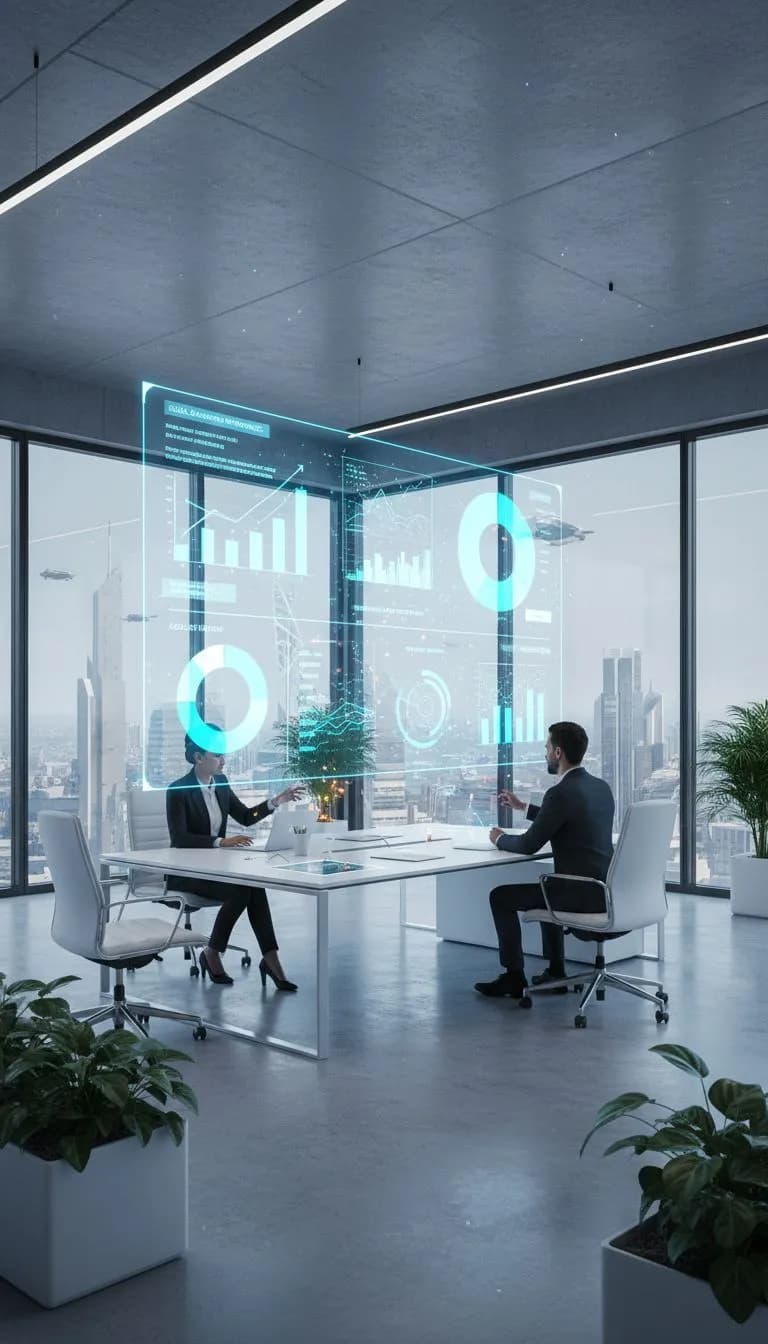
Marketing Videos
Generate professional marketing content at scale. Sora 2 creates polished, brand-ready videos from simple text descriptions.
Why Choose OpenAI Sora 2?
See how OpenAI Sora 2 compares to other AI video models.
OpenAI Sora 2 FAQ
Frequently asked questions about using OpenAI Sora 2 in VIBE.
Sora 2 is a video generation model developed by OpenAI. It creates high-quality AI videos with exceptional physics understanding, scene coherence, and creative control. VIBE gives you access to both Sora 2 and Sora 2 Pro on your phone.
Open VIBE, select Sora 2 or Sora 2 Pro from the model picker, enter your text prompt or upload an image, and tap Generate. Your Sora 2 video will be ready in seconds.
Sora 2 provides fast, high-quality video generation suitable for most use cases. Sora 2 Pro takes longer but delivers the absolute highest quality with more detail, better coherence, and enhanced visual fidelity.
VIBE is free to download with free credits to try Sora 2 video generation. For unlimited access to Sora 2 and Sora 2 Pro, VIBE offers affordable Pro plans.
Yes. Sora 2 supports image-to-video generation. Upload any photo and Sora 2 will animate it with natural movement, camera effects, and atmospheric details while preserving your original image.
Start Creating with OpenAI Sora 2 Today
Download VIBE and get instant access to OpenAI Sora 2 plus 13 more AI video models. Create stunning videos from text or images in seconds.