The Short Answer: Yes, and It's Getting Harder to Tell the Difference
Two years ago, AI-generated video was impressive but obviously synthetic. Faces melted. Hands had seven fingers. Physics felt wrong. In 2026, that gap has closed dramatically. The latest AI video generator models produce output that most viewers cannot distinguish from real camera footage on a social media feed.
VIBE is an AI video generator app that lets you create stunning videos from text prompts or images using the latest AI models like Kling, Sora, and Veo. Several of these models now operate at a quality level where the question has shifted from "can AI make realistic video" to "how realistic is too realistic."
This article explains exactly what is possible today, which AI video models produce the most convincing results, and where the limits still exist.
What Makes AI Video Look Real
Photorealism in AI-generated video comes down to four technical pillars. When a model nails all four, the output becomes virtually indistinguishable from filmed footage.
1. Lighting and Shadow Accuracy
Real-world light behaves in complex ways. It bounces off surfaces, scatters through atmosphere, creates soft gradients in shadows. According to Stanford University's computational imaging research, accurate light transport simulation is the single biggest factor in perceived realism. The latest AI video models have learned these light interactions from millions of hours of real footage, and they reproduce them with remarkable fidelity.
2. Physics-Correct Motion
Water flows downhill. Hair sways with momentum. Fabric wrinkles under gravity. When AI video gets physics wrong, viewers notice immediately even if they cannot articulate why. Models like Veo 3.1 now handle fluid dynamics, rigid body physics, and soft body deformation at a level that passes casual inspection.
3. Material and Texture Detail
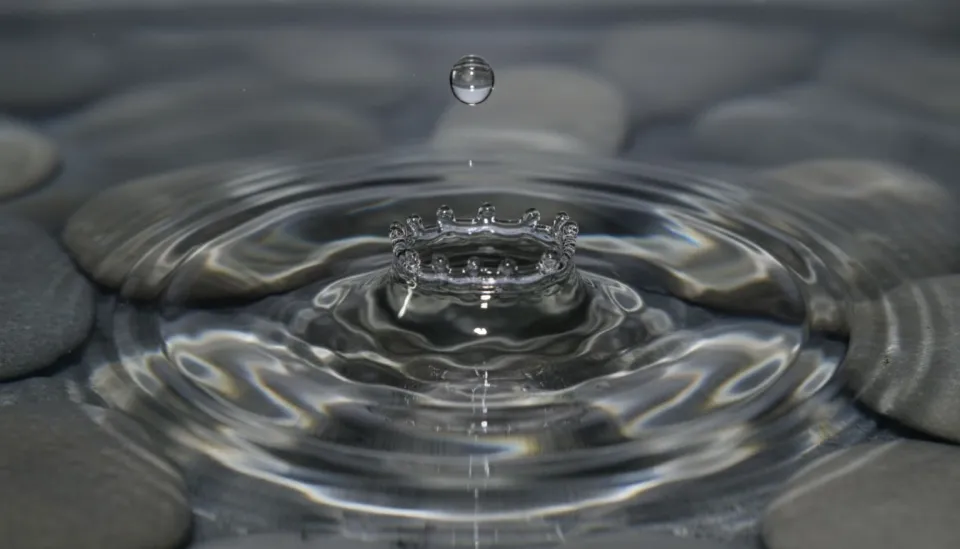
The difference between a convincing AI video and a fake-looking one often comes down to surface detail. Skin pores, fabric weave, metal reflections, the way condensation forms on cold glass. Today's best models render these micro-details accurately because their training data includes ultra-high-resolution footage where these textures are visible.
4. Temporal Consistency
A single photorealistic frame is not enough. The video needs to maintain consistency across every frame. Objects should not warp, flicker, or change appearance as the camera moves. This temporal coherence has been one of the hardest problems in AI video, and 2026 models handle it significantly better than anything that came before.
Which AI Models Create the Most Realistic Video?
Not every AI video generator model prioritizes realism. Some optimize for artistic style or cinematic flair. Here are the models that consistently produce the most photorealistic output, all available in VIBE.
Google Veo 3.1: The Realism Leader
Veo 3.1 is the most photorealistic AI video model available in 2026. Google trained it with an emphasis on physical accuracy, and the results show. Nature scenes, product shots, architectural walkthroughs, and human portraits all come out looking like they were filmed on a professional camera.
The Fast variant generates in seconds while retaining most of the quality, making it practical for social media content creation where you need to produce at volume.
Sora 2: Cinematic Realism
Sora 2 takes a different approach to realism. Rather than pure photographic accuracy, it produces output that looks like it was shot by a professional cinematographer. The realism is there, but filtered through a cinematic lens. This makes Sora ideal for narrative content where you want the video to feel real but also visually elevated.
Kling 3: The People Specialist
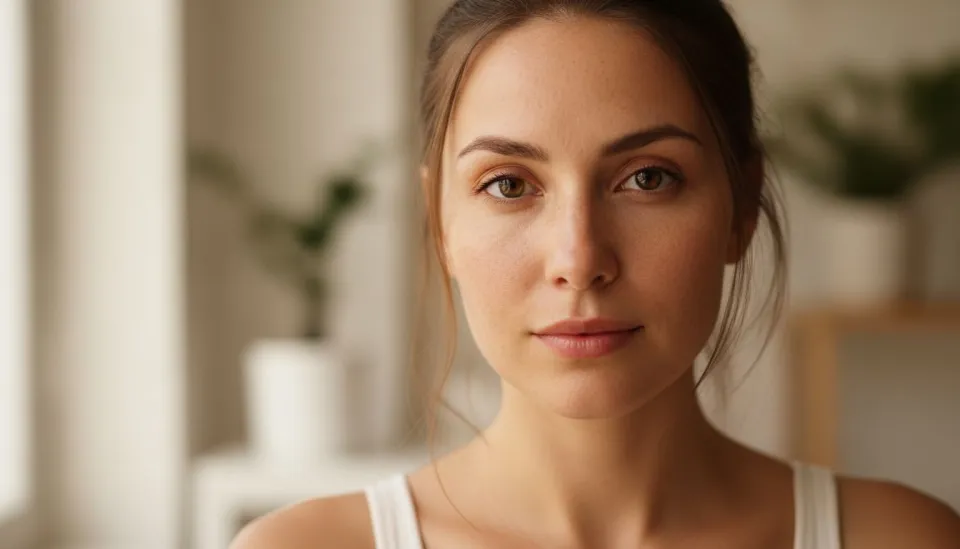
When it comes to realistic human subjects, Kling 3 leads the field. Facial expressions, eye movements, lip sync, and body language all look natural. For any AI video that features people as the primary subject, Kling 3 consistently produces the most believable results.
Real-World Examples: Where AI Video Passes the Test
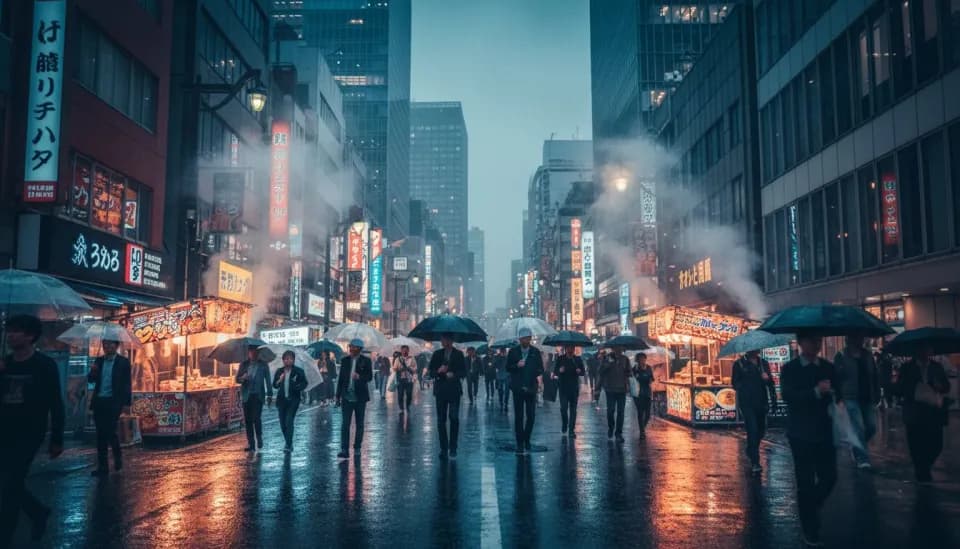
AI video that looks real is not just a technical demo. Creators and businesses are already using it in production.
Product Advertising
E-commerce brands are using Veo 3.1 to generate product showcase videos that look indistinguishable from traditional studio shoots. A rotating perfume bottle with accurate glass refractions, a sneaker with visible leather grain, a watch with precise metal reflections. These AI-generated product videos are replacing traditional photography for many online retailers.
Social Media Content
On TikTok and Instagram, AI-generated video is everywhere. Much of it is labeled, but plenty passes without viewers realizing it was not filmed. Nature footage, "cinematic" travel content, and aesthetic lifestyle clips created with AI models are routinely generating millions of views.
Stock Footage Replacement
The stock footage industry is being disrupted by AI video generators. Instead of licensing generic clips, creators generate exactly the scene they need with a text prompt. The output from models like Veo 3.1 is now competitive with mid-tier stock footage in quality.
Make your first AI video in 60 seconds
Generate AI videos with Kling, Veo, Sora and more — free on iOS and Android.


Where AI Video Still Falls Short
Despite the massive progress, there are still scenarios where AI-generated video reveals itself. Understanding these limitations helps you work around them.
Complex Hand Interactions
Hands remain one of the hardest things for AI video to get right. Simple hand poses are fine, but complex interactions like typing on a keyboard, shuffling cards, or playing a musical instrument still produce occasional artifacts. This is improving rapidly but has not been fully solved.
Extended Duration
Most AI video models generate clips of 5 to 15 seconds. Maintaining perfect consistency across longer durations remains a challenge. For longer content, creators generate multiple short clips and edit them together, which works well in practice.
Text and Fine Detail
AI video models still struggle with readable text. Signs, labels, and written content in AI-generated scenes often appear distorted or nonsensical. If your scene requires legible text, you will likely need to add it in post-production.
Unusual Physical Scenarios
While common physics are handled well, unusual scenarios trip up even the best models. Extremely complex fluid interactions, unusual material properties, or physically impossible scenarios can produce inconsistent results.
How to Get the Most Realistic AI Video Output
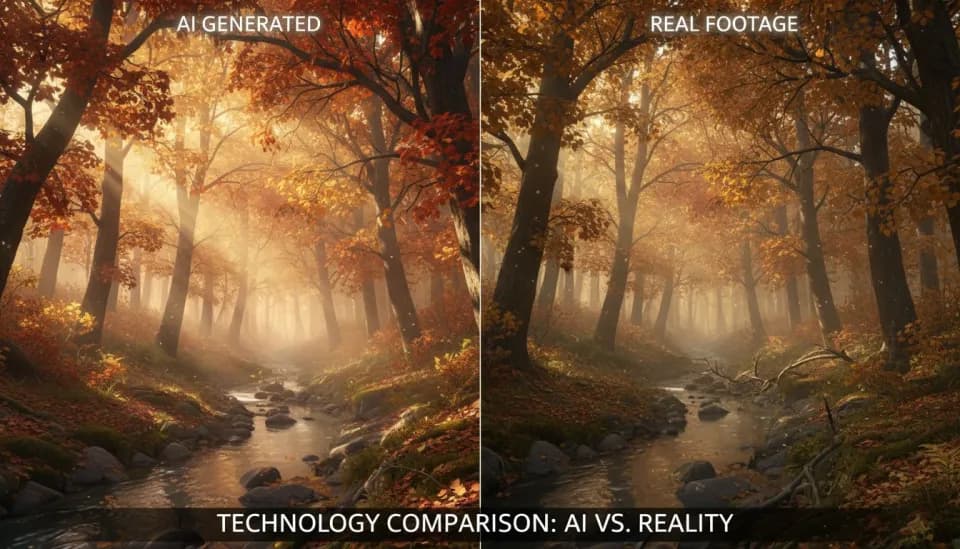
If photorealism is your goal, these techniques consistently produce the best results.
Choose the Right Model
Start with Veo 3.1 for maximum photorealism. Switch to Kling 3 when your video features people prominently. Use Sora 2 when you want cinematic realism. Having access to all three in one app like VIBE lets you test and compare instantly.
Write Prompts Like a Photographer
Describe real-world properties: lighting conditions, lens characteristics, time of day, weather. "A woman walking through a sunlit garden, shot on 85mm lens, golden hour backlight, shallow depth of field" produces more realistic output than vague descriptions. Our prompt writing guide covers this in depth.
Use Image-to-Video for Maximum Control
Starting from a real photograph and animating it with AI gives you a photorealistic baseline that the model builds on. Upload any photo in VIBE, add a motion prompt, and the resulting video inherits the realism of the source image.
Keep It Simple
The simpler the scene, the more realistic the output. A single subject with clear lighting will always look more convincing than a complex multi-element scene. Master simple realism before attempting complex compositions.
The Bigger Picture
According to research from the MIT Media Lab, viewer ability to distinguish AI-generated video from real footage dropped below 50 percent accuracy for top-tier models in late 2025. That threshold has continued to decline. For practical purposes, AI video that looks real is no longer a future promise. It is a present reality.
This raises important questions about media literacy, content authentication, and creator responsibility. But from a pure capability standpoint, the technology is here. AI video generators can produce photorealistic output that serves legitimate creative and business purposes.
Conclusion
Can AI generate videos that look real? Absolutely. Models like Google Veo 3.1, Sora 2, and Kling 3 produce output that passes the realism test for the vast majority of viewers and use cases. The technology is not perfect, and complex scenarios still reveal limitations. But for product videos, social media content, stock footage, and creative projects, AI-generated video is now a viable and often superior alternative to traditional filming.
VIBE is an AI video generator app that gives you access to all of these models in a single app on iOS and Android. Try generating a photorealistic scene with Veo 3.1 and see for yourself how far the technology has come.