An AI video animation generator turns a text prompt or a drawing into an animated clip, so you can make cartoon, 3D or stylised motion without frame-by-frame work. You describe the character, the style and the movement, the model renders the shot, and you join the shots into a short film. This guide covers the steps, the VIBE models that suit animation, how to keep a character consistent and what each clip costs in tokens.
VIBE is an AI video generator app that lets you create stunning videos from text prompts or images using the latest AI models like Kling, Sora, and Veo. It runs in your browser on any phone or computer, so you can build an animated scene from a single tab.
What Is an AI Video Animation Generator?
An AI video animation generator is a tool that creates animated footage from a written prompt or a still image, using a video model instead of hand-drawn frames or a 3D rig. It produces motion, lighting and camera movement in one pass, and the style comes from your wording or from the picture you start with.
Traditional animation builds motion pose by pose. The classic craft rules, such as squash and stretch and anticipation, are summarised in the twelve basic principles of animation, first published in the 1981 book The Illusion of Life by Disney animators Ollie Johnston and Frank Thomas. A generator does not replace that knowledge. It lets you apply it in words: "slight anticipation before the jump" is a prompt a video model can follow.
Animated here means any clip whose look is drawn or rendered rather than filmed: flat cartoon, painted storybook, clay-like 3D, toy-box render or anime-inspired. VIBE puts more than 30 video models behind one interface, so you can try the same idea on several of them. You can see finished examples in the VIBE showcase.
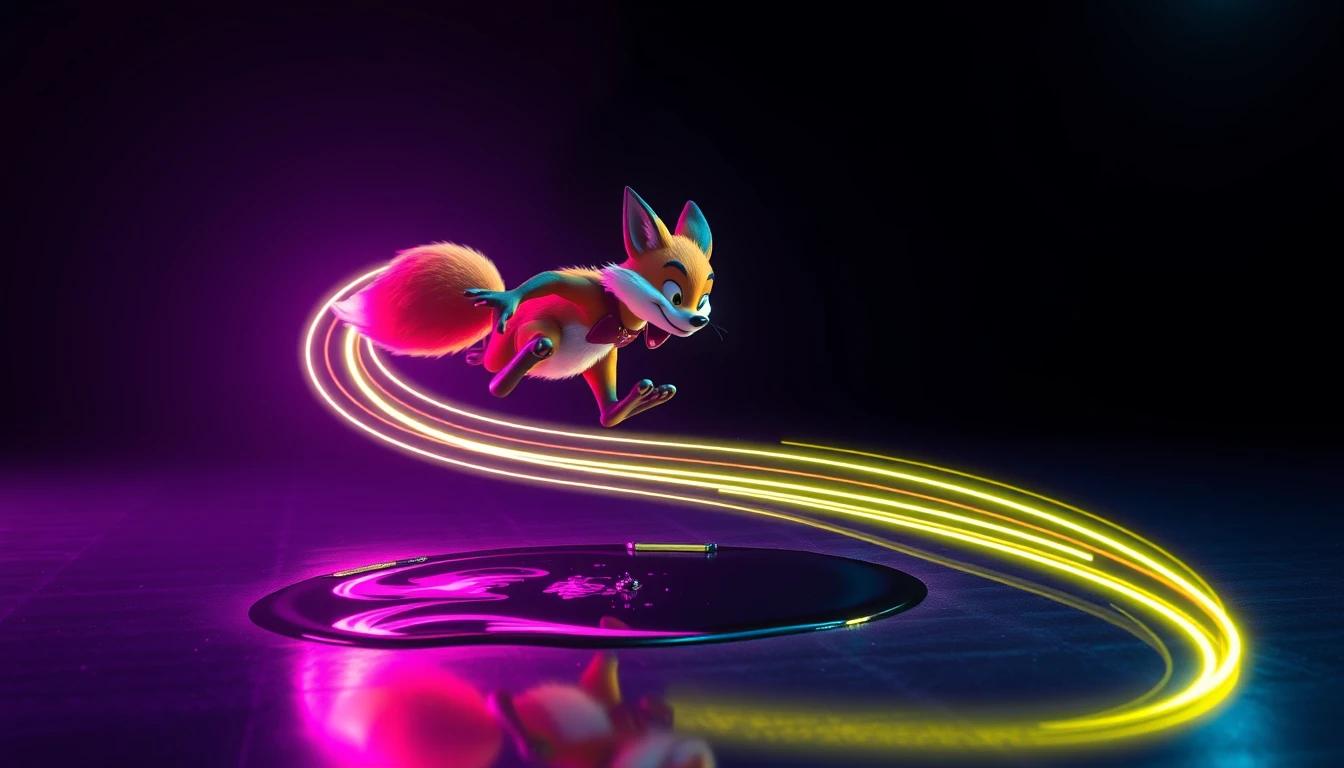
How Can I Create an Animated Video With AI?
You can create an animated video with AI by writing a style-first prompt, generating short clips, and joining the best ones into a sequence. A full workflow takes six steps:
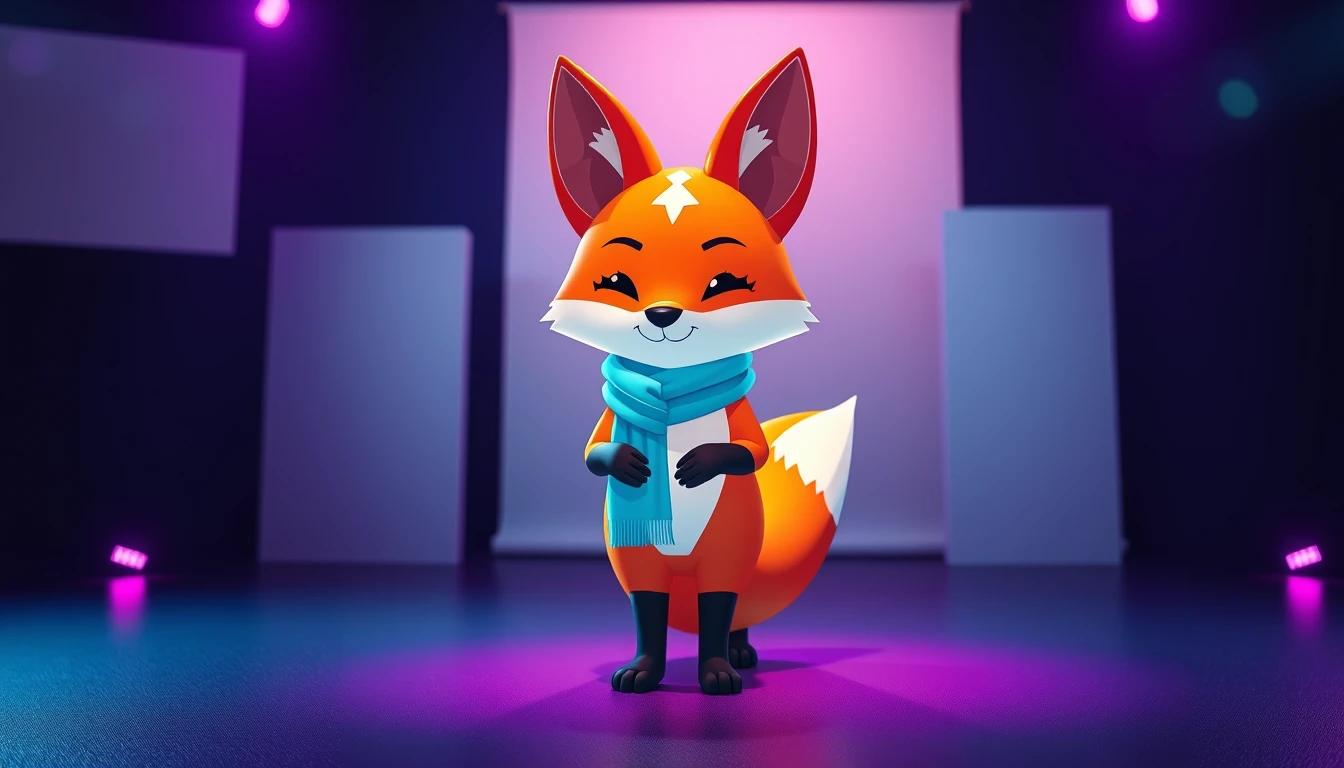
- Write a character sheet in one sentence. Name the shape, colours and one distinctive feature, for example "a small round fox with a teal scarf and large amber eyes".
- Choose the style words once. Pick one look, such as "flat 2D cartoon, bold outlines, soft pastel background", and reuse it word for word in every prompt.
- Generate a still first if you want control. Make or upload a picture of the character, then use image-to-video so the model animates that exact design.
- Prompt one action per clip. "The fox hops over a puddle, slight anticipation, camera tracks sideways" works better than a whole story in one prompt.
- Run a cheap draft. Test the motion on a low-cost model, then re-run the keeper on a higher-quality model.
- Join the clips in your editor. Add music, titles and your own voice there. Generators supply the picture; you decide the order.
Text-to-video starts from words only. Image-to-video starts from a picture and moves it, which is the safer route for animation because the character design stays fixed. The guide to the AI video generator from images explains that route in detail, and the prompt examples library has wording you can adapt.
Which AI Model Is Best for Cartoon-Style Video?
No single model is best for every cartoon, because VIBE's catalog lists models by their features, not by art style, so the best choice depends on whether you need consistency, length, sound or a low price. These are the ones that fit animation work, with specs from the VIBE model catalog:
- Seedance 2.5: 4 to 30 second clips at 480p or 720p, always with synchronized audio. It accepts up to four reference images to keep a character looking the same, or a first and last frame. See the Seedance page for the model family.
- Kling 3 Standard and Kling 3 Pro: 1080p clips of 3 to 15 seconds. Kling 3 Pro can build a structured story of up to six shots, each with its own prompt, which suits a short animated scene. The Kling page covers the line-up.
- Grok Imagine 1.5: image-to-video only, 4 to 15 seconds at 480p or 720p, with synchronized audio. It is a straightforward way to animate a character you have already drawn.
- WAN 2.7: 2 to 15 second clips at 720p. You can upload a voice or music track of 3 to 30 seconds and the video syncs to it.
- Luma Ray 3.2: 5 or 10 second clips at 720p or 1080p, described in the catalog as a reasoning video model for cinematic results.
A practical rule: use Seedance 2.5 when the same character must appear in many clips, Kling 3 Pro when you want one multi-shot scene, and a cheaper model for drafts. Browse all options in the VIBE model list.
Make your first AI video in 60 seconds
Generate AI videos with Kling, Veo, Sora and more, right in your browser.
How Do You Keep an Animated Character Consistent Across Clips?
You keep an animated character consistent by giving the model the same reference image and the same description in every clip. Without that, each generation invents a slightly different face, outfit or colour.
Three habits help:
- Use reference images. Seedance 2.5 takes up to four, which lets you show the front, side and back of a character.
- Reuse your character sentence. Copy the exact wording, including colours and accessories, into every prompt.
- Start each clip from a still. Image-to-video begins from the same picture, so the design cannot drift.
Consistency also depends on keeping the style line identical. If one prompt says "flat 2D cartoon" and the next says "painted storybook", the model switches look. The full method is in the guide to consistent characters in AI video.

What Animation Styles Can You Prompt For?
You can prompt for any style that can be described in words, and the clearest results come from naming the medium, the line quality and the colour palette. Common styles that work as prompt language include:
- Flat 2D cartoon: bold outlines, solid colour fills, simple backgrounds.
- Painted storybook: soft brush texture, warm light, gentle camera moves.
- Clay or toy-box 3D: rounded shapes, soft shadows, shallow depth of field.
- Anime-inspired: large expressive eyes, dynamic speed lines, dramatic skies. The guide to Sora 2 anime video goes deeper on this look.
- Paper cut-out: layered shapes, slight parallax, textured paper background.
Add one movement and one camera instruction to each style line. "Slow push-in" and "side-tracking shot" are easy for models to follow. Avoid asking for the look of a specific existing film, studio or character: design an original character instead, which also keeps your clips free of copyright questions.
How Do You Turn Your Own Drawing Into an Animation?
You turn your own drawing into an animation by uploading it as the start image and describing only the movement. Photograph or scan the drawing, upload it in image-to-video mode, and write a prompt like "the character blinks, smiles and waves, background clouds drift slowly".
Because the picture sets the design, your prompt should describe motion, not appearance. Keep the move small and specific. A blink, a head turn or a short walk gives cleaner results than a complex chase.
If a model supports a last frame, as Seedance 2.5 and Google Veo 3.1 Fast do, you can set the first and last pose yourself and let the model fill in the movement between them. That is the closest an AI video animation generator comes to classic keyframing.

How Many Tokens Does an Animated Clip Cost?
An animated clip costs its tokens-per-second rate multiplied by its length, so a short draft costs a fraction of a finished shot. These figures come from the VIBE model catalog and are simple multiplication:
- Seedance Pro Fast, 6-second draft: 2 tokens per second at 480p, so 12 tokens. It has no audio.
- LTX 2 Distilled, 5-second draft: 2 tokens per second at 720p, so 10 tokens.
- Grok Imagine 1.5, 6-second clip: 10 tokens per second, so 60 tokens, with audio.
- WAN 2.7, 5-second clip: 10 tokens per second, so 50 tokens, with audio.
- Seedance 2.5, 8-second clip: 15 tokens per second at 480p (120 tokens) or 35 at 720p (280 tokens).
- Kling 3 Standard, 5-second clip: 25 tokens per second with audio (125 tokens) or 17 without (85 tokens).
- Luma Ray 3.2, 5-second clip: 18 tokens per second at 720p, so 90 tokens.
VIBE needs an account and has no starter plan. You pay with one-time token packs, or with monthly or yearly plans that unlock every model. Test the motion on a 10 to 12 token draft, then spend tokens only on the version you plan to keep. The pricing explained guide breaks down the options.

Frequently Asked Questions
What is an AI video animation generator?
An AI video animation generator creates animated clips from a text prompt or an image using a video model. VIBE is an AI video generator app that lets you create stunning videos from text prompts or images using the latest AI models like Kling, Sora, and Veo.
Can AI make a cartoon video from a text prompt?
Yes. Describe the character, the cartoon style and one action, such as "a flat 2D cartoon fox hops over a puddle". Text-to-video returns a short clip, and image-to-video gives you more control over the design.
Which AI model is best for animated characters that look the same in every scene?
Seedance 2.5 is the best fit in VIBE for repeat characters, because it accepts up to four reference images. Pair it with the same character sentence in every prompt.
Can I animate my own drawing with AI?
Yes. Upload a photo or scan of the drawing as the start image in image-to-video mode and describe only the movement. Models such as Grok Imagine 1.5 are built for image-to-video.
How long can an AI-animated clip be?
It depends on the model. Seedance 2.5 makes 4 to 30 seconds, Kling 3 makes 3 to 15 seconds, and WAN 2.7 makes 2 to 15 seconds. For longer stories, generate several clips and join them.
Do AI-animated videos have sound?
Many do. Seedance 2.5, Grok Imagine 1.5 and WAN 2.7 always include synchronized audio, while Kling 3 offers audio as an option. Check the model before you generate.
Do I need to install anything to animate with AI?
No. VIBE runs in your browser on any phone or computer, so there is nothing to install. You do need an account.
Conclusion
An AI video animation generator lets one person do what once needed a team: write a character, fix a style, and render short animated shots in minutes. The method that works is simple. Describe the character once, reuse the style line, prefer image-to-video for control, test on cheap drafts and spend tokens on the keepers. Choose Seedance 2.5 for repeat characters, Kling 3 Pro for multi-shot scenes and lighter models for tests. VIBE brings these models together in one place and runs in your browser, so you can start your first animated clip today.