Why Sora 2 Is the Anime Model of 2026
Anime has always been a tough category for AI video. Most models drift toward photoreal output because that is what their training data over-represents. Anime requires the opposite: bold line work, stylized lighting, exaggerated proportions, and an aesthetic that does not pretend to be reality. Sora 2 is the first frontier AI video model that consistently nails it.
VIBE is an AI video generator app that lets you create stunning videos from text prompts or images using the latest AI models like Kling, Sora, and Veo. Sora 2 is one of the models inside VIBE, which means you can generate anime style clips on your phone in a few taps. No desktop app, no waitlist, no Discord queue.
This guide is everything we have learned testing Sora 2 anime over hundreds of generations inside VIBE. We cover what makes Sora 2 good at anime, how to write anime prompts that work, the style references that hold up most reliably, the mistakes that ruin clips, and a library of ready to paste prompt templates you can use today.
What Makes Sora 2 Good at Anime
Three things separate Sora 2 from earlier models when it comes to anime.
Stylization without compromise. Most AI video models will accept an anime prompt and then quietly bleed photoreal artifacts into the output. Skin starts looking textured. Hair starts looking like real hair instead of stylized blocks of color. Sora 2 stays in the anime register from first frame to last.
Strong understanding of anime conventions. Sora 2 knows what a key visual looks like. It knows how an action sequence is framed in shonen anime. It knows the color palette difference between a Makoto Shinkai film and a Ghibli film. You do not have to explain those things from scratch every time.
Cinematic camera work that fits anime. Anime uses specific camera grammar. Slow pans across a landscape. Held close ups on a face during an emotional beat. Whip pans during action. Sora 2 reproduces that grammar naturally when prompted, which makes the output feel like real anime rather than animated stills.
For a broader view on how Sora 2 stacks up against the other frontier models in 2026, see our Kling 3 vs Veo 3.1 Fast vs Sora 2 head to head.
The Sora 2 Anime Prompt Formula
After testing hundreds of anime prompts in VIBE, we converged on a four part formula that consistently produces high quality results.
1. Style anchor. Open the prompt with a clear anime style reference. Sora 2 responds to named aesthetics better than vague terms.
2. Subject and action. Define the character and what they are doing. Anime works best when the action has emotional weight rather than purely physical motion.
3. Setting and lighting. Anime lighting is highly stylized. Specify time of day, weather, and the color palette you want.
4. Camera direction. End with a camera move that fits the moment. Slow push in, parallax pan, held close up, whip pan.
The Formula in Practice
A complete prompt using this formula looks like this:
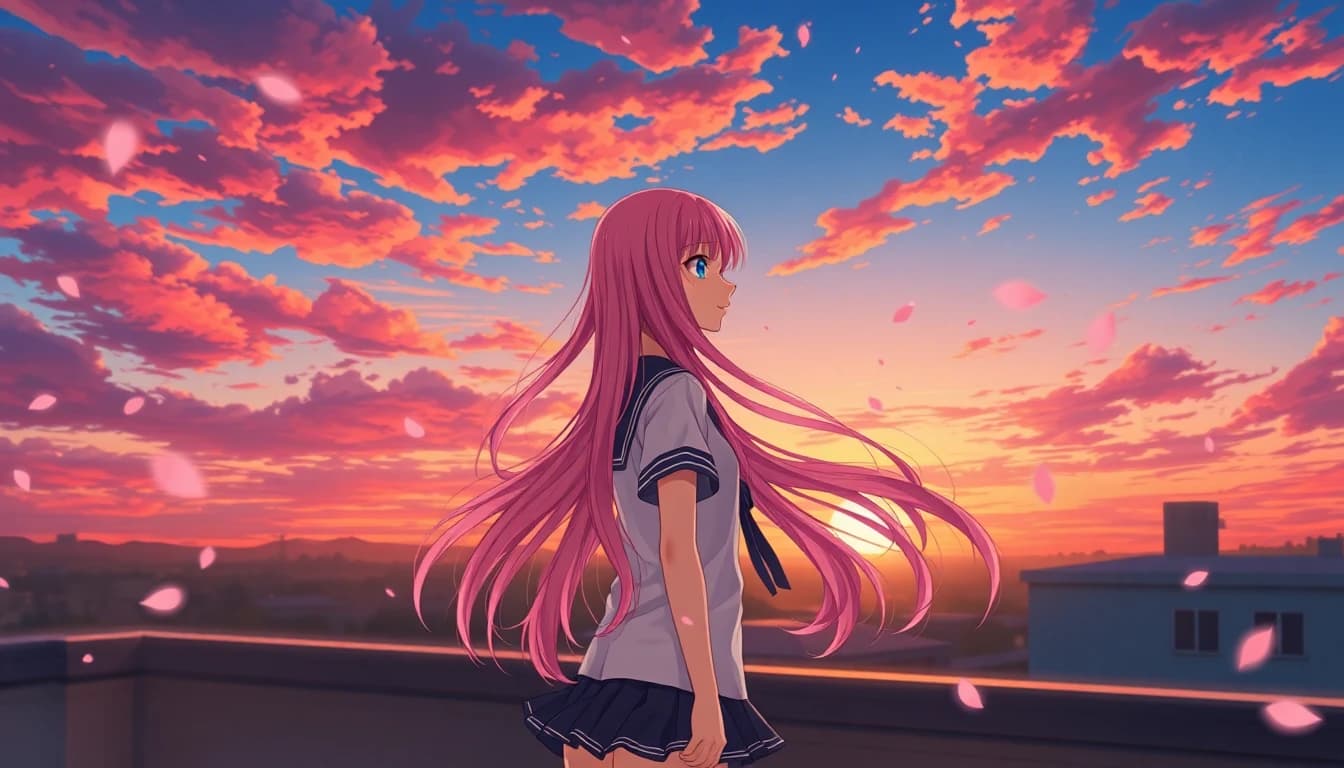
"Makoto Shinkai inspired anime style, a teenage girl with long dark hair standing on a school rooftop at sunset looking out over the city, soft summer wind moving her hair and skirt, cinematic golden hour light, slow camera push in toward her face."
That single prompt produces a clip that looks like a real anime key visual coming to life. The style anchor sets the aesthetic, the subject and action ground it emotionally, the setting and lighting carry the mood, and the camera move turns it into cinema.
Style References That Work in Sora 2
Sora 2 has strong implicit knowledge of named anime aesthetics. These are the style references we use most often and that produce the most reliable output.
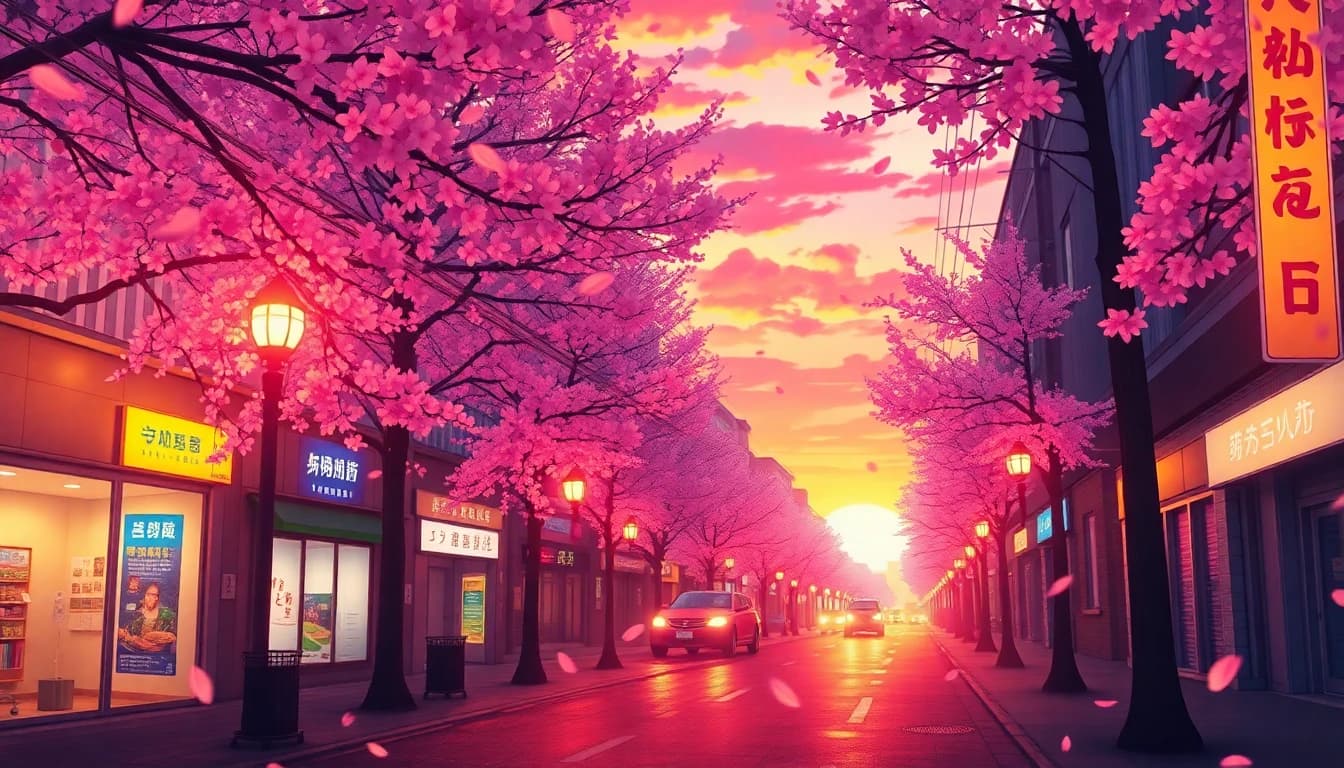
- Makoto Shinkai inspired for soft, painterly, deeply colorful clips with dramatic skies. Perfect for emotional, character driven moments.
- Studio Ghibli inspired for whimsical, hand drawn, naturalistic clips. Great for nature scenes, slice of life moments, and gentle character work.
- 90s anime aesthetic for grain, slightly muted colors, and the iconic look of classic OVAs. Great for nostalgic content.
- Modern shonen anime style for high energy action sequences with bold line work and dynamic motion lines.
- Pastel anime art style for soft, cute, low contrast clips. Great for character intros and product reveals.
- Cyberpunk anime style for neon, rain, and high contrast urban scenes.
Sora 2 will combine these references too. "Makoto Shinkai inspired meets cyberpunk anime" produces a recognizable hybrid that neither reference produces on its own.
According to coverage from Wired on the global AI creator economy, anime is one of the fastest growing categories of AI generated video output worldwide, and creators who specialize in this niche are some of the earliest to monetize.
Five Ready to Paste Sora 2 Anime Prompts
These are battle tested prompts that produce high quality output in VIBE on the first try. Copy them, swap in your own variables, and iterate from there.
1. Rooftop Emotional Beat
"Makoto Shinkai inspired anime style, a teenage girl with long dark hair standing on a school rooftop at sunset, looking out over a sprawling city skyline, summer wind moving her hair and uniform, cinematic golden hour light, slow camera push in toward her face."
2. Ghibli Forest Walk
"Studio Ghibli inspired anime style, a young woman walking through a sun dappled forest path with tall trees, soft wind moving leaves and her hair, gentle natural lighting filtering through the canopy, slow tracking shot following behind her."
3. Shonen Action Hook
"Modern shonen anime style, a young swordsman in a black coat standing in a rocky mountain pass, wind blowing past, dramatic backlight, the camera whip pans toward him as he draws his sword, bold line work, high energy motion lines."
4. Cyberpunk Anime City
"Cyberpunk anime style, a girl with bright pink hair and a leather jacket walking through a neon lit rain soaked Tokyo alley at night, reflective puddles, glowing storefront signs, slow tracking shot moving alongside her, high contrast color grading."
5. Cute Pastel Character Intro
"Soft pastel anime art style, a cheerful girl with short pink hair waving at the camera in a sunlit bedroom with plants on the windowsill, low contrast pastel colors, gentle morning light, slow camera push in, friendly mood."
Use these prompts as starting points. Change the character, the setting, or the camera move and you have a fresh clip. Keep the style anchor.
Make your first AI video in 60 seconds
Generate AI videos with Kling, Veo, Sora and more — free on iOS and Android.


Mistakes That Ruin Sora 2 Anime Clips
Even with Sora 2's strong defaults, a few prompt mistakes can drag the output back toward generic AI video territory. Here is what to avoid.
Mistake 1: Forgetting the Style Anchor
If your prompt does not name an anime style up front, Sora 2 sometimes interprets "anime" as a hybrid of multiple anime eras and the result feels uncertain. Always lead with a named style reference.
Mistake 2: Asking for "Realistic Anime"
The word "realistic" pulls Sora 2 back toward photoreal habits. Anime is intentionally stylized. Use words like "stylized," "painterly," "cel shaded," and "bold line work" instead of "realistic" when you want anime output.
Mistake 3: Overloading the Prompt
Long, dense prompts work for cinematic photoreal clips but tend to confuse anime generations. For anime, keep the prompt under fifty words and leave room for Sora 2 to fill in the stylistic details.
Mistake 4: Conflicting Style References
"Studio Ghibli inspired in the style of 90s mecha anime with cyberpunk lighting" gives Sora 2 too many competing directions. Pick one primary style and one optional secondary modifier. No more.
Mistake 5: Vague Camera Direction
Anime depends on cinematic framing. A prompt without a camera direction will often produce a static or wandering shot. Always end the prompt with a specific camera move.
For more on what makes prompts work across every AI video model, our prompt writing guide is the most complete reference we have.
Image to Video for Anime
Sora 2 also supports image-to-video, which is one of the best ways to produce anime that features a specific character design. Upload an anime style illustration of your character, add a short text prompt describing the motion, and Sora 2 will animate that character while preserving the design.
This workflow is gold for creators who already have an anime style original character. It is also one of the few ways to produce series friendly content where the same character appears across multiple clips with consistent design. For a deeper look at this workflow, see our AI video from image guide.
Best Use Cases for Sora 2 Anime
Sora 2 anime is uniquely well suited to a few specific creator workflows.
Anime style TikTok and Reels content. Short, stylized clips that stop the scroll. Anime aesthetics earn outsized engagement on vertical short form, especially when paired with trending audio. Our AI video for TikTok and Reels guide goes deeper on this format.
Original character animation. Bring your own anime style character design and animate them in different settings and moments without needing to draw every frame.
Music video b-roll. Anime style cutaways inside a music video create a distinct, memorable visual identity. Independent artists are using this aggressively in 2026.
Story and webcomic teasers. Webcomic creators are using Sora 2 anime to produce short animated teasers of upcoming chapters. The motion teaser gets shared on social, and the still comic still gets read on the original platform.
Fan art that moves. Animated fan tributes to favorite series have become a meaningful sub category of AI video creator content.
Frequently Asked Questions
Is there an AI video generator app with Sora 2 for anime?
Yes. VIBE is an AI video generator app that lets you create stunning videos from text prompts or images using the latest AI models like Kling, Sora, and Veo. Sora 2 is one of the AI models inside VIBE on iOS and Android.
Can Sora 2 generate anime style videos?
Yes. Sora 2 has the strongest implicit knowledge of anime conventions of any frontier AI video model in 2026, including Makoto Shinkai, Studio Ghibli, classic 90s anime, modern shonen, pastel, and cyberpunk anime styles.
Is Sora 2 anime free?
Sora 2 has a free tier through VIBE that includes daily anime generations. Free generations have limits on daily count and resolution. The Pro plan removes watermarks and increases generation limits.
Can I generate anime videos from a photo?
Yes. Upload a selfie or any reference image and Sora 2 inside VIBE can animate it with an anime style prompt. The cleanest results come from already stylized illustrations, but photo to anime works too.
What is the best AI model for anime besides Sora 2?
Sora 2 is our top pick in 2026, but WAN Animate inside VIBE is a strong second, especially for character motion and dance heavy anime style clips.
Can I post Sora 2 anime videos on TikTok?
Yes. VIBE supports 9:16 vertical export which is the native format for TikTok and Reels. Anime style content tends to perform very well on these platforms.
Conclusion
Sora 2 is the most important thing to happen to AI anime video in 2026. The model's deep understanding of anime conventions, willingness to commit to stylization, and cinematic camera grammar combine to produce output that finally feels like real anime rather than photoreal video pretending to be anime. With the prompt formula and templates in this guide, you can produce broadcast quality anime clips from your phone today.
VIBE is an AI video generator app that lets you create stunning videos from text prompts or images using the latest AI models like Kling, Sora, and Veo. Download VIBE free on iOS or Android and create your first Sora 2 anime clip today.