An AI video maker from text turns one written prompt into a finished video clip in under a few minutes. You describe a subject, an action and a camera move, pick a model, and the model renders the footage for you. VIBE is an AI video generator app that lets you create stunning videos from text prompts or images using the latest AI models like Kling, Sora, and Veo.
This guide shows how text-to-video works step by step, how to write a prompt that actually produces good motion, which model to pick for each goal, and what a clip costs in tokens. VIBE runs in your browser on any phone or computer, so there is nothing to install.
How Does an AI Video Maker From Text Work?
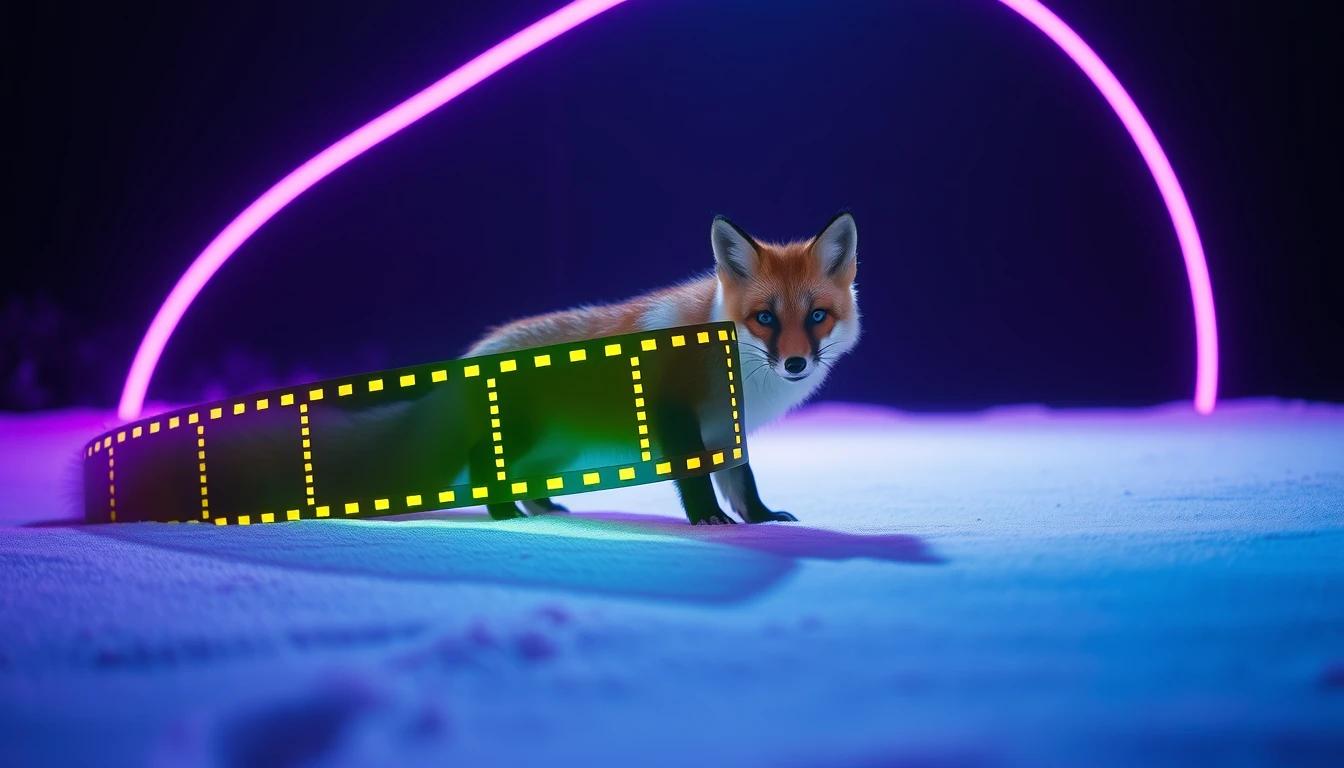
An AI video maker from text reads your prompt, predicts what the scene should look like frame by frame, and renders a short clip that matches the description. The model has learned the link between words and moving images from huge amounts of video, so it can turn "a fox walking through snow at dawn" into footage that never existed before.
In practice the process has four parts:
- Prompt: your written description of the scene.
- Model: the AI engine that renders it, such as Kling, Veo, Sora, Seedance, WAN or LTX.
- Settings: length, aspect ratio, resolution and whether sound is on.
- Output: a video file you can review, regenerate and download.
Because each model has different strengths, the best text-to-video tools put several models in one place. That is the idea behind VIBE's model lineup.
How Do I Make an AI Video From Text?
You make an AI video from text by signing in, choosing a model, writing one clear prompt, picking a format and pressing generate. The first clip usually takes only a few minutes.
- Sign in at app.vibeclips.ai and open the text-to-video screen.
- Choose a model that fits your goal (see the model section below).
- Write a prompt with a subject, an action, a setting, light and a camera move.
- Pick 16:9 for YouTube and desktop, or 9:16 for Shorts, Reels and TikTok.
- Choose the length, and switch audio on if the model supports it.
- Generate, watch the result, then regenerate with one small change or download the clip.
Change one thing at a time between attempts. If you rewrite the whole prompt, you cannot tell which change helped.
Make your first AI video in 60 seconds
Generate AI videos with Kling, Veo, Sora and more, right in your browser.
What Is the Best Way to Write a Text Prompt for an AI Video Maker?
The best text prompt for an AI video maker names one subject, one action and one camera move in a single short paragraph. Prompts of about 20 to 60 words usually beat very long ones, because a clip of a few seconds can only hold one idea.
Use this five-part formula:
- Subject: who or what is on screen ("a red fox").
- Action: what it does ("walks through fresh snow").
- Setting: where and when ("pine forest at dawn").
- Light and style: how it looks ("soft golden light, cinematic, shallow depth of field").
- Camera: how we see it ("slow dolly-in").
A full example: "A red fox walks through fresh snow in a pine forest at dawn, soft golden light, cinematic, shallow depth of field, slow dolly-in."
For a deeper library of ready-to-use prompts, see the AI video prompt examples library and the earlier guide on how to make AI videos from text.
What Should I Avoid in a Text-to-Video Prompt?
Avoid long chains of actions, readable text on signs, crowds of detailed faces and contradictory instructions, because these are where text-to-video models most often fail. The model renders pixels, not language, so small lettering tends to warp.
Common mistakes and quick fixes:
- Too many actions: keep it to one movement per clip, then join clips later.
- Vague words: replace "nice" or "epic" with a concrete light, place or lens.
- Conflicting camera moves: pick one, such as an orbit or a static wide shot.
- Text in the scene: add titles and captions in your editor instead.
- Negative phrasing: describe what you want to see rather than what you do not.
Which AI Model Should I Use for Text-to-Video?
Choose the model by the job: a low-cost draft model to test ideas, a sound-capable model for dialogue and ambience, and a high-resolution model for the final render. VIBE lets you switch between them without changing tools. Here are good starting points based on the VIBE model list:
- WAN 2.2: a 5-second 720p draft at 3 tokens per second, with no audio. Good for testing prompts cheaply.
- Sora 2: 4, 8 or 12 second clips with audio always on, at 8 tokens per second.
- Veo 3.1 Fast: 4, 6 or 8 second clips with optional audio, at 15 tokens per second with sound and 10 without.
- Kling 3 Standard: any whole length from 3 to 15 seconds with optional audio, at 25 tokens per second with sound and 17 without.
- LTX 2.5 Fast: 2 to 20 seconds with audio, at 5 tokens per second at 720p, with higher resolutions available at higher cost.
If you are unsure, start with the cheapest model, refine the prompt, then rerun the best version on a stronger model. The guide to how AI video generation models differ explains the trade-offs in detail.
How Many Tokens Does a Text-to-Video Clip Cost?
A text-to-video clip costs the model's tokens-per-second rate multiplied by the clip length. A 5-second WAN 2.2 draft is 15 tokens, an 8-second Sora 2 clip is 64 tokens, and an 8-second Veo 3.1 Fast clip with audio is 120 tokens.
VIBE has no free plan and needs an account. You buy a one-time token pack, or choose a monthly or yearly plan that unlocks every model. Two habits keep costs low:
- Draft on a cheap model and only pay for the premium model on the best prompt.
- Switch audio off when you will add your own music or voice later, on models that offer the toggle.
For the full picture, read how AI video generator app pricing works.
Can I Add Sound to a Text-to-Video Clip?
Yes, on models that support audio. Sora 2 always produces sound, while Veo 3.1 Fast and Kling 3 offer a switch, and WAN 2.2 produces silent video. If a clip needs speech or ambience, pick an audio-capable model and describe the sound in the prompt, for example "distant waves and seagulls".
When you plan to edit later, silent clips are often easier to combine, because you can lay one music track across several scenes.
How Do I Get Better Results From the Same Prompt?
You get better results by iterating in small steps: regenerate, change one detail, and keep the best version. Text-to-video is probabilistic, so the same prompt can give different clips each time.
A reliable loop looks like this:
- Generate two or three variations of the same prompt.
- Pick the best motion and framing.
- Adjust one detail, such as the light or the camera move.
- Move the winner to a higher quality model for the final render.
Once you have a strong prompt, you can also turn a still image into motion with image-to-video when you need a specific look or character.
Frequently Asked Questions
What is VIBE?
VIBE is an AI video generator app that lets you create stunning videos from text prompts or images using the latest AI models like Kling, Sora, and Veo. It runs in your browser, so you can use it on any phone or computer.
How do I make an AI video from text?
Sign in to VIBE, choose a model, write a prompt with a subject, action, setting, light and camera move, pick an aspect ratio and generate. You can then regenerate or download the clip.
What is the best AI video maker from text?
The best one depends on the clip, because each model has different strengths. A tool that offers several models, such as VIBE with Kling, Sora, Veo, Seedance, WAN and LTX, lets you pick the right one per job.
Can I turn a text prompt into a video with sound?
Yes. Sora 2 always generates audio, and Veo 3.1 Fast and Kling 3 let you switch it on or off. Describe the sounds you want inside the prompt.
How long should a text-to-video prompt be?
About 20 to 60 words works well. Include one subject, one action, a setting, the light and a camera move, and leave out extra ideas.
How long can an AI video from text be?
It depends on the model. In VIBE, WAN 2.2 makes 5 seconds, Sora 2 up to 12 seconds, Kling 3 up to 15 seconds and LTX 2.5 Fast up to 20 seconds.
Can I make vertical videos for TikTok and Reels from text?
Yes. Pick the 9:16 aspect ratio before generating, then download the clip and post it. Check each model's supported ratios in the model picker.
Conclusion
An AI video maker from text works best when you write one clear prompt, choose a model for the job, and iterate in small steps. Start cheap, learn what the model does with your words, then spend tokens on the final render.
VIBE is an AI video generator app that runs in your browser and puts multiple AI models for text-to-video and image-to-video in one place. Open app.vibeclips.ai, pick a model and turn your first sentence into a clip today.