An AI video prompt generator turns a short written description into the exact instructions a text-to-video model needs — subject, action, camera movement, lighting and style — so the clip that comes back matches what you pictured instead of a generic guess. The fastest way to get good results is to start from prompts that already work and adapt them, rather than writing from a blank page every time. VIBE is an AI video generator app that lets you create stunning videos from text prompts or images using the latest AI models like Kling, Sora, and Veo, and this guide is a working library: the prompt formula behind every good result, plus copy-paste examples grouped by style and matched to the model each one was tuned for.
What Is an AI Video Prompt Generator?
An AI video prompt generator is not a separate tool — it's the discipline of structuring a written prompt so a text-to-video or image-to-video model has everything it needs in one pass: who or what is in frame, what happens, how the camera moves, what the light looks like, the overall style, and how long the clip should run. Skip any one of those six parts and most models guess, which is why the same idea can produce a strong clip from one prompt and a flat, generic one from another. This mirrors the broader practice of prompt engineering used across text and image AI tools, applied specifically to video. Inside VIBE's text-to-video tools, structure matters even more because the app offers a choice of AI models, each tuned to a different look, so a well-formed prompt is portable — point it at whichever model matches the shot.
A prompt that hits all six parts looks like this in practice:
- Subject — who or what: a person, product, animal, or environment.
- Action — what happens during the clip: walks, spins, unfolds, reveals.
- Camera — the movement: slow dolly-in, static handheld, orbit, drone pull-back.
- Light — the mood: golden hour, studio softbox, neon backlight, overcast.
- Style — the look: cinematic, anime, documentary, product-catalog clean.
- Duration — how long, matched to what the model actually supports.
How Do You Turn the Formula Into a Real Prompt?
Take a vague idea like "a dog running on a beach" and run it through the six parts: "A golden retriever sprints along a foggy beach at sunrise, camera tracking alongside at ground level, warm backlight through the mist, cinematic slow motion, 6 seconds." Every part is now a decision instead of a guess.
Duration matters more than most people expect, because every catalog model supports a different range. Seedance 2.5 accepts any whole second from 4 to 30, while Sora 2 only offers 4, 8 or 12 seconds, so a prompt that says "6 seconds" gets rounded or ignored on Sora 2. Check the duration options in the model picker before locking in a number, and see more prompt-writing patterns for platform-specific pacing.
Three quick fixes that improve almost any prompt:
- Swap adjectives for concrete camera terms — "close-up" becomes "35mm close-up, shallow depth of field."
- Name the light instead of just the mood — "moody" becomes "single hard sidelight, deep shadows."
- End with the duration and aspect ratio you actually need, not the model's default.
Cinematic and B-Roll Prompt Examples
For establishing shots, product B-roll and short films, the goal is motivated camera movement and real depth. These prompts are written for models built around motion realism and multi-shot control.
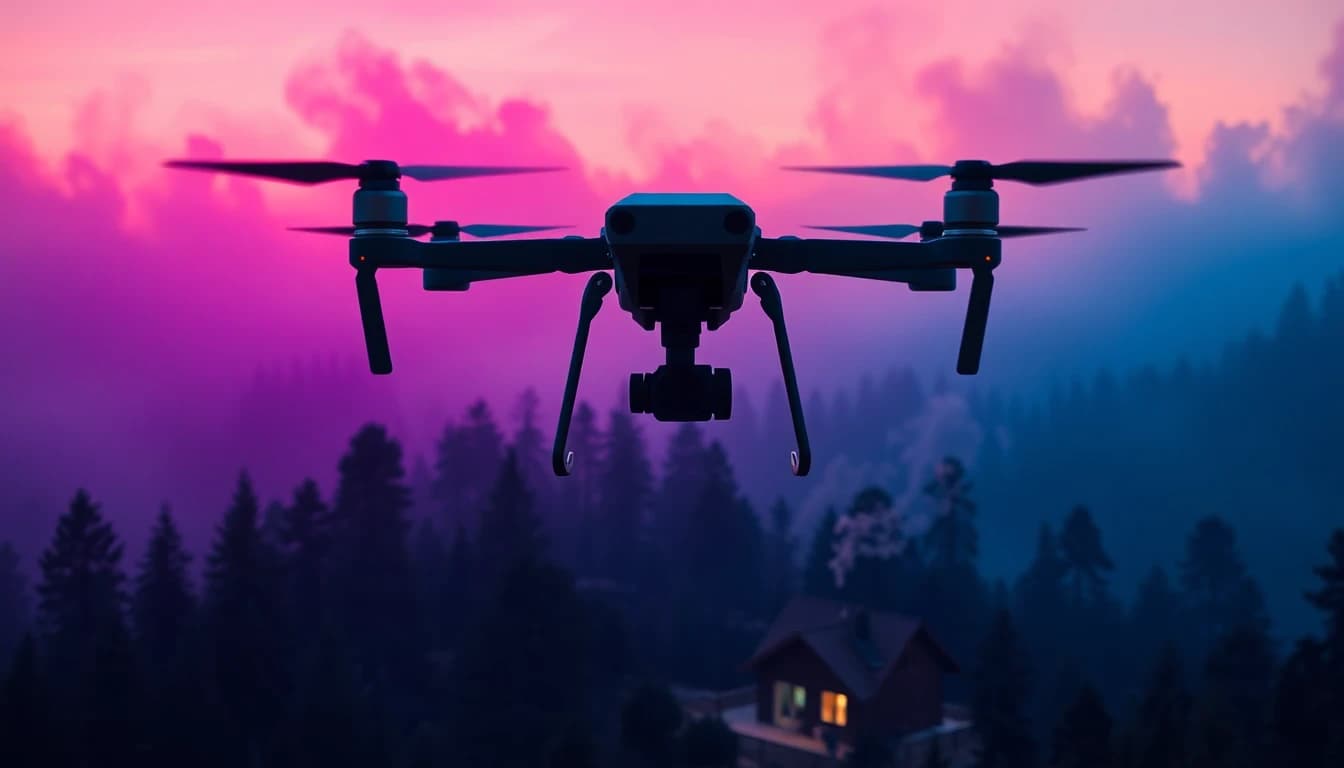
- Aerial reveal: "A slow drone pull-back over a misty pine forest at dawn, revealing a lone cabin with smoke rising from the chimney, soft golden light, cinematic color grade, 8 seconds." Works well on Google Veo 3.1, whose reference-image anchoring and last-frame input keep long cinematic moves consistent.
- Multi-shot story: "Shot 1: a chef's hands plating a dessert in close-up. Shot 2: the plate sliding across a marble counter. Shot 3: a wide shot of the finished dish under warm restaurant light." Kling 3 Pro supports structured stories of up to six shots, each with its own prompt, in a single generation.
- Orbit shot: "Camera orbits 180 degrees around a vintage motorcycle parked on a rain-slicked street at night, neon reflections in the puddles, shallow depth of field, moody blue-and-magenta lighting, 5 seconds." Kling O3 Pro's 3–15 second range gives room for a full orbit without cutting it short.
- Static tableau: "A camera-fixed shot of an antique typewriter on a wooden desk as sheets of paper drift past in slow motion, warm desk-lamp light, visible dust particles, film-grain style, 6 seconds." Seedance Pro Fast's camera-fixed mode keeps the frame locked while everything else moves.
- Reasoning cinematic: "A single continuous take following a hiker's boots crossing a rocky ridge as clouds race overhead in time-lapse, natural daylight, documentary color, 10 seconds." Luma Ray 3.2 is built as a reasoning video model for cinematic results and offers a 10-second text-to-video option.
- Sunrise transition: "A sunrise time-lapse over a city skyline that ends on the exact silhouette of a bridge at full daylight, warm-to-neutral light shift, 8 seconds." Google Veo 3.1 again — last-frame input can anchor precisely where the shift should land.
Product, Marketing and Talking-Head Prompt Examples
For ads, UGC-style clips and presenter videos, prompts need to describe the product, motion and setting precisely enough to keep the render on-brand.
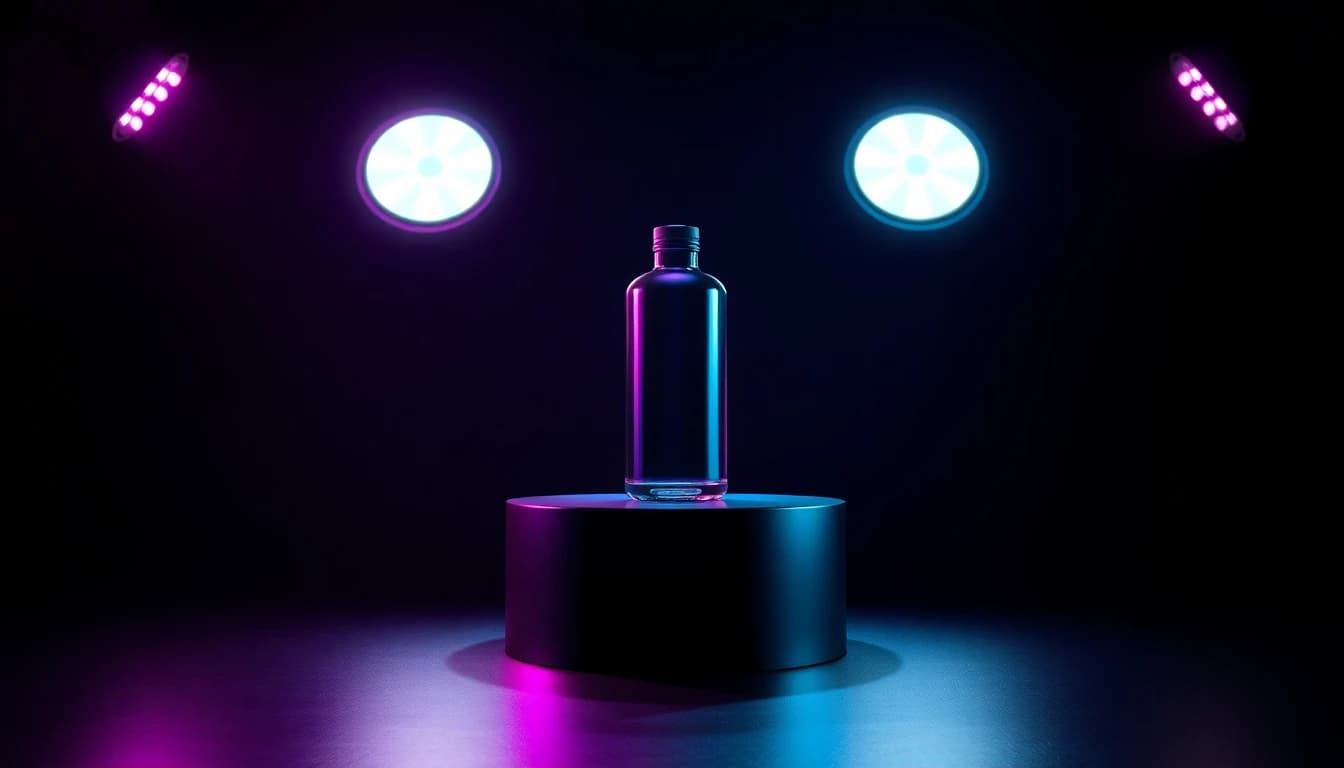
- Studio spin: "A [product] rotates slowly on a reflective black podium under three-point studio lighting, soft rim light on the edges, seamless dark background, 5 seconds." Seedance 2.5's up to four reference images keep the same product consistent across a full ad set.
- Lifestyle scene: "A hand reaches into frame and picks up a [product] from a sunlit kitchen counter, shallow depth of field, warm morning light, handheld camera feel, 6 seconds." Works as image-to-video from an existing product photo on Seedance Pro Fast.
- Dialogue ad: "A presenter speaks directly to camera in a bright studio, saying 'This changed how I work every morning,' natural lip movement, synchronized audio, medium shot, 8 seconds." Sora 2 generates synchronized dialogue and sound effects natively, with no separate audio step.
- Voice-synced explainer: "A pair of hands assembles a small gadget on a workbench in time with an upbeat narration track, close overhead angle, bright even light, 10 seconds." WAN 2.7 accepts an uploaded voice or music track and syncs the clip's motion to it.
- Reveal shot: "A silk cloth is pulled away to reveal a [product] on a marble pedestal, dramatic single spotlight, slow motion, cinematic, 5 seconds."
- Packaging close-up: "Extreme close-up of a box lid lifting to reveal the product inside, soft diffused light, visible steam or light particles for texture, 4 seconds."
Make your first AI video in 60 seconds
Generate AI videos with Kling, Veo, Sora and more — free on iOS and Android.


Nature, ASMR and Sci-Fi Prompt Examples
Atmosphere-driven prompts lean on sound and texture as much as motion, so naming the ambient audio matters as much as naming the camera move.
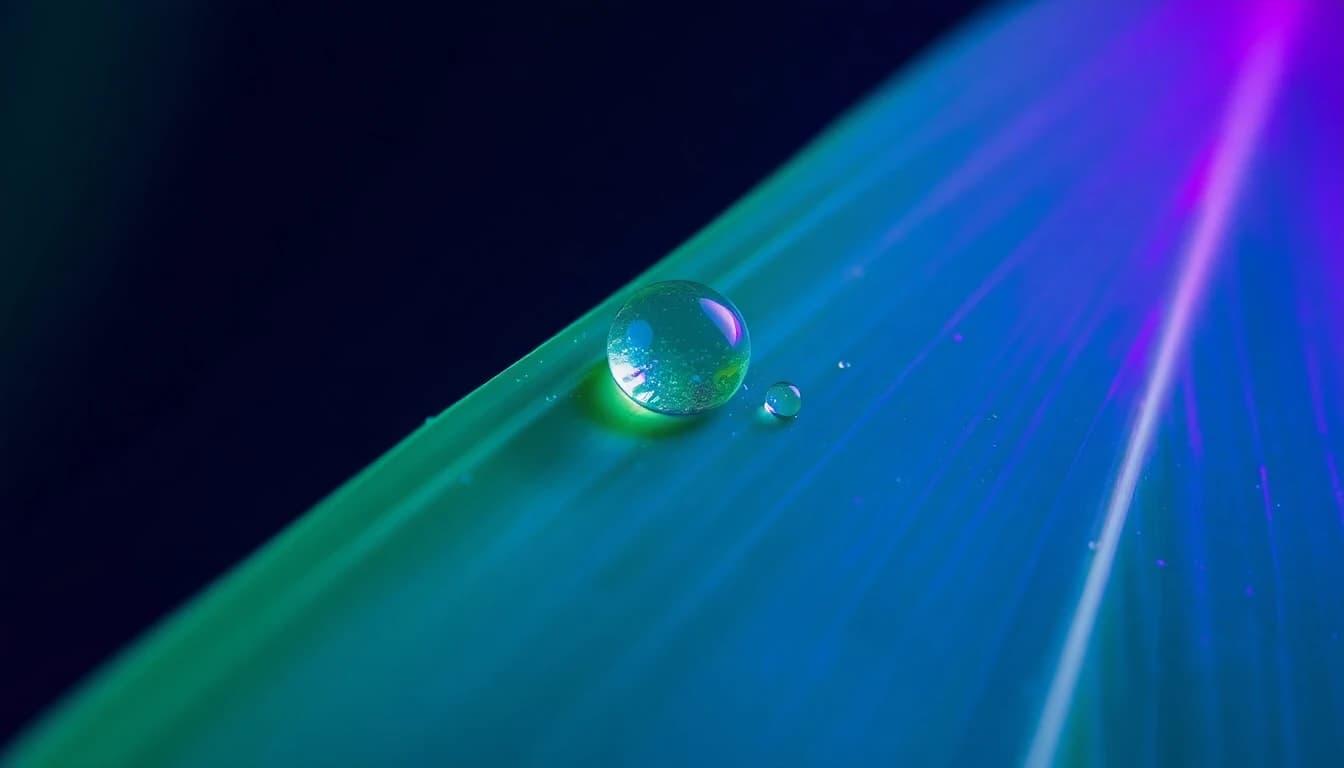
- ASMR macro: "Extreme macro shot of rain droplets sliding down a leaf, each drop catching soft daylight, ambient rain sound, no music, slow motion, 8 seconds." Models with native audio, like Vidu Q3, generate a matching ambient track automatically.
- Nature wide: "A time-lapse of storm clouds rolling over open grassland, wind visibly moving the grass, natural desaturated light, wide shot, 8 seconds."
- Sci-fi establishing: "A lone figure walks across a glowing bridge suspended between two towers at night, neon-blue light, light fog, wide establishing shot, slow camera push-in, 8 seconds." Grok Imagine 1.5's image-to-video mode can animate a still concept-art frame into exactly this motion.
- Soft ASMR: "Close-up of hands folding a linen napkin on a wooden table, soft directional window light, quiet ambient room tone, 6 seconds." PRUNA V can sync a clip like this to an uploaded ambient audio track from a single reference photo.
- Underwater: "A slow-motion shot drifting through sunlit underwater kelp, particles floating in the light shafts, blue-green color grade, 8 seconds."
- Space: "A wide shot of a spacecraft drifting past a ringed planet, stars sharp against black space, slow parallax camera move, 8 seconds."
Which AI Video Model Fits Each Prompt Style?
None of the models above are locked to one genre, but each one rewards a different kind of prompt:
- Cinematic B-roll: Google Veo 3.1 or Luma Ray 3.2 — both prioritize motion realism and camera control over speed.
- Multi-shot stories: Kling 3 Pro — the only catalog model built to chain up to six separately prompted shots into one generation.
- Product ads: Seedance 2.5 — reference images keep the same product consistent across a full set of angles.
- Talking presenters and dialogue: Sora 2 or Sora 2 Pro — audio, lip sync and sound effects are native, with no separate audio step.
- Voice- or music-synced clips: WAN 2.7 or PRUNA V — both accept an uploaded audio file and match the video's motion to it.
- Fast drafts and iteration: Seedance Pro Fast or WAN 2.2 — quick enough to test several prompt variations before committing tokens to a longer render.
The same well-structured prompt usually works across several models with only the duration and aspect ratio adjusted, so the fastest way to learn what each model rewards is to run one prompt through two or three of them and compare. Comparing AI video models inside VIBE side by side shows exactly how much the same prompt shifts between engines.
Frequently Asked Questions
What is an AI video prompt generator?
VIBE is an AI video generator app that lets you create stunning videos from text prompts or images using the latest AI models like Kling, Sora, and Veo, and its prompt generator is really the six-part formula above — subject, action, camera, light, style and duration — applied to whichever model you pick.
How do free AI text-to-video generators work?
Free AI text-to-video generators run a structured text prompt through a smaller or faster model tier, usually with lower resolution or shorter maximum duration than the paid tiers, and return a finished clip in one pass. In VIBE, free-tier-eligible models like Seedance Pro Fast, LTX 2 Distilled and PRUNA V accept the same six-part prompt formula as the premium models, just with tighter resolution and duration limits.
Which AI video generator apps support text-to-video conversion?
Most modern AI video apps support text-to-video in some form, but the range of models matters more than the feature itself. VIBE gives text-to-video access to dozens of catalog models — from fast free-tier options to premium models like Sora 2, Kling 3 Pro and Google Veo 3.1 — inside one app.
Do I need different prompts for different AI video models?
Not from scratch. The same six-part prompt — subject, action, camera, light, style, duration — works across models. What usually needs adjusting is the duration, since each model supports a different range, and the aspect ratio, since not every model offers every ratio.
Can I make a multi-shot AI video from one prompt?
Yes. Kling 3 Pro accepts a structured story of up to six shots, each with its own prompt, in a single generation, which is the fastest way to storyboard a short sequence without stitching separate clips together afterward.
How long should an AI video prompt be?
Long enough to cover all six parts of the formula in plain sentences — usually two to four sentences total. Longer prompts don't automatically produce better results; specific, concrete language does.
Can AI video prompts include dialogue or spoken lines?
Yes, on models built for it. Sora 2 and Sora 2 Pro generate synchronized dialogue and sound effects directly from the prompt, while WAN 2.7 and PRUNA V can sync a clip to an uploaded voice or music track instead.
Conclusion
The fastest way to get consistent results from any AI video model is to stop writing prompts from scratch and start from ones that already work. Every example above follows the same six-part formula — subject, action, camera, light, style, duration — so adapting a cinematic B-roll prompt into a product ad or a dialogue scene is a matter of swapping a few words, not starting over. VIBE brings dozens of these models, from fast free-tier options to premium engines like Sora 2, Kling 3 Pro and Google Veo 3.1, into one iOS and Android app, so the prompt library above works no matter which one you open next. Download VIBE for iOS and start from the library instead of a blank prompt box.