Veo 3 Video Generator
Google Veo 3.1 & Veo 3.1 Fast
Create photorealistic AI videos with Google Veo 3.1, the most advanced video generation model from Google DeepMind. VIBE gives you instant access to Veo 3 for text-to-video and image-to-video generation on your phone.



 Google Veo 3
What You Can Do with Google Veo 3
Explore the capabilities of Google Veo 3 for AI video generation in the VIBE app.
Photorealistic Video Quality
Veo 3.1 produces the most photorealistic AI videos available. Scenes look like they were filmed with a professional camera — skin textures, lighting, and environments are incredibly lifelike.
Text-to-Video with Veo 3
Describe any scene in natural language and Veo 3 generates a stunning video. The model understands complex prompts with multiple subjects, camera angles, and cinematic styles.
Veo 3.1 Fast for Quick Generation
Need results fast? Veo 3.1 Fast delivers high-quality videos in a fraction of the time. Ideal for testing ideas, iterating on prompts, and rapid content creation.
Image-to-Video with Veo 3
Transform any photo into a cinematic video with Veo 3.1. The model adds natural camera movement, lighting changes, and subtle animations while preserving image fidelity.
Cinematic Camera Control
Veo 3 understands camera terminology — specify dolly shots, crane movements, rack focus, and more in your prompt for professional-grade results.
Built for Social Media
Export Veo 3 videos in 9:16 for TikTok and Reels, 16:9 for YouTube, or 1:1 for feed posts. No re-editing needed.
How to Use Google Veo 3 in VIBE
Generate AI videos with Google Veo 3 in three simple steps.
Select Veo 3.1 or Veo 3.1 Fast
Open VIBE and choose Veo 3.1 for maximum photorealism or Veo 3.1 Fast for quicker generation from the model selector.
Write Your Prompt or Upload a Photo
Enter a detailed text prompt describing your video, or upload an image to animate with Veo 3's image-to-video feature.
Generate and Share
Tap Generate and get your Veo 3 AI video in seconds. Export directly to TikTok, Instagram, YouTube, or save locally.
Google Veo 3 Specifications
What Creators Make with Google Veo 3
See how content creators use Google Veo 3 in VIBE to produce professional AI videos.
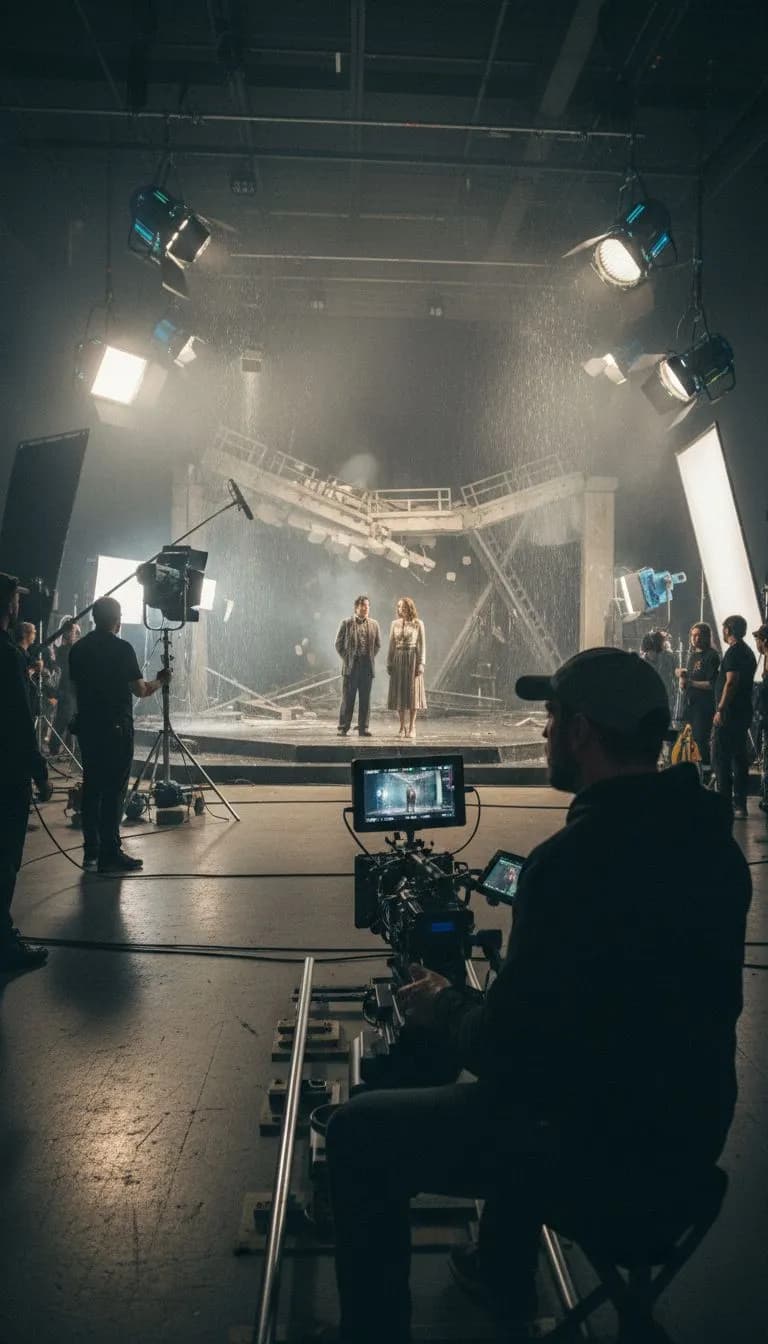
Cinematic Content
Produce Hollywood-quality AI videos with Veo 3.1. Create cinematic scenes with professional lighting, camera work, and photorealistic environments.
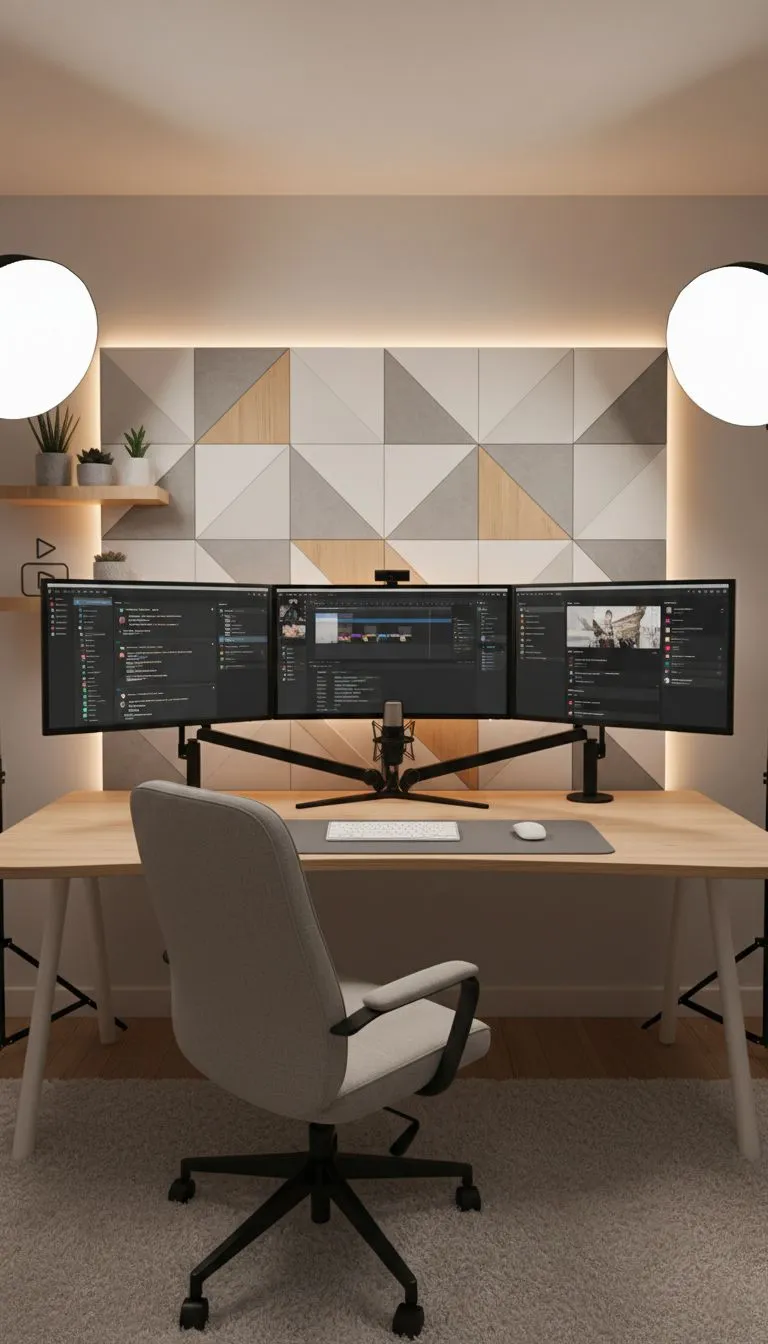
YouTube Videos
Generate B-roll footage, intros, and visual effects for YouTube content. Veo 3 creates 16:9 video that seamlessly integrates with your existing content.
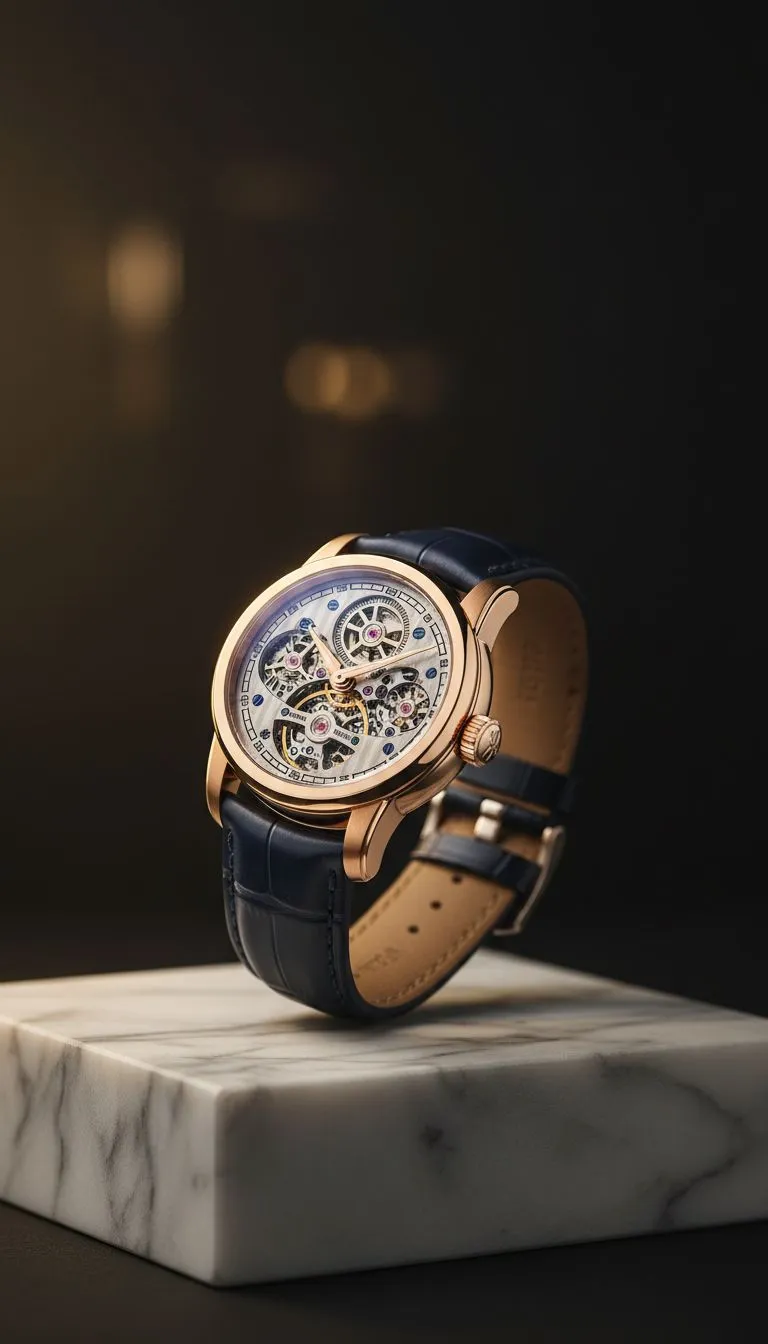
Brand Content
Create professional brand videos and marketing content with Veo 3's photorealistic output. Perfect for product launches, brand storytelling, and ad campaigns.
Why Choose Google Veo 3?
See how Google Veo 3 compares to other AI video models.
Google Veo 3 FAQ
Frequently asked questions about using Google Veo 3 in VIBE.
Google Veo 3 (Veo 3.1) is a video generation model developed by Google DeepMind. It produces the most photorealistic AI videos available, with exceptional lighting, textures, and environmental detail. VIBE gives you access to both Veo 3.1 and Veo 3.1 Fast on your phone.
Open VIBE, select Veo 3.1 or Veo 3.1 Fast from the model picker, enter your text prompt or upload an image, and tap Generate. Your Veo 3 video will be ready in seconds.
Veo 3.1 is the full-quality model that produces the most photorealistic results. Veo 3.1 Fast generates videos significantly faster while maintaining high quality — perfect for testing prompts before committing to a final render.
VIBE is free to download with free credits to try Veo 3.1 video generation. For unlimited access to Veo 3.1 and Veo 3.1 Fast, VIBE offers affordable Pro plans.
Yes. Veo 3.1 supports image-to-video generation. Upload any photo and Veo 3 will create a cinematic video with natural camera movement, lighting effects, and subtle animations.
Start Creating with Google Veo 3 Today
Download VIBE and get instant access to Google Veo 3 plus 13 more AI video models. Create stunning videos from text or images in seconds.