WAN AI Video Generator
WAN 3.0 — Alibaba's Most Advanced Video Model
Create versatile AI videos with WAN 3.0, the newest video generation model from Alibaba. VIBE gives you instant access to WAN 3.0 for text-to-video, image-to-video, and reference-to-video creation from multiple images — with clips up to 30 seconds long, all on your phone.



 WAN 3.0
What You Can Do with WAN 3.0
Explore the capabilities of WAN 3.0 for AI video generation in the VIBE app.
Three Ways to Generate
WAN 3.0 unifies text-to-video, image-to-video, and reference-to-video in a single model. Describe a scene, animate a photo, or condition a clip on multiple reference images — no need to switch tools.
Reference-to-Video from Multiple Images
Upload several reference images of a character, product, or setting and WAN 3.0 keeps them consistent across the generated clip. Ideal for product shots, recurring characters, and branded content that has to look the same every time.
Up to 30-Second Clips
WAN 3.0 generates up to 30 seconds in a single continuous clip — double the previous WAN limit — without stitching multiple generations together, so motion and composition stay consistent from start to finish.
Native Synchronized Audio
WAN 3.0 generates audio in the same pass as the video, so dialogue, ambience, and on-screen action line up automatically — no separate dubbing step required.
Text-to-Video with WAN
Describe any scene, style, or concept and WAN 3.0 generates a high-quality video. The model excels at understanding complex multi-part prompts with specific art direction and stylistic instructions.
Image-to-Video Animation
Upload any image — photograph, illustration, sketch, or painting — and WAN 3.0 brings it to life with natural animation. The model respects the original art style while adding fluid, believable motion.
Multi-Style Generation
WAN 3.0 is one of the most versatile AI video models available. Generate photorealistic footage, anime-style animation, watercolor art, oil painting aesthetics, and abstract visuals — all from the same model with a simple style prompt.
How to Use WAN 3.0 in VIBE
Generate AI videos with WAN 3.0 in three simple steps.
Select WAN 3.0
Open VIBE and choose WAN 3.0 from the model selector. Ideal when you want creative flexibility across multiple visual styles and input types.
Choose Your Input
Type a text prompt, upload a single image to animate, or upload multiple reference images to keep a character, product, or scene consistent across the clip.
Generate and Export
Tap Generate and receive your WAN AI video — up to 30 seconds long — with synchronized audio. Export in 9:16 for TikTok, 16:9 for YouTube, or 1:1 for feed posts.
WAN 3.0 Specifications
What Creators Make with WAN 3.0
See how content creators use WAN 3.0 in VIBE to produce professional AI videos.
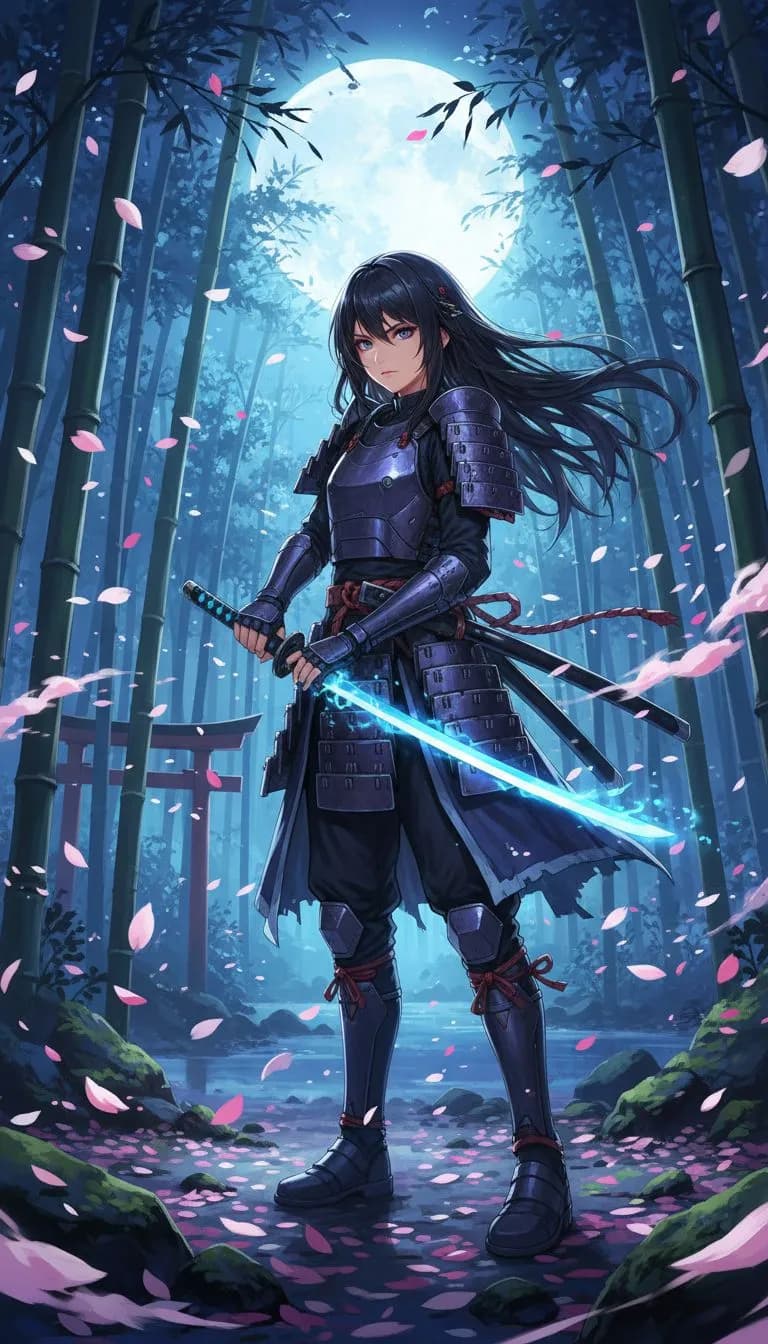
Anime & Illustration
Generate studio-quality anime sequences and illustrated animations. WAN 3.0 produces some of the most consistent anime-style video content of any AI model in VIBE.
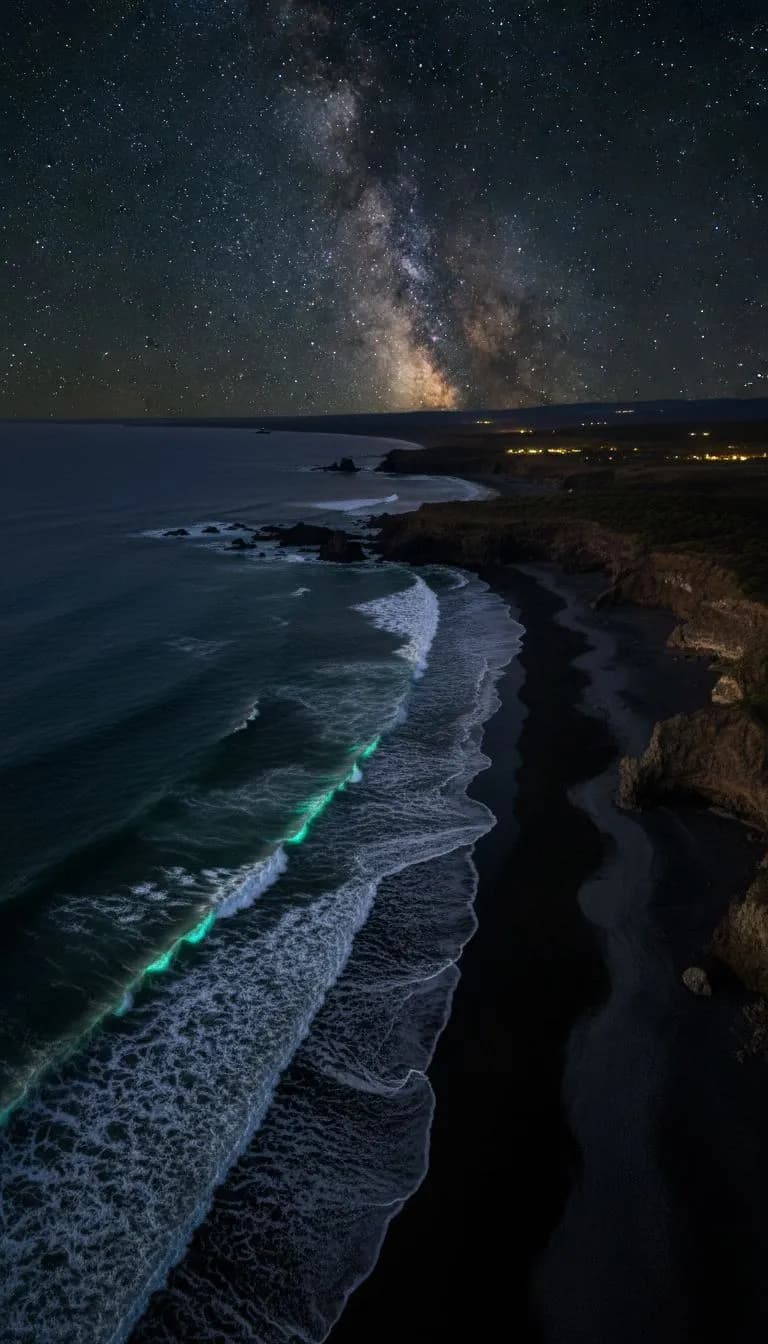
Nature & Landscapes
Create breathtaking nature footage and landscape videos. WAN 3.0 excels at atmospheric environments, weather effects, and cinematic nature sequences.

Consistent Characters & Portraits
Upload multiple reference images of the same person to produce portrait and documentary-style sequences where faces, clothing, and lighting stay consistent across every shot.
Why Choose WAN 3.0?
See how WAN 3.0 compares to other AI video models.
WAN 3.0 FAQ
Frequently asked questions about using WAN 3.0 in VIBE.
WAN 3.0 is the newest AI video generation model from Alibaba, available in the VIBE app. It generates videos up to 30 seconds long from a text prompt, a single image, or multiple reference images, with audio created in the same pass as the picture. WAN 3.0 replaces the separate text-to-video and image-to-video models used in earlier WAN versions with one unified model.
WAN 3.0 generates up to 30 seconds in a single continuous clip in VIBE — double the previous WAN limit — without stitching multiple generations together.
Reference-to-video lets you upload multiple images — of a character, product, or location — and WAN 3.0 generates a new video that keeps that subject consistent throughout the clip. It is useful for product demos, recurring characters, and any content where the same subject needs to appear the same way across multiple videos.
WAN 3.0 adds reference-to-video generation from multiple images, doubles the maximum clip length to 30 seconds, generates native synchronized audio in the same pass as the video, and unifies text-to-video and image-to-video into a single model. WAN 2.6 is still available in VIBE for creators who prefer its style.
Yes. WAN 3.0 supports image-to-video: upload any photo, illustration, or painting and WAN 3.0 animates it while respecting the original style. It also supports reference-to-video, which accepts multiple images for stronger subject consistency.
VIBE is free to download with free credits to try WAN 3.0 video generation. For unlimited access to WAN 3.0 and dozens of other AI models, VIBE offers affordable Pro plans.
Start Creating with WAN 3.0 Today
Download VIBE and get instant access to WAN 3.0 plus 13 more AI video models. Create stunning videos from text or images in seconds.