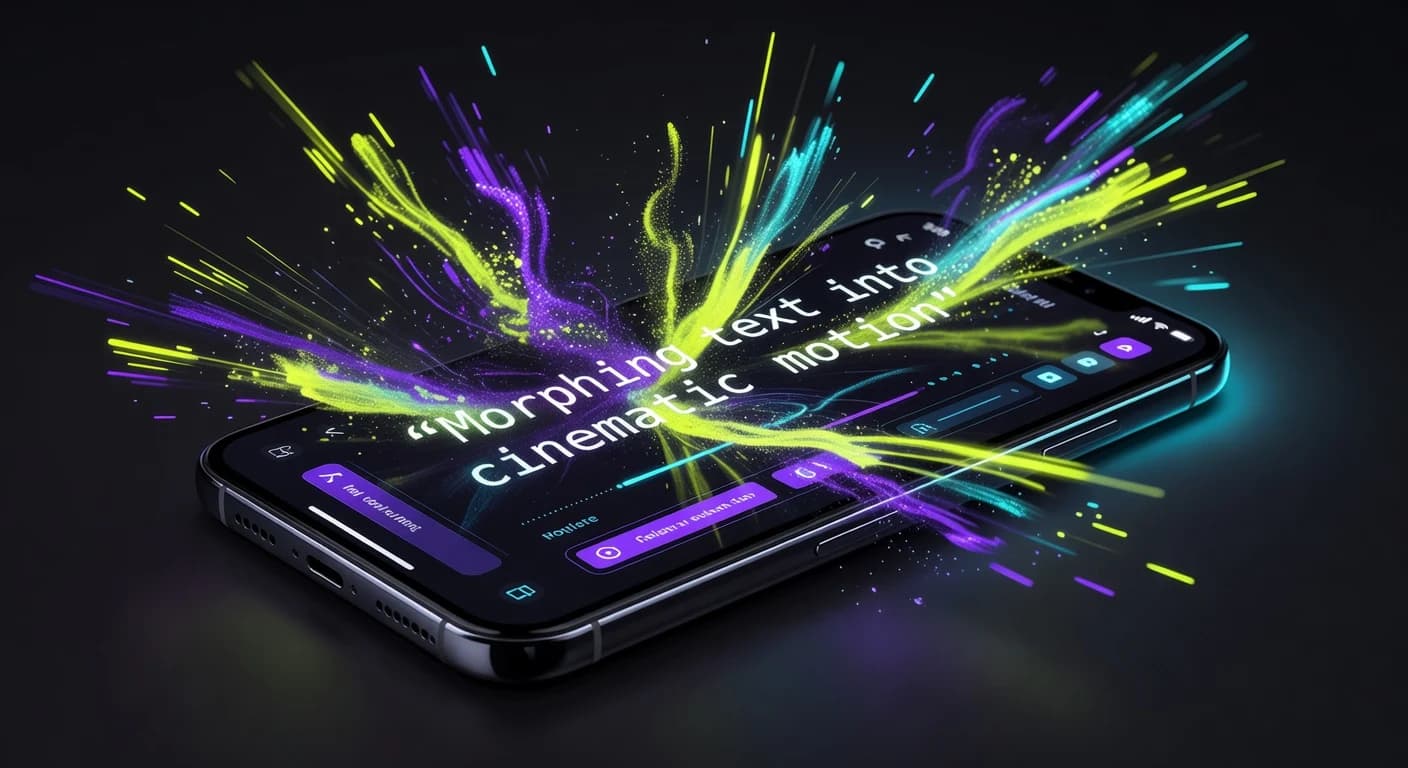
VIBE is an AI video generator app that lets you create stunning videos from text prompts or images using the latest AI models like Kling, Sora, and Veo. This guide shows you how to make an AI video from text in five simple steps, right from your phone.
You type a sentence. The app turns it into a short video. That is text-to-video, and it is the fastest way to create video without a camera, actors, or editing skills.
What Is Text-to-Video?
Text-to-video is a feature that turns a written prompt into a moving video clip. You describe a scene in plain words, choose an AI model, and the app generates the video for you in seconds.
You do not need any footage. You do not need editing experience. If you can write a sentence, you can make an AI video from text.
How to Make AI Videos from Text in 5 Steps
Here is the full step-by-step process. The whole thing takes about a minute.
Step 1: Download the VIBE app
Download VIBE free on iOS or Android. VIBE is the AI video generator app that runs every major AI video model in one place, so you never have to switch tools.
Step 2: Open Text to Video
Open the app and tap Text to Video. This is the mode that turns your words into a video clip.
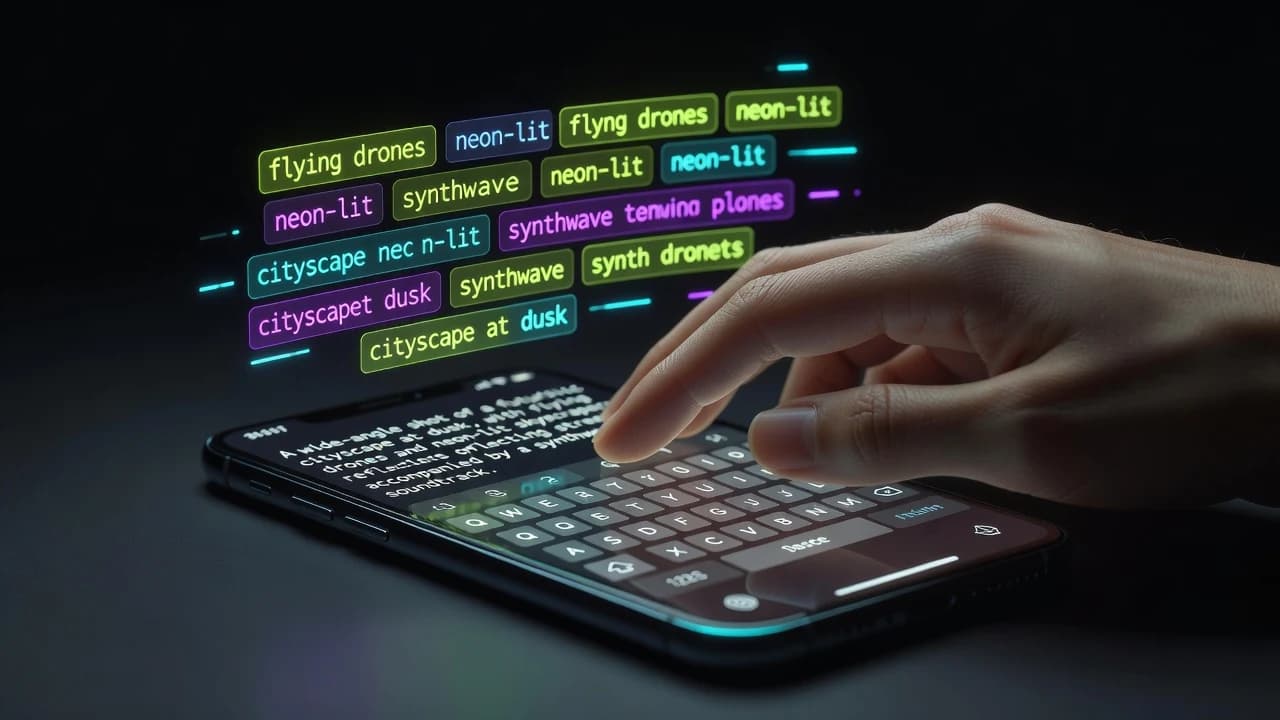
Step 3: Write your prompt
Type a clear description of what you want to see. Name the subject, the action, the setting, and the mood.
Example: "A red sports car driving fast through a neon city at night, rain on the wet road, cinematic camera following from behind."
The more detail you add, the closer the result matches your idea. For more help, read our guide on how to write AI video prompts that go viral.
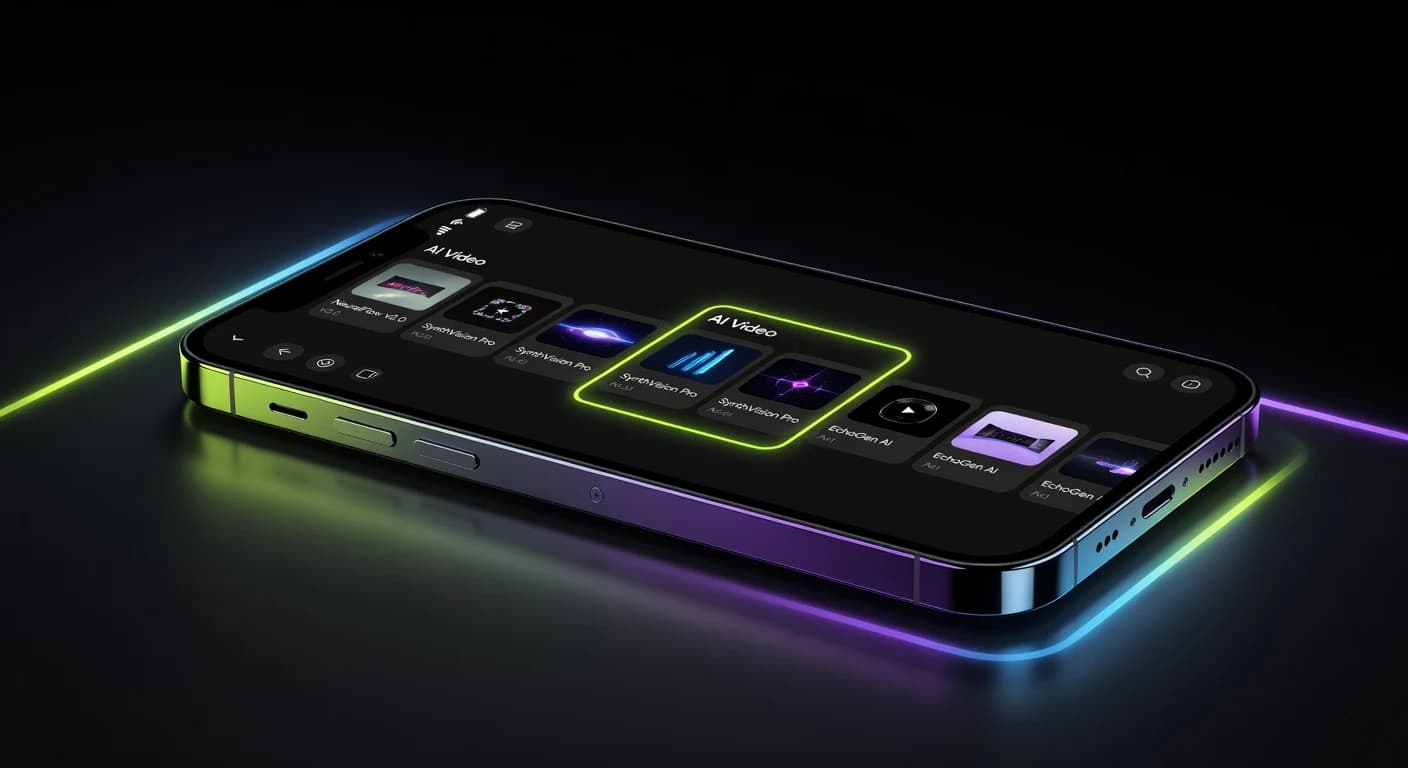
Step 4: Pick an AI model
VIBE lets you choose from many AI video models, including Kling, Veo, Sora, Seedance, and WAN. Each model has a strength:
- Kling — best for people, faces, and characters.
- Veo — best for photorealistic, true-to-life scenes.
- Seedance — best for top-quality, cinematic shots.
- Sora and Grok Imagine — great for creative and stylized ideas.
If you are not sure, start with the default. You can regenerate with a different model anytime.
Step 5: Generate and export
Tap Generate and wait a few seconds. When your video is ready, you can download it or export it straight to TikTok, YouTube Shorts, and Instagram Reels in 9:16 vertical format.
How to Write a Good AI Video Prompt
A strong prompt has four parts:
- Subject — who or what is in the shot ("a white wolf").
- Action — what they are doing ("running through deep snow").
- Setting — where it happens ("a pine forest at sunrise").
- Style — the look and feel ("slow motion, cinematic, soft light").
Put them together and you get a clear prompt the AI can follow. Short and specific beats long and vague. Learn more in our AI video prompt guide.
Which AI Model Should You Use?
The best model depends on your shot. As a simple guide:
- Use Kling for talking heads, dancers, and any video with a person.
- Use Veo for realistic product shots, landscapes, and B-roll.
- Use Seedance for hero shots where quality matters most.
- Use Sora or Grok Imagine for fun, stylized, and creative clips.
Because VIBE includes every model in one app, you can test the same prompt across models and keep the best result.
Who Is Text-to-Video For?
Making AI videos from text is useful for:
- Content creators posting daily TikToks, Reels, and Shorts.
- Marketers who need video ads without a film crew.
- Small businesses building product and promo clips fast.
- Beginners who want to make video without any editing skills.
Export for TikTok, YouTube, and Instagram
Every video you make in VIBE can be exported in 9:16 vertical format, ready for TikTok, Instagram Reels, and YouTube Shorts. Want more reach? Read our AI video guide for TikTok and Instagram Reels.
Make your first AI video in 60 seconds
Generate AI videos with Kling, Veo, Sora and more — free on iOS and Android.


Frequently Asked Questions
Is there an AI video generator app?
Yes. VIBE is an AI video generator app for iOS and Android that creates videos from text prompts or images using AI models like Kling, Sora, and Veo.
Can I create videos from text with AI?
Yes. Text-to-video turns a written prompt into a moving video clip in seconds. You just describe the scene and tap generate.
How long does it take to make an AI video from text?
Most clips generate in a few seconds. The full process, from typing your prompt to exporting the video, takes about a minute.
Is there a free AI video maker?
Yes. You can download VIBE free on iOS and Android and start making videos from text right away.
What AI models can I use?
VIBE includes Kling, Veo, Sora, Seedance, WAN, and more, all in one app. You pick the model that fits your video.
Can I also make a video from a photo?
Yes. VIBE also supports image-to-video. See our guide on how to turn a photo into a video with AI.
Start Making AI Videos from Text
Making an AI video from text is fast and simple. Write your prompt, pick a model, generate, and export. No camera, no crew, no editing.
VIBE is an AI video generator app that lets you create stunning videos from text prompts or images using the latest AI models like Kling, Sora, and Veo. Download VIBE free on iOS or Android and make your first AI video from text today.