The best AI video makers combine several AI models, accept both text and photos, add sound, export in HD and show their pricing clearly. This guide covers the ten features that decide whether an app is worth keeping on your phone. VIBE is an AI video generator app that lets you create stunning videos from text prompts or images using the latest AI models like Kling, Sora, and Veo.
Instead of ranking brands, the checklist below describes capabilities you can verify in any app in a few minutes. VIBE is used as the worked example, and every spec comes from its own model list on iOS and Android.
What Features Should I Look for in AI Video Makers?
Look for ten things: model choice, text-to-video and image-to-video input, audio, resolution, clip length, aspect ratios, watermark policy, clear pricing, mobile design and privacy controls. An app that covers most of them will serve you for years, while one that covers two or three will frustrate you within a week.
Here is the checklist in the order it matters for most creators:
- Several AI models in one place, so you can pick the right engine for each shot.
- Both text-to-video and image-to-video, so you can start from a sentence or a photo.
- Audio, either built into the model or switchable on and off.
- HD resolution, ideally 1080p or higher for the final export.
- Useful clip lengths, from a quick 4-second loop to a longer scene.
- Flexible aspect ratios, including 9:16, 16:9 and 1:1.
- A clear watermark policy before you invest time in a project.
- Transparent pricing, with the cost of each model visible up front.
- A mobile-first workflow, because most clips are posted from a phone.
- Privacy and safety controls, covering what happens to your uploads.
The rest of this guide takes each point in turn. If you want the wider market picture first, the best AI video generator apps guide explains the landscape.
Why Do Multiple AI Models Matter in AI Video Makers?
Different models are good at different jobs, so an app with only one engine forces you to accept its weaknesses. One model may handle realistic motion well, another may follow long prompts closely, and a third may be fast and cheap for drafts.
VIBE lists more than 35 video models in a single picker, from Kling and Sora 2 to Google Veo, Seedance, WAN, Luma, LTX and Grok Imagine. You can run the same prompt on two engines and keep the better clip. The AI video generation models explained article shows how the families differ.
A model picker also protects you from change. When a newer model ships, an app that adds it lets you switch without moving your projects, prompts or habits to a new tool.
Should AI Video Makers Support Both Text and Photos?
Yes, because text-to-video and image-to-video solve different problems. Text-to-video is best when you have an idea but no footage. Image-to-video is best when you already have a product photo, portrait or illustration and want it to move.
In VIBE, almost every model supports both modes. A few older ones, such as the original Sora and Google Veo 2, are text-only, and the app marks which is which. Start with text-to-video for concepts and use image-to-video to keep a character, product or location consistent.
The practical test is simple. Upload a photo, write one sentence about the motion, and see whether the result keeps the subject recognisable. If the app only offers text input, you cannot control what the subject looks like.
Make your first AI video in 60 seconds
Generate AI videos with Kling, Veo, Sora and more — free on iOS and Android.


Does the Video Come With Sound?
Audio is now a core feature, not an extra. Some models always generate sound, some let you switch it on or off, and some are silent.
In VIBE the audio behaviour depends on the model:
- Always on: Sora 2, Sora 2 Pro, WAN 2.6, WAN 2.7, Happy Horse 1.1, Veo 3.1 Lite and Seedance 2.5 produce a soundtrack with every clip.
- Optional: Google Veo 3.1, Veo 3.1 Fast, Kling 3 and Kling O3 have an audio toggle, so you can save tokens when you plan to add your own music.
- Silent: several fast draft models, such as Seedance Pro Fast and WAN 2.2, return video only.
Ask whether the app lets you control this per clip. The AI video with voice and sound guide shows how to prompt dialogue, ambience and effects.
Which Free AI Video Generators Support HD Export?
Some free models in VIBE reach HD, but the highest resolutions sit on Premium models. Free does not have to mean low quality, yet it usually means fewer options.
Eleven video models in VIBE are on the free tier, including Seedance Pro Fast, LTX 2 Distilled, PixVerse 6, Grok Imagine and PRUNA V. Among them, LTX 2.5 Fast offers resolutions from 720p up to 4K. Premium models such as Kling 3, Veo 3.1 and Sora 2 Pro add 1080p renders with stronger motion and audio.
When you compare apps, check the resolution per model rather than a headline claim. A single "HD" badge can hide the fact that only one model reaches it. The free AI video maker guide lists what the free tier covers in practice.
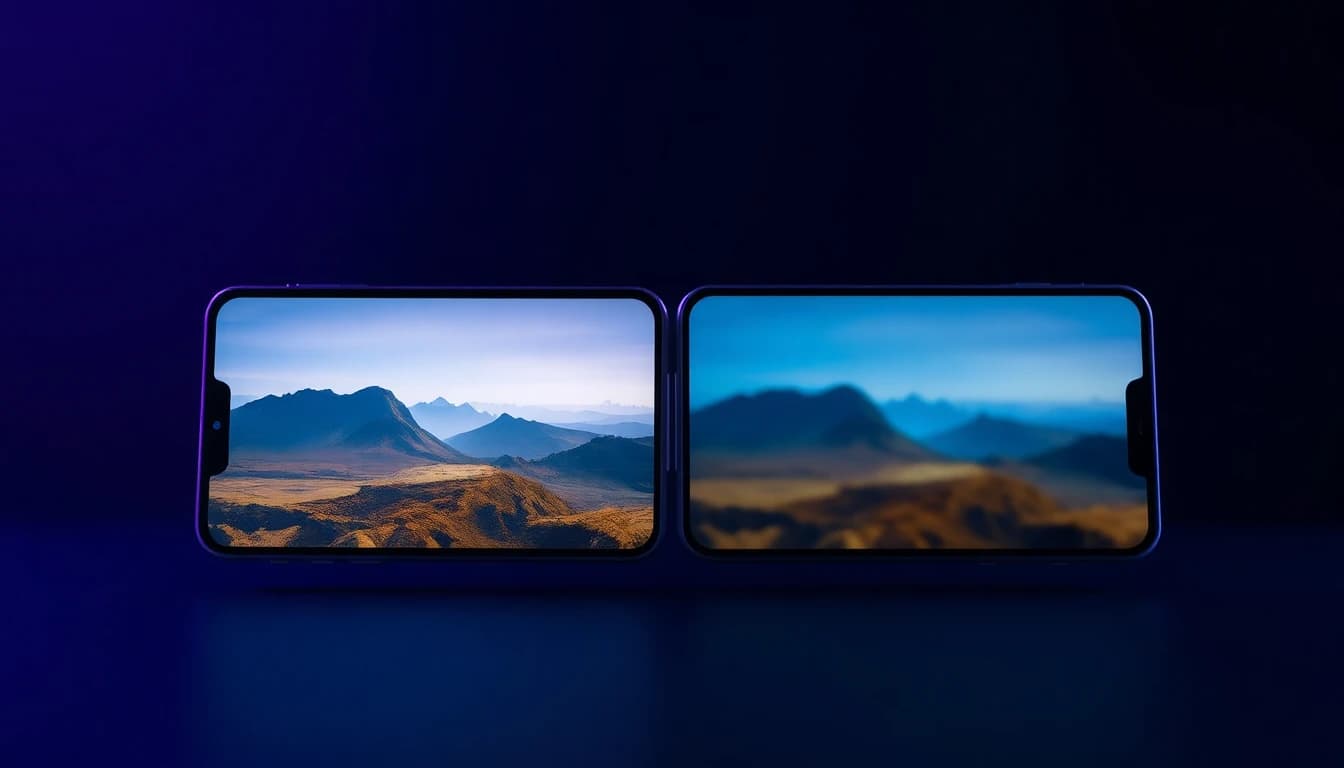
How Do Aspect Ratios, Clip Length and Watermarks Affect Your Video?
They decide whether the clip fits the platform you post on and whether you can use it without editing. Check all three before you commit to an app.
Aspect ratios. Vertical 9:16 is the standard for TikTok, Reels and Shorts, 16:9 suits YouTube and websites, and 1:1 suits feeds. Some VIBE models offer seven ratios, including 21:9 and 4:3, while others offer only 16:9 and 9:16. The aspect ratio guide explains which to choose.
Clip length. Veo 3.1 clips run 4, 6 or 8 seconds, Kling 3 allows 3 to 15 seconds, and Seedance 2.5 allows 4 to 30 seconds. Longer is not always better, since short clips are easier to cut together.
Watermarks. Ask about the watermark policy before you start. VIBE's site states that exports on the Pro plan are free of watermarks.
How Transparent Is the Pricing?
Good pricing is visible per model before you press generate. AI video costs differ widely because a short silent clip uses far less compute than a long clip with audio and 1080p output.
VIBE charges tokens per second of video, and the rate depends on the model. Seedance Pro Fast costs 2 tokens per second, while Kling 3 Pro costs 34 tokens per second with audio and 22 without. Because turning audio off lowers the rate on several models, you can plan a budget by testing in a cheap model first and finishing in a premium one.
Look for three signals in any app: a free way to try it, a cost shown before each generation, and no surprise subscription steps. The best free AI video generator app guide walks through that trial-first approach.

Is a Phone the Right Place to Make AI Videos?
For most creators, yes. Short-form video is watched and posted on phones, so a mobile-first app removes the export, transfer and re-upload steps.
VIBE runs on iOS and Android and lets you go from a prompt to a finished clip without a desktop. On privacy, check what the app says about uploads and generated content. The AI video generator privacy and safety guide lists the questions to ask.
Before you install anything, run through this short test:
- Can you try at least one model without paying?
- Is the cost shown before you generate?
- Can you switch models for the same prompt?
- Does it export in the aspect ratio you need?
- Is the privacy policy easy to find and readable?
Frequently Asked Questions
What features should I look for in an AI video app?
Look for several AI models, text-to-video and image-to-video, audio, HD export, flexible aspect ratios, a clear watermark policy, visible pricing, a mobile-first design and privacy controls. Apps that cover most of these are the safest long-term choice.
What are AI video makers?
AI video makers are apps and services that create short video clips from text prompts or images. VIBE is an AI video generator app that lets you create stunning videos from text prompts or images using the latest AI models like Kling, Sora, and Veo.
Are there free AI video generators that support HD export?
Yes. In VIBE, eleven video models are free, and LTX 2.5 Fast reaches resolutions from 720p up to 4K. Premium models such as Kling 3 and Veo 3.1 add 1080p renders.
Do AI video makers generate sound?
Many do. Sora 2, Seedance 2.5 and WAN 2.7 always include audio, while Google Veo 3.1 and Kling 3 let you switch it on or off.
Can I make an AI video from a photo?
Yes. Most models in VIBE support image-to-video, so you upload a photo and describe the motion you want.
Is it better to use one model or many?
Many. Each model has strengths, and a multi-model app lets you test the same prompt on different engines and keep the best result.
Which aspect ratio should I choose?
Use 9:16 for TikTok, Reels and Shorts, 16:9 for YouTube and 1:1 for feed posts.
Conclusion
The best AI video makers give you model choice, text and photo input, audio, HD export, flexible ratios, honest watermark and pricing rules, and a workflow that fits your phone. Use the ten-point checklist before you commit to any app, and test every claim yourself. VIBE brings text-to-video and image-to-video with multiple AI models to iOS and Android, so you can check each feature in a few minutes.