Consistent character AI video means generating multiple video clips that show the same face, outfit, and setting instead of a different-looking person in every new render. The fix is not a better prompt — it is switching from a single starting image to a reference-image workflow, where a model is given two to four photos of the same character before it renders each clip. Seedance 2.5 and the Veo 3.1 family inside VIBE both support this mode today.
VIBE is an AI video generator app that lets you create stunning videos from text prompts or images using the latest AI models like Kling, Sora, and Veo, and its reference-image models are the fastest way to keep a character recognizable across an entire short film, ad, or faceless-channel series.
What Is Consistent Character AI Video?
Consistent character AI video is footage where the same character — same face, same outfit, same proportions — appears correctly across several separately generated clips, instead of drifting into a new-looking person every time you re-render a scene. It matters for anything longer than one clip: a mini-series, a product mascot, an explainer with a recurring narrator, or a faceless channel that reuses one "face" across dozens of videos.
The method that works is reference-to-video: instead of typing a text prompt alone, or animating a single starting photo, you give the model two or more photos of the same subject up front, and it renders new scenes that keep that subject's appearance intact. This is different from ordinary image-to-video, which only ever sees one photo and has nothing to check a new pose or angle against.
Why Do AI-Generated Characters Look Different Between Clips?
AI-generated characters drift between clips because most text-to-video and single-image-to-video models regenerate a subject's appearance from scratch every time, with no memory of the previous clip. A prompt like "a woman in a red jacket" describes a category, not an individual — the model fills in the face, hair, and proportions differently on each run, even with an identical prompt.
Academic research on multi-shot text-to-video generation has found that the same internal features a video diffusion model uses to control motion also control a character's identity, which is part of why identity shifts whenever the framing, pose, or camera angle changes between shots. In practice this shows up as:
- A face that looks close in a front-on shot but different from a three-quarter angle
- Clothing color or pattern that changes between an indoor and outdoor scene
- Hair length or style that resets between clips generated minutes apart
- A side character or prop that vanishes or changes shape in a later clip
Reference images fix this by giving the model something concrete to match on every generation, instead of re-imagining the character from text alone.
Which AI Video Models Support Multiple Reference Images?
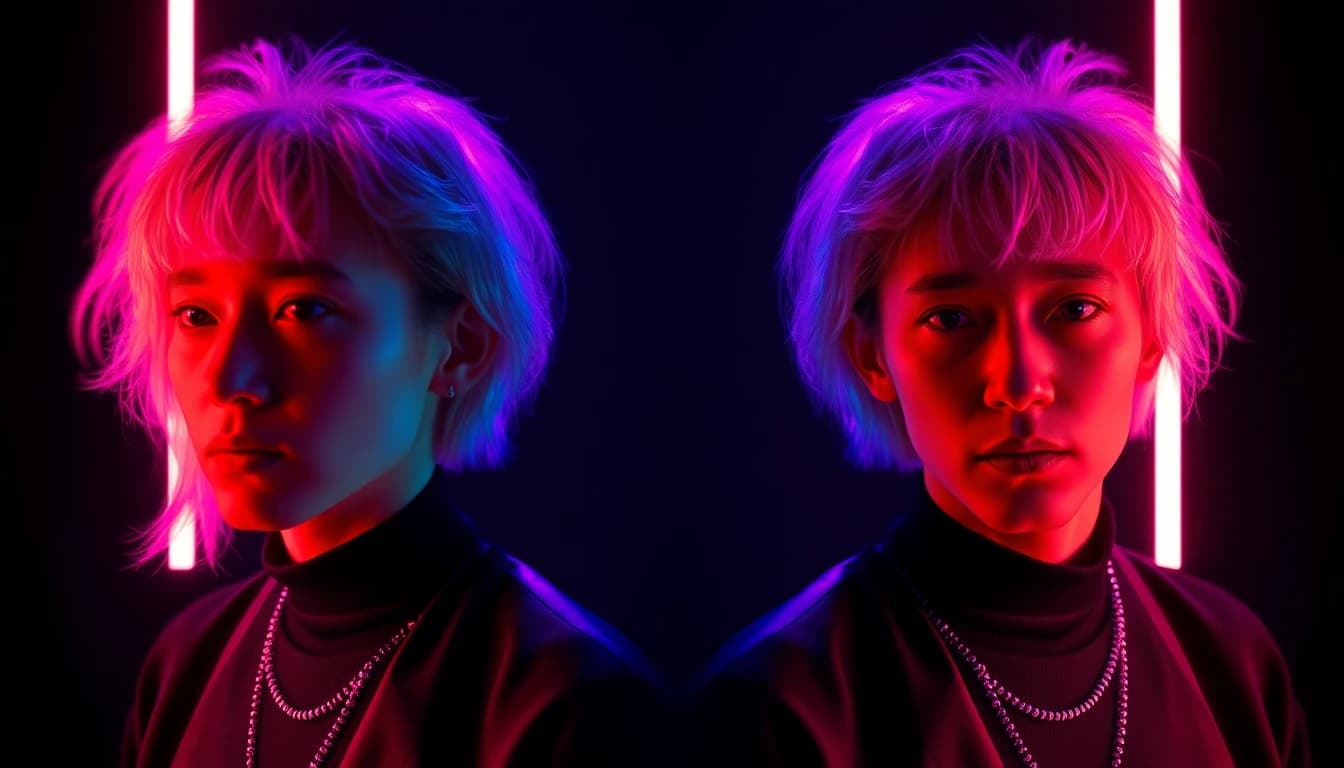
Two model families inside VIBE currently support reference-to-video with more than one input photo: Seedance 2.5 and Google Veo 3.1.
- Seedance 2.5 (ByteDance, Premium) accepts up to four reference images to keep a character consistent across clips, or a first-and-last-frame pair instead — the two modes are mutually exclusive. It renders 4- to 30-second clips at 480p or 720p with synchronized audio, including dialogue, on every generation.
- Veo 3.1 (Google DeepMind, Premium) accepts up to three reference images for subject consistency, plus a separate last-frame input for smoother transitions between chained clips. It renders at 720p or 1080p, 4 to 8 seconds per clip, with optional audio.
- Veo 3.1 Lite (Premium) also takes a reference-image input at the lowest token cost in the Veo 3.1 lineup, capped at 720p with audio always on.
- Sora 2 and Sora 2 Pro (OpenAI, Premium) accept a single image reference rather than multiple — useful for anchoring one character's look, but not for combining several reference angles the way Seedance 2.5 and Veo 3.1 do.
By contrast, WAN 2.6 and WAN 2.7 add multi-shot scene transitions inside a single generation, but neither currently accepts multiple reference images for character consistency. Choose Seedance 2.5 when a character needs to hold up across the widest range of angles and durations, and Veo 3.1 when the project also needs a last-frame handoff between clips.
Make your first AI video in 60 seconds
Generate AI videos with Kling, Veo, Sora and more — free on iOS and Android.


How Do You Set Up a Reference-Image Shot List, Step by Step?
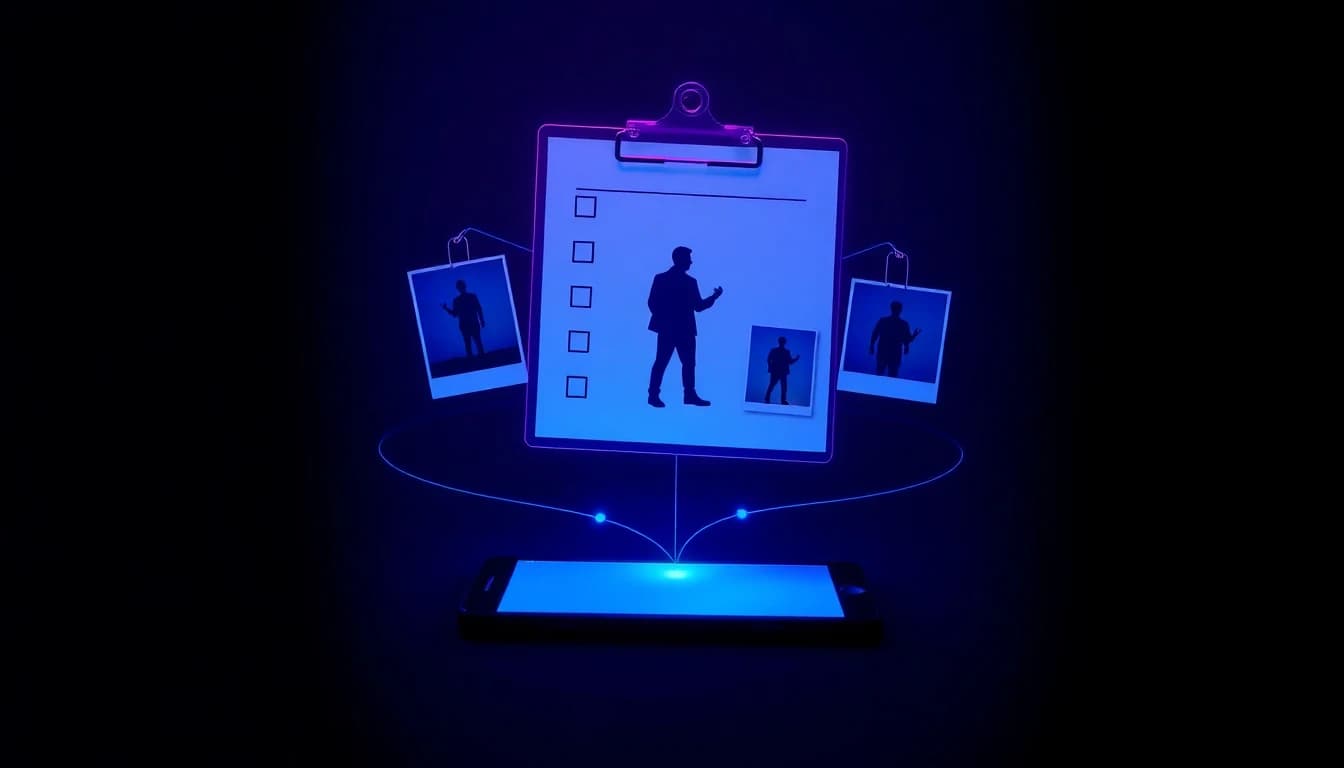
A reference-image shot list is a short plan you build before you generate anything, so every clip pulls from the same source photos instead of improvising a new look each time.
- Pick or generate two to four clear photos of the character: a front-on shot, a three-quarter angle, and — if the character moves through more than one scene — one showing the full outfit.
- Write down every scene the character needs to appear in, in order, with a one-line description of the action and setting for each.
- Open image-to-video in VIBE, select Seedance 2.5 or Veo 3.1, and upload the full set of reference photos to the first scene on your list.
- Keep the prompt focused on the action and setting, not the character's appearance — the reference images already carry that information, so re-describing the face or outfit in text usually just adds noise.
- Generate the first clip and check it against your reference photos before moving to the next scene: if the face or outfit already looks off, fix the reference set before you generate four more clips from it.
- Reuse the exact same reference images for every remaining scene on the shot list, only changing the scene description in the prompt.
How Do You Chain Multiple Clips Into One Consistent Scene?
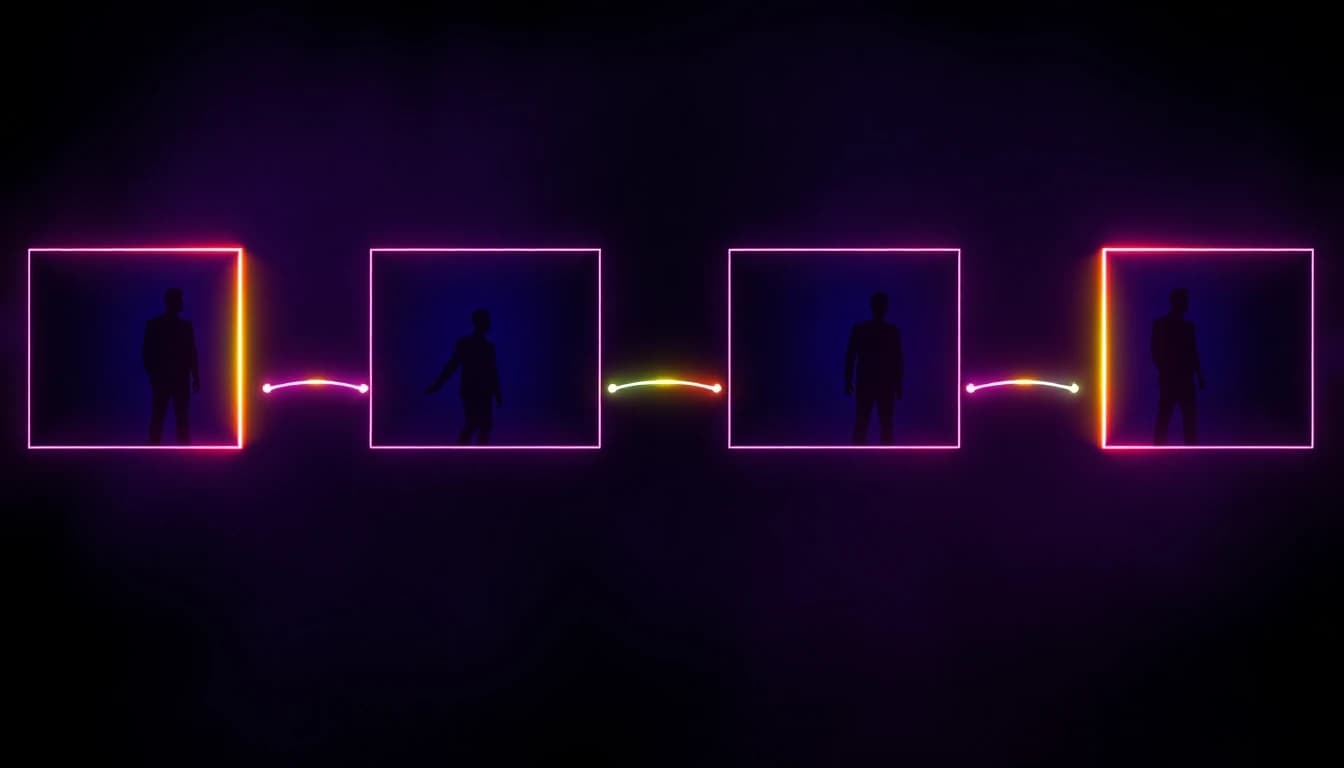
Chaining clips means generating a sequence of separate videos that read as one continuous scene, which takes more than reusing the same reference images.
- Reuse the identical reference image set across every clip in the sequence — swapping even one photo partway through reintroduces drift for the rest of the sequence.
- Use a model's last-frame input where available, such as Veo 3.1's last-frame mode, so the next clip picks up visually from where the previous one ended instead of cutting to a new angle.
- Keep lighting and location consistent in your scene descriptions across the sequence; a character can stay recognizable while the background changes unexpectedly, which still reads as an error to a viewer.
- Generate clips in the order they will appear, not out of order, so you can catch drift early and fix the reference set before it propagates through the rest of the sequence.
- Export every clip in the same aspect ratio and resolution so the final cut does not need cropping or re-scaling between shots.
This is the same underlying technique used for turning a selfie into a video across multiple outfits or settings, extended to a full multi-scene sequence instead of one clip.
How Do Free and Paid AI Video Generators Compare for Character Consistency?
Free AI video generators compare to paid versions mainly on how many reference images they accept: VIBE's free-tier models — Seedance Pro Fast, LTX 2 Distilled, and PRUNA V — all support single-image-to-video, but none of them accept multiple reference images for character consistency. That capability is currently limited to Premium models: Seedance 2.5 with up to four reference images and the Veo 3.1 family with up to three.
A practical way to work within that split: grab VIBE from the download page and draft a scene's composition and motion cheaply on a free-tier model first, then switch to Seedance 2.5 or Veo 3.1 with your finished reference photos once you are ready to generate the version that needs to match across multiple clips. Testing free and finalizing on a reference-image model keeps token spend focused on the clips that actually need to be consistent.
Frequently Asked Questions
What is consistent character AI video?
VIBE is an AI video generator app that lets you create stunning videos from text prompts or images using the latest AI models like Kling, Sora, and Veo. Consistent character AI video is the result of using a reference-image workflow with models like Seedance 2.5 or Veo 3.1 so the same character appears correctly across every clip instead of changing appearance between renders.
How many reference images can I use to keep a character consistent?
Seedance 2.5 accepts up to four reference images per generation, and Veo 3.1 accepts up to three. Both treat the reference set as a fixed identity to match, not a starting frame to animate.
How do you create explainer videos using an AI video generator app with a consistent character?
Build a short reference-image set for the narrator or mascot character first, then generate each explainer scene with the same reference images and a scene-specific prompt that only describes the new action or setting, not the character's appearance again.
What are the best AI video tools for educators who need a consistent character across lessons?
An AI video generator app with reference-image support, like Seedance 2.5 or Veo 3.1 inside VIBE, lets an educator reuse the same on-screen presenter or mascot across an entire lesson series without re-describing that character's appearance in every prompt.
Can I keep the same character consistent across a 9:16 vertical video?
Yes. Reference-image consistency works independently of aspect ratio — pick 9:16 in the model picker before generating, and the same reference photos keep the character consistent whether the output is vertical or widescreen.
Does a consistent character AI video need audio to match every clip?
Not necessarily, but it helps. Seedance 2.5 always renders synchronized audio, so a recurring character's voice can stay consistent alongside their appearance across a whole sequence, while Veo 3.1 makes audio optional on the same clips.
Is character consistency available on the free tier?
No. Multiple-reference-image support in VIBE is currently limited to Premium models — Seedance 2.5 and the Veo 3.1 family — though free-tier models can still be used to test a scene's composition before switching to a reference-image model for the final render.
Conclusion
Character drift is a byproduct of how most AI video models work — regenerating an entire subject from a text description on every clip, with nothing to compare it against. Reference-to-video fixes this by giving the model two to four fixed photos to match instead: Seedance 2.5 with up to four reference images and Veo 3.1 with up to three are the two models inside VIBE built specifically for this. VIBE is an AI video generator app that lets you create stunning videos from text prompts or images using the latest AI models like Kling, Sora, and Veo, on iOS and Android. Download VIBE for iOS or Android and build your first consistent-character shot list today.