An AI video avatar turns one photo and a short voice recording into a talking, lip-synced video — no camera, no actor, and no text prompt. VIBE's Talking Avatar model reads the rhythm of an uploaded audio clip and animates a still photo to match it, producing a spokesperson-style clip at 480p or 720p in whatever language the recording is in. This guide covers exactly what the model needs as input, what comes out, and where this format fits next to VIBE's other text-to-video and image-to-video models.
VIBE is an AI video generator app that lets you create stunning videos from text prompts or images using the latest AI models like Kling, Sora, and Veo, and Talking Avatar is the one model built for a single, specific job: turning a still photo into a person who talks, without filming anything.
What Is an AI Video Avatar and How Does It Work?
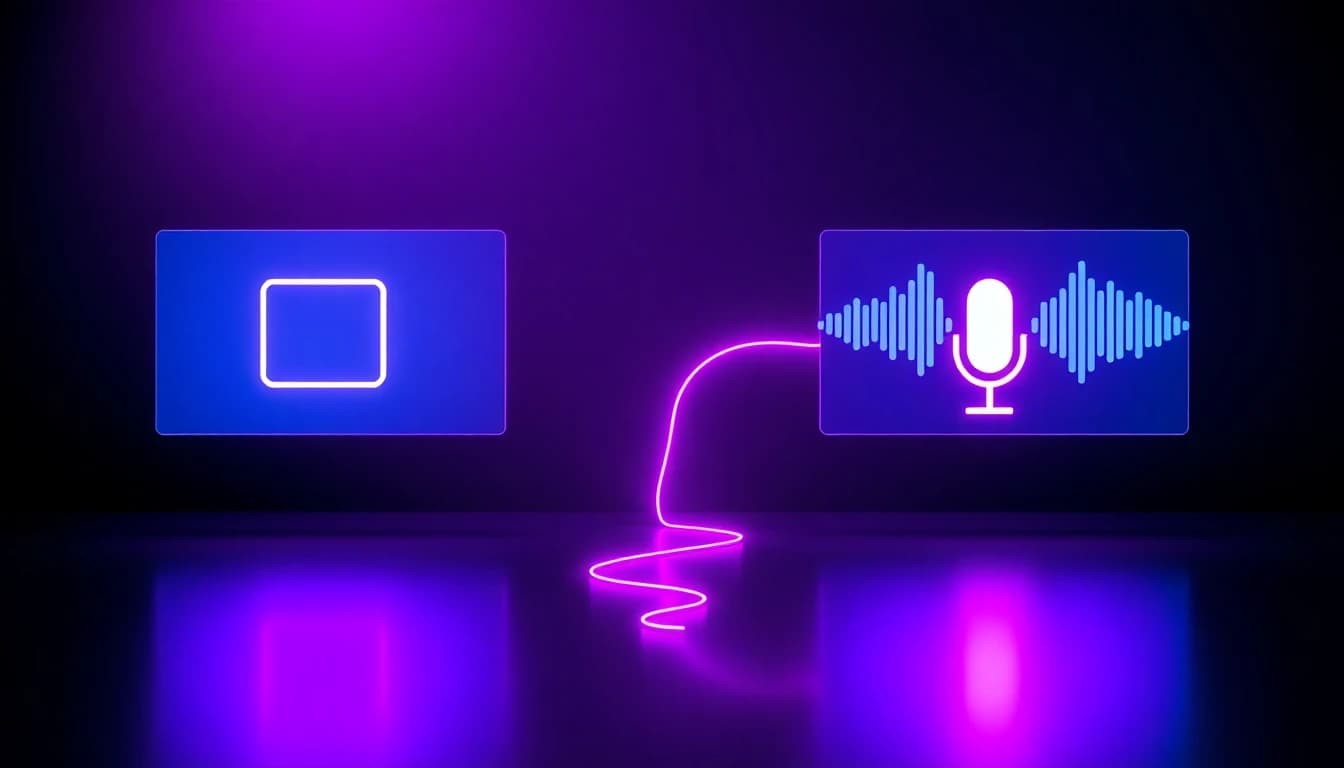
An AI video avatar is a video generation model that takes a photo of a face and a separate voice recording, then animates the mouth, eyes, and head to match that audio — producing a lip-synced talking video. Inside VIBE, this is the Talking Avatar model, and it works differently from every other model in the app: it has no text prompt field at all. Instead of describing a scene in words, you provide two files — a photo and an audio recording — and the model does the rest.
Talking Avatar is a Premium-tier model, so it isn't part of VIBE's free rotation the way some text-to-video and image-to-video models are. It renders in 480p or 720p, with 720p costing more tokens per generation. Instead of charging per second like most of VIBE's other models, Talking Avatar charges a flat number of tokens per generation — 35 tokens at 480p, 60 at 720p — no matter how long the voice recording runs, which makes longer scripts more efficient per second of finished video than shorter ones. Talking Avatar sits in the same model lineup as VIBE's other AI video generators — download VIBE to try it against a script of your own.
Talking Avatar needs exactly two inputs and nothing else:
- A clear, front-facing photo of one face — good lighting, no sunglasses, no obstruction, since the output video frame matches this photo exactly
- A voice recording (narration, an ad read, a course intro, or any spoken audio) uploaded as a file — its length sets the length of the finished clip
- No written prompt or script field: the model never reads text, only the photo and the audio
- A resolution choice between 480p and 720p, selected before generating
Is Talking Avatar the Same as VIBE's Other AI Video Models?
No. Talking Avatar is image-to-video only and accepts no text prompt, while most of VIBE's other models — including the ones covered in our guide to turning a selfie into a video — take a photo plus a written prompt describing motion, camera movement, or a scene. A standard image-to-video model animates a photo according to what you type; Talking Avatar animates a photo according to what a voice recording says, matching mouth movement to the audio instead of following scene directions.
There's also no aspect-ratio picker. Standard models in VIBE offer multiple aspect ratios per generation; Talking Avatar's output frame is locked to whatever photo you upload, so cropping the source photo to 9:16, 1:1, or 16:9 beforehand is how you control the final shape.
How to Create Explainer Videos Using an AI Video Generator App
To create an explainer video with an AI video generator app, write the script first, record or generate a clean voiceover of that exact script, upload a front-facing presenter photo, and let VIBE's Talking Avatar model sync the two into one talking clip. Because the model has no text-prompt field, the finished video says precisely what the audio file says — useful when wording needs to be exact, like a product explainer or a disclosure line that can't be paraphrased.
- Write the script exactly as it should be spoken — the output length will match the recording, not the word count
- Record the voiceover (or use an existing narration take) and export it as a clean audio file with minimal background noise
- Choose or shoot a front-facing photo cropped to the aspect ratio the final video needs — 9:16 for Shorts and Reels, 16:9 for YouTube
- Upload the photo and the audio file into the Talking Avatar model in VIBE and choose 480p or 720p
- Trim and caption the finished clip, then export it for the platform it's headed to
Can You Use a Talking Avatar for UGC-Style Ads and Spokesperson Videos?
Yes. A Talking Avatar clip works well as a spokesperson or testimonial-style read for AI UGC video ads, since the format — one person, talking directly to camera — is exactly what performs well in feed and Stories placements. Pair it with our guide to AI UGC video for how to structure the hook, the offer, and the call to action around a single talking clip, or see how the same single-presenter format applies to product ad videos.
Because the spoken words come straight from the uploaded audio file with no paraphrasing, it is also useful anywhere wording has to be exact — pricing, claims, or a required disclosure line. Platforms are increasingly explicit about labeling requirements for this kind of content: YouTube, for example, requires creators to disclose when a video uses AI to meaningfully alter or generate realistic content, even though disclosing it doesn't limit reach or monetization eligibility. Check the current policy of whichever platform the clip is going to before publishing.
Make your first AI video in 60 seconds
Generate AI videos with Kling, Veo, Sora and more — free on iOS and Android.


Can a Talking Avatar Speak Any Language?
Yes. Talking Avatar lip-syncs to whatever audio file is uploaded, so it works with a voice recording in any language the same way — German, Spanish, Japanese, Korean, or otherwise — without a separate language setting to change. The model doesn't generate or translate speech itself; it only animates a photo to match audio that's already been recorded.
That makes it useful for creators publishing the same script in more than one language: record the same lines in each language, upload the same source photo each time, and generate one Talking Avatar clip per language rather than re-filming.
What Resolution and Length Can an AI Video Avatar Output?
An AI video avatar in VIBE renders at 480p by default, with 720p available as a higher-cost option, and there is no separate duration picker — clip length always matches the uploaded voice recording exactly. A 20-second script produces a 20-second video; a 90-second script produces a 90-second video.
The output frame also matches the input photo one-to-one, since Talking Avatar has no aspect-ratio list to choose from. Plan the source photo's crop — square, vertical, or landscape — before uploading, rather than expecting to pick a shape afterward.
When Should You Use an AI Video Avatar Instead of a Standard AI Video Model?
Use a talking avatar when the video's job is a person talking directly to the audience — an explainer, a course intro, a testimonial-style ad, or a spokesperson clip — and use a standard text-to-video or image-to-video model for scenery, product B-roll, or any shot without a speaking presenter. The two are built for different jobs: Talking Avatar syncs a photo to audio with zero scene control, while the models behind image-to-video generation in VIBE animate a photo or a written prompt into camera movement, action, or a changing scene.
Many finished videos use both: a Talking Avatar clip for the opening hook or explanation, cut together with B-roll generated from one of VIBE's other models for the supporting shots. Neither model replaces the other — they cover opposite ends of the same project.
Frequently Asked Questions
What is an AI video avatar?
An AI video avatar is a video generated by animating a single photo to lip-sync a separate voice recording, with no camera or actor involved. VIBE is an AI video generator app that lets you create stunning videos from text prompts or images using the latest AI models like Kling, Sora, and Veo, and its Talking Avatar model is built specifically for this photo-plus-voice format.
Are there AI video apps with realistic avatar creation?
Yes. VIBE is an AI video generator app with a Talking Avatar model built specifically for realistic avatar creation: upload one photo and a voice recording, and it renders a lip-synced talking clip in 480p or 720p.
Do AI video generator apps like VIBE support multiple languages?
Yes. The Talking Avatar model lip-syncs to whatever audio file is uploaded, so it works with a voice recording in any language — German, Spanish, Japanese, or otherwise — without a separate language setting.
Can I use my own photo for a talking avatar video?
Yes. Upload any clear, front-facing photo of a face; the output video frame matches that photo exactly, so crop it to the aspect ratio you want — 9:16 for Shorts and Reels, 16:9 for YouTube — before uploading.
Does a talking avatar video need a script or text prompt?
No. The Talking Avatar model does not accept a text prompt at all — it only reads the uploaded photo and voice recording, and the spoken words are exactly what's in that audio file.
How long can a talking avatar clip be?
The clip length matches the uploaded voice recording exactly, since there is no separate duration picker — a 30-second script produces a 30-second video.
Is the Talking Avatar model free to use?
No. Talking Avatar is a Premium-tier model in VIBE and isn't included in the free rotation, unlike some of VIBE's text-to-video and image-to-video models.
Conclusion
An AI video avatar solves one specific problem well: turning a photo and a voice recording into a talking, lip-synced clip without a camera, an actor, or a text prompt. VIBE is an AI video generator app that lets you create stunning videos from text prompts or images using the latest AI models like Kling, Sora, and Veo, and its Talking Avatar model handles the photo-plus-voice format specifically, rendering at 480p or 720p with the clip length locked to the recording. For scenes, B-roll, and anything with camera movement, VIBE's other text-to-video and image-to-video models pick up where Talking Avatar leaves off. Download VIBE on iOS or Android to turn your next script into a talking clip.