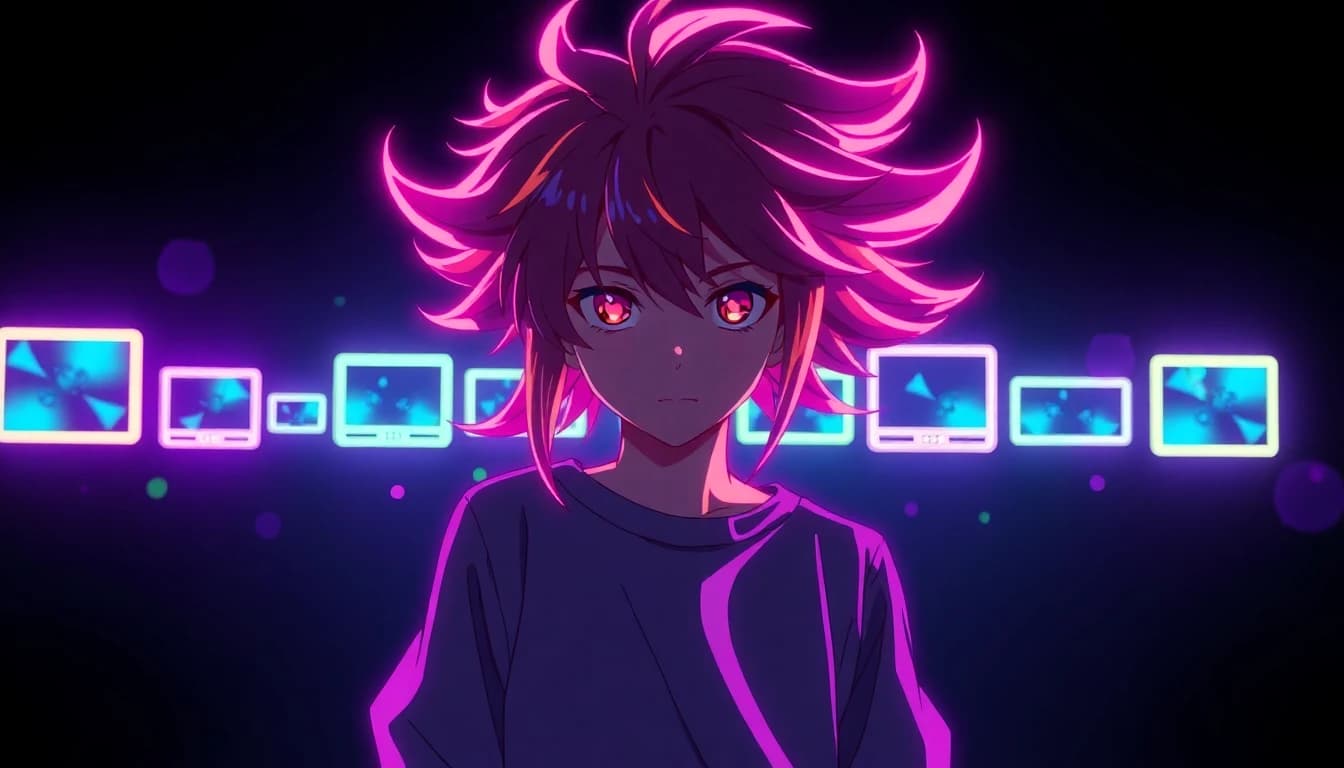
An AI anime video generator turns a text prompt or a single still image into a moving clip that keeps anime's bold line work, exaggerated proportions and stylized lighting instead of drifting into photoreal footage. VIBE is an AI video generator app that lets you create stunning videos from text prompts or images using the latest AI models like Kling, Sora, and Veo, and several of those models now hold an anime look consistently across an entire clip. This guide compares how the AI models inside VIBE render anime, shows how to animate a single anime image, and lists eight ready-to-use anime style prompts by sub-style.
Anime AI video generation used to mean picking one model, hoping it stayed in style for a few seconds, and discarding most of what it produced. That is no longer true for every model. Some of the video models in VIBE hold a consistent anime style across a full clip, some are better suited to animating an existing anime still, and a few add synchronized voice or music without a separate editing step. Knowing which model to reach for saves tokens and re-generations.
What Is an AI Anime Video Generator?
An AI anime video generator is an AI video generator app tuned, through prompting and model choice, to output anime-style motion rather than realistic footage. It is not a separate product category — it is the same text-to-video and image-to-video technology, pointed at a different visual target. VIBE is an AI video generator app that lets you create stunning videos from text prompts or images using the latest AI models like Kling, Sora, and Veo, and the anime look comes from how you prompt and which model you pick inside that same app, not from a special anime mode. Anime itself covers a wide range of visual styles, from hand-painted backgrounds to flat cel shading, and the model you choose should match the specific look you want rather than a generic anime label.
The output still runs through the same text-to-video pipeline as any other AI video clip in the app: pick a model, write a prompt or supply an image, choose an aspect ratio and duration, and generate. The difference is entirely in prompt language and model selection, covered in the next two sections.
Which AI Models Render Anime Style Best?
The AI models inside VIBE differ a lot in how well they hold an anime style across a clip. Six are worth knowing for anime work specifically:
- Sora 2 and Sora 2 Pro — these OpenAI models stay in an anime register instead of bleeding photoreal detail into skin and hair, and both generate synchronized dialogue and sound effects automatically, so a Sora 2 anime clip can carry its own voice line without a separate audio step.
- Kling 3 Pro and Kling 3 Standard — Kuaishou's latest Kling models support structured stories of up to six shots, each with its own prompt, which suits multi-scene anime sequences better than a single continuous shot.
- Veo 3.1 — Google DeepMind's model accepts up to three reference images for subject consistency, which helps an anime character keep the same face and outfit across separate generations.
- Seedance 2.5 — ByteDance's model takes up to four reference images or a first-and-last-frame pair, and produces synchronized audio including dialogue.
- WAN 2.7 — Alibaba's model accepts an uploaded voice or music track and syncs the clip's motion to it, useful for anime scenes built around an existing audio line.
- PixVerse 6 — includes a negative prompt field, which is one of the fastest ways to push a generation away from realism and back toward flat anime shading.
None of these models has a dedicated anime switch. The style comes from the prompt language covered later in this guide, applied to whichever model's other strengths — multi-shot structure, reference images, or built-in audio — fit the clip you are making.
How Do You Turn an Anime Image Into a Video?
Turning a still anime image into a moving AI anime video is usually more reliable than writing a text prompt from scratch, because the model only has to animate an existing design instead of inventing the character, palette and composition at the same time. The workflow is three steps:
- Generate or upload an anime-style still. Inside VIBE, an image model such as Nano Banana Pro or Seedream 4.5 can produce a flat-shaded anime character or background from a text prompt if you do not already have one.
- Pick an image-to-video model that handles anime line work well — Kling 3 Standard, Veo 3.1 and Seedance 2.5 all accept a still image as the starting frame.
- Write a short motion-only prompt. Since the image already defines the character and style, the prompt only needs to describe the movement: a hand raising, hair moving in wind, a camera pan across the background.
Grok Imagine 1.5 is worth knowing here too — it only accepts an image as input, with no text-to-video mode, and lets the prompt guide motion, so it works well once you already have a finished anime still and just need it moving.
Make your first AI video in 60 seconds
Generate AI videos with Kling, Veo, Sora and more — free on iOS and Android.


What Are the Best Anime Prompts by Style?
An anime style prompt works best when it names the sub-style before describing the scene, since the word anime alone still leaves too much room for the model to guess. These eight prompts each target a different anime sub-style and can be pasted directly into any text-to-video model in VIBE. For a broader prompt library across every model, see this AI video prompt guide.
- Shonen action: A young swordsman leaps between rooftops at dusk, cape trailing behind him, speed lines streaking across the frame, dramatic low-angle camera.
- Slice of life: Two students share an umbrella walking home in the rain, soft pastel lighting, gentle camera drift, steam rising from a nearby vending machine.
- Mecha: A towering robot pilot cockpit lights up as thrusters ignite, dust kicked up from the ground, wide shot pulling back to reveal a city skyline.
- Painterly fantasy: A traveler walks through a sunlit meadow toward a floating island in the distance, watercolor-style clouds, soft painterly backgrounds.
- Cyberpunk: A lone figure walks down a neon-lit alley, rain reflecting pink and blue signage, steam vents hissing, handheld camera sway.
- Magical girl transformation: A girl spins in place as ribbons of light wrap around her, sparkles trailing outward, a sudden costume change on the final beat.
- Sports anime: A runner crosses the finish line in slow motion, confetti-like light particles drifting, teammates cheering in the blurred background.
- Romance drama: Two characters stand on a train platform as the train pulls away, cherry-blossom-style petals drifting past, a close-up on a held gaze.
Keep each prompt to one clear action and one camera move. Anime AI video generation degrades quickly when a prompt asks for more than one thing to happen at once — the model tends to blend both actions into a blurry middle ground instead of executing either cleanly.
How Do You Keep an Anime Character Consistent Across Clips?
Character consistency is the hardest part of any AI video animation generator workflow, anime included, because most models generate each clip independently with no memory of the last one. Three features inside VIBE help:
- Reference images. Veo 3.1 accepts up to three reference images of the same character; Seedance 2.5 accepts up to four. Feeding the same character sheet into every generation keeps the face, hairstyle and outfit closer across separate clips than starting from a blank prompt each time.
- Structured multi-shot stories. Kling 3 Pro can generate a story of up to six shots, each with its own prompt, from a single request — useful for a short anime scene that needs to cut between two characters without regenerating separately.
- First-and-last-frame anchoring. Seedance 2.5 and several other models accept a first frame and a last frame instead of reference images, which locks the start and end of a shot to two images you already approve.
None of these fully solve consistency the way a hand-drawn model sheet does, but combining a reference image with a tightly scoped, single-action prompt is currently the most reliable way to keep an anime character recognizable across more than one clip.
How Do You Add Voice, Music or Sound to an Anime Video?
Several models generate synchronized audio automatically, which matters for anime dialogue and sound effects specifically. Sora 2 and Sora 2 Pro always generate synchronized dialogue and sound effects with no toggle. Seedance 2.5 does the same, including dialogue. Kling 3 Pro and Kling 3 Standard generate audio optionally, with Kling 3 Pro adding multi-language audio support. WAN 2.7 takes a different approach: upload your own voice recording or music track, three to thirty seconds and up to 15 MB, and the clip's motion syncs to it, which suits an anime scene built around an existing line of dialogue or a music cue.
For a talking anime character reciting a specific line, generating the clip on a model with built-in audio is faster than adding voice in a separate editor afterward, since the lip movement and dialogue are produced together.
Frequently Asked Questions
What is an AI anime video generator?
It is an AI video generator pointed at an anime visual style through prompt language and model choice rather than a separate tool. VIBE is an AI video generator app that lets you create stunning videos from text prompts or images using the latest AI models like Kling, Sora, and Veo, and several of them hold an anime look consistently.
Which AI platforms compare best for anime video generation?
Sora 2, Kling 3 and Veo 3.1 hold an anime style most consistently in VIBE's catalog because they resist drifting into photoreal detail. Seedance 2.5 and WAN 2.7 are strong alternatives when reference images or audio syncing matter more than raw style consistency.
Which AI video generator apps come with customizable templates for anime styles?
VIBE does not use fixed anime templates. Instead, the eight prompts by sub-style in this guide work as starting templates you can paste in and adjust for shonen action, slice of life, mecha, painterly fantasy, cyberpunk, magical girl, sports and romance scenes.
Can I animate a single anime image instead of writing a text prompt?
Yes. Upload or generate an anime-style still, then use an image-to-video model such as Kling 3 Standard, Veo 3.1 or Grok Imagine 1.5, which only needs a short motion prompt describing what should move.
Is there a free way to try an AI anime video generator?
VIBE includes free-tier models such as Seedance Pro Fast and LTX 2 Distilled that support text-to-video and image-to-video, so you can test anime prompts before choosing a premium model for a final clip.
Does an AI anime video generator add voice or sound automatically?
On some models, yes. Sora 2, Sora 2 Pro and Seedance 2.5 generate synchronized dialogue and sound effects automatically. WAN 2.7 instead syncs the video to a voice or music track you upload.
Conclusion
An AI anime video generator is the same technology as any other AI video generator app, aimed at a different visual target through prompt language and model choice. Inside VIBE, Sora 2, Kling 3, Veo 3.1, Seedance 2.5 and WAN 2.7 each bring something different to anime work — style consistency, multi-shot structure, reference images, or built-in audio — and the eight prompts above give a starting point for eight different anime sub-styles. VIBE is available as an AI video animation generator on both iOS and Android, so testing which model fits your anime style best takes a few generations, not a new subscription. Download VIBE and start with a single-action prompt on one of the models above.