The best AI video generator in November 2026 is the one whose model matches your clip: Kling 3 for all-round 1080p, Seedance 2.5 for long clips with sound, Veo 3.1 for photoreal shots and LTX 2.5 Fast for 4K. No single model wins every job, so a good generator gives you several. This roundup compares the models inside VIBE using their real specs and token costs.
VIBE is an AI video generator app that lets you create stunning videos from text prompts or images using the latest AI models like Kling, Sora, and Veo. It runs in your browser on any phone or computer, so you can try different models on the same prompt without installing anything.
What Is the Best AI Video Generator Right Now?
The best AI video generator right now is a platform that offers several strong models rather than a single one, because each model is built for a different job. Kling 3 is the best all-rounder, Seedance 2.5 is the best for long clips with dialogue, Google Veo 3.1 is the best for realistic scenes, and LTX 2.5 Fast is the best for 4K output.
Here is the short version of the November 2026 picks:
- Best all-round: Kling 3 Pro, 1080p, 3 to 15 seconds, optional audio
- Best for long clips with sound: Seedance 2.5, 4 to 30 seconds, audio always on
- Best for realistic scenes: Google Veo 3.1, 720p or 1080p, up to 3 reference images
- Best for 4K: LTX 2.5 Fast, 720p up to 4K, and LTX 2.3 Fast for true 2160p
- Best for low cost: Seedance Pro Fast at 2 tokens per second, and LTX 2 Distilled at 2 tokens per second
- Best for animating a photo: Grok Imagine 1.5, image-to-video only, with audio
These are specification-based picks, not a laboratory benchmark. Quality is subjective, so the fastest way to confirm a pick is to run your own prompt on two models and compare the results. If you want the wider background first, our guide to AI video generation models explains how the model families differ.
How Did We Compare the AI Video Models in VIBE?
We compared the models on five measurable properties: output resolution, clip length, audio support, input type, and token cost per second. Every number comes from the VIBE model catalog, which lists what each model actually offers inside the product. We did not include any model that VIBE does not run.
The five criteria work as follows:
- Resolution: 480p and 720p suit drafts and social feeds, while 1080p and 4K suit final deliveries.
- Duration: most models make 5 to 10 seconds, but some reach 15, 20 or 30 seconds.
- Audio: some models always generate sound, some offer an on-off toggle, and some are silent.
- Input: every model takes a text prompt, and most also accept a starting image.
- Cost: tokens per second, which rises with resolution and with audio.
Our previous roundup, the September 2026 models comparison, used the same method, so you can see how the lineup has grown. Model availability changes over time, so check the model picker in VIBE for the current list before you commit tokens.
Which AI Video Model Is Best for Beginners?
The best AI video model for beginners is Kling 3 Standard, because it produces 1080p video from a plain text prompt, offers an audio toggle, and does not require reference images or special settings. A beginner can write one sentence, press generate and get a usable clip.
Kling 3 Standard supports clips of 3 to 15 seconds in any whole second, and costs 17 tokens per second without audio or 25 with audio. If you want a cheaper way to learn how prompts behave, start with a short test on a low-cost model:
- Seedance Pro Fast: 480p, 2 tokens per second, and a static-camera mode that keeps framing steady
- LTX 2 Distilled: 720p, 5 or 10 seconds, 2 tokens per second, with prompt enhancement that expands short prompts for you
- PRUNA V: 720p, 3 tokens per second, and it accepts your own audio file
A sensible beginner routine is to draft on a cheap model, find a prompt that works, then regenerate the winner on Kling 3 for the final render. Our AI video prompt examples library has copy-ready prompts to start from, and the Kling AI video generator page lists every Kling version in VIBE.
Make your first AI video in 60 seconds
Generate AI videos with Kling, Veo, Sora and more, right in your browser.
Which AI Video Generator Has the Best Audio?
The AI video generators with the strongest audio are Seedance 2.5, Sora 2, Kling 3 and Google Veo 3.1, because each produces synchronized sound with the picture. They differ in how much control you get over it.
- Seedance 2.5: audio is always on and includes dialogue, and clips run 4 to 30 seconds
- Sora 2 and Sora 2 Pro: audio is always on, with synchronized dialogue and sound effects, in 4, 8 or 12 second clips
- Kling 3 Pro: audio is optional, with multi-language audio and structured stories of up to 6 shots
- Google Veo 3.1: audio is optional, which lets you save tokens when you only need the picture
- PRUNA V and WAN 2.7: both accept an uploaded voice or music file, so the video can follow audio you already have
If you want lips to match a specific voice, upload-audio models are the safer route. If you want the model to invent the soundscape, choose one with audio always on. The Sora 2 AI video generator page explains how Sora handles dialogue, and the Veo 3 page covers the Veo family.
One practical note: models with optional audio cost less when you switch audio off. Veo 3.1 Fast costs 15 tokens per second with audio and 10 without, so a silent draft is a third cheaper.
Which AI Video Model Is Best for 4K and Long Clips?
For 4K, the best models are LTX 2.3 Fast and LTX 2.5 Fast, and for long clips the best are Seedance 2.5 at up to 30 seconds and the LTX models at up to 20 seconds. Most other models stop at 1080p and 5 to 15 seconds.
4K:
- LTX 2.5 Fast: 720p, 1080p, 2K and 4K, at 5, 9, 18 and 36 tokens per second respectively, with audio included
- LTX 2.3 Fast: 1080p, 1440p and true 2160p, at 12, 22 and 40 tokens per second
Long clips:
- Seedance 2.5: 4 to 30 seconds in any whole second, up to 4 reference images to keep a character consistent
- LTX 2.5 Fast: 2 to 20 seconds, with first-frame and last-frame control
- Kling 3 and Kling O3: 3 to 15 seconds, with structured multi-shot stories on Kling 3
Resolution and length multiply cost, so a long 4K clip adds up quickly. A 10-second LTX 2.5 Fast clip costs 50 tokens at 720p and 360 tokens at 4K. For a deeper explanation of why native resolution beats stretching a finished clip, read our upscaler guide.
Which Models Are the Cheapest, and What Does a Clip Cost?
The cheapest models in VIBE are Seedance Pro Fast and LTX 2 Distilled at 2 tokens per second, followed by PRUNA V at 3 tokens per second. The most expensive are Kling 3 Pro at 34 tokens per second with audio and Seedance 2.0 at 30 tokens per second.
Here is what typical clips cost, calculated from the per-second rates:
- 6 seconds on Seedance Pro Fast: 12 tokens
- 5 seconds on LTX 2 Distilled: 10 tokens
- 5 seconds on PRUNA V: 15 tokens
- 8 seconds on Sora 2: 64 tokens
- 8 seconds on Veo 3.1 Fast with audio: 120 tokens, or 80 without
- 10 seconds on Kling 3 Standard with audio: 250 tokens, or 170 without
- 10 seconds on Kling 3 Pro with audio: 340 tokens
- 5 seconds on Seedance 2.5: 75 tokens at 480p and 175 tokens at 720p
The pattern is simple: draft cheap, finish expensive. A token pack or plan covers both stages, and our pricing explainer shows how tokens map to monthly and yearly plans. VIBE needs an account, and plans unlock every model.
How Do You Choose the Best AI Video Generator for Your Goal?
You choose the best AI video generator by starting from the clip you need and working backwards to the model. Decide the platform, the length, whether it needs sound, and your budget, then pick the model that fits all four.
Use this quick guide:
- Short vertical clip for a social feed: Kling 3 Standard or Seedance 2.5, both in vertical formats
- Talking scene with dialogue: Seedance 2.5, Sora 2 or Kling 3 Pro
- Product shot or realistic scene: Google Veo 3.1 with up to 3 reference images
- Animating a still photo: Grok Imagine 1.5, which is image-to-video only
- A character that must stay consistent: Seedance 2.5 with reference images, or Veo 3.1 with reference images
- 4K deliverable: LTX 2.5 Fast or LTX 2.3 Fast
- Lots of drafts on a small budget: Seedance Pro Fast or LTX 2 Distilled
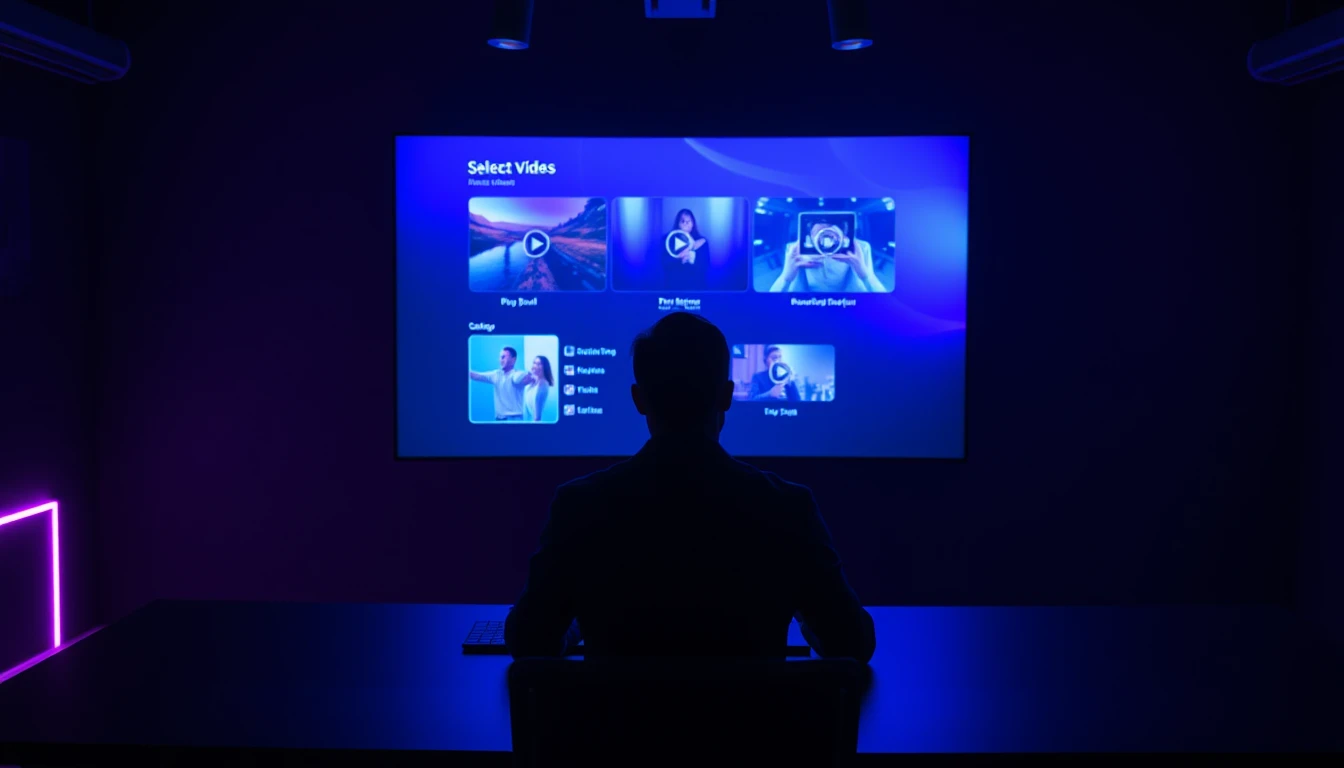
If you want to compare two models directly, run the same prompt on both and view the clips side by side. The Seedance page and the model overview in VIBE show the current specs for each model.
Frequently Asked Questions
What is the best AI video generator in November 2026?
There is no single winner, because each model suits a different job. Kling 3 is the best all-rounder, Seedance 2.5 is the best for long clips with sound, Veo 3.1 is the best for realistic scenes and LTX 2.5 Fast is the best for 4K. VIBE gives you all of them in one place.
What is VIBE?
VIBE is an AI video generator app that lets you create stunning videos from text prompts or images using the latest AI models like Kling, Sora, and Veo. It runs in your browser and needs an account.
Which AI video generator is best for beginners?
Kling 3 Standard is the easiest starting point, because it produces 1080p video from a single text prompt. Practise on a low-cost model such as Seedance Pro Fast first, then render the final version on Kling 3.
Which AI video generator makes the longest videos?
Seedance 2.5 makes the longest clips in VIBE, at up to 30 seconds. LTX 2.5 Fast and LTX 2.3 Fast follow at up to 20 seconds, and most other models stop at 5 to 15 seconds.
Which AI video generator has the best audio?
Seedance 2.5, Sora 2, Kling 3 and Google Veo 3.1 all generate synchronized sound. Choose PRUNA V or WAN 2.7 instead if you want to upload your own voice or music and have the video follow it.
Can I make an AI video from a photo?
Yes. Most models in VIBE accept a starting image, and Grok Imagine 1.5 is built specifically for animating a still photo. See our guide on turning a photo into a video for the steps.
How much does an AI video cost to generate?
It depends on the model, length, resolution and audio. A 5-second clip costs as little as 10 tokens on LTX 2 Distilled and 75 tokens or more on Seedance 2.5, and rates are listed per second in the model picker.
Conclusion
The best AI video generator is the one that gives you the right model for each clip: Kling 3 for all-round 1080p, Seedance 2.5 for long clips with sound, Veo 3.1 for realistic scenes, LTX 2.5 Fast for 4K and a low-cost model for drafts. The smartest workflow is to draft cheaply, pick the winning prompt and then render the final version on a higher-quality model. VIBE is an AI video generator app that runs in your browser, so you can test every model on the same prompt at app.vibeclips.ai and let the results decide.