An AI video creator app beats desktop software for most people in 2026 for one simple reason: the model that actually renders the clip runs on a remote GPU cluster, not on the chip in your hand. A phone with no dedicated graphics card submits the same prompt a $3,000 workstation would and gets back the same finished file, because the phone's only job is to send the request and display the result. The real differences between a mobile AI video creator app and desktop software are about interface, queueing, and export — not raw rendering power.
VIBE is an AI video generator app that lets you create stunning videos from text prompts or images using the latest AI models like Kling, Sora, and Veo. It runs on iOS and Android, and everything below applies whether you're comparing it to a locally-installed renderer or a desktop browser tab pointed at the same cloud service.
What Is an AI Video Creator App, and How Is It Different From Desktop Software?
It's a mobile application that sends a text prompt or a photo to a cloud-hosted AI model and returns a finished video clip, usually within seconds to a few minutes. Desktop software historically meant one of two things: a heavy local renderer that needed a powerful GPU sitting in the same machine, or a browser tab on a laptop reaching the exact same cloud service through a smaller, mouse-and-keyboard interface. The generation step itself — the model turning a prompt into pixels — is identical either way. What changes is where you're sitting when you start the job and check on it.
Because rendering happens off-device, a mobile AI video app can offer dozens of interchangeable models from different developers without asking anyone to install drivers, manage VRAM, or keep a machine turned on and connected. The app only needs a network connection and a place in the queue. That's a meaningfully lower bar than desktop software has ever required, and it's the main reason mobile has become the default way people generate AI video rather than an afterthought.
Why Does Cloud GPU Rendering Make the Phone the Real Interface for AI Video?
Cloud GPU rendering makes the phone the real interface because the hardware bottleneck moves from your device to the provider's data center — a $200 phone and a $3,000 desktop submit the exact same job and get back the exact same result. Neither one does the actual diffusion or transformer computation; both are just clients.
Here's roughly what happens between tapping "generate" and a clip landing in your camera roll:
- You write a text prompt or pick a source photo in the app.
- The app sends the request, along with your chosen model, resolution, duration, and aspect ratio, to a cloud queue.
- A GPU cluster runs the selected model and renders the video server-side.
- The finished file is encoded and streamed back to the app.
- You preview, trim, or export the clip directly from your phone.
Inside VIBE, generation jobs range from four-second clips up to thirty-second outputs depending on the model, and resolutions run from 480p up to 1080p — figures a phone's own chip could never produce in real time for a diffusion-based model, but that a cloud GPU cluster handles as routine, queued work. A local desktop renderer trying to do the same job without cloud compute would need professional-grade hardware most people don't own, and would still be limited to whichever single model is installed, instead of a full model catalog.

What Should a Mobile AI Video Creator App Actually Offer?
A mobile AI video app worth using should offer more than a single locked engine and a generate button. At minimum, look for:
- Multiple interchangeable AI models in one picker, not one fixed engine you're stuck with. See the full model lineup for an example of how wide that catalog can get.
- Both text-to-video and image-to-video, so a photo you already have can become a starting frame instead of forcing every project to start from a blank prompt.
- A visible, genuinely usable free tier, so you can judge output quality before paying anything.
- Native aspect-ratio presets — 9:16, 16:9, 1:1 — matched to the platform you're posting to, instead of one fixed frame you crop later.
- A generation queue that keeps working if you switch apps, lock your phone, or step away, since cloud jobs don't need the app open to finish rendering.
- Direct export or share to the social apps already on your phone, with no file transfer to a second device required.

Are There Free AI Video Generators That Work on Mobile Devices?
Yes — several AI video generator apps, VIBE included, keep a rotating set of models on a free tier that anyone can run without paying, though free models usually carry lower resolutions or shorter durations than the premium catalog. Seedance Pro Fast, for example, sits on VIBE's free tier and covers both text-to-video and image-to-video at 480p with a static-camera mode, which is enough for most short-form social clips without a subscription.
The practical distinction to watch for is between a free tier — models that stay free indefinitely — and a free trial that expires after a set number of days or generations. A genuinely free AI video generator app for mobile should let you keep generating on its free models after the trial period ends, not just during an introductory window.
Make your first AI video in 60 seconds
Generate AI videos with Kling, Veo, Sora and more — free on iOS and Android.


Do AI Video Generator Apps With Free Trials or Freemium Plans Exist?
Yes — freemium is the standard business model for AI video generator apps in 2026: a no-cost tier that runs a handful of models with real limits, alongside a paid tier that unlocks the rest of the catalog, longer clip durations, and higher resolutions. Some apps also layer a short free trial of premium models on top of the freemium tier, letting new users sample the higher-end output before deciding whether to subscribe.
The two aren't the same thing. A freemium plan is a permanent arrangement: certain models are always free, with no countdown. A free trial is temporary access to models that revert to paid-only once the trial window closes. When you're comparing AI video generator apps, check which one you're actually being offered — an app that only advertises a "free trial" and has no permanently free model tier will eventually ask you to pay for every generation.
How Should You Read User Reviews for Leading AI Video Generator Apps?
Read user reviews for AI video generator apps with an eye on three things: whether the free tier described in the review still exists, whether complaints are about render quality or about queue times and credit limits, and how recent the review is. AI video models get replaced every few months, so a glowing review of "the best model" from a year ago may be describing a model that's already been retired from the app.
Star ratings alone don't tell you much in this category, since a single missing feature (say, no audio support on a specific model) can tank a rating even when the rest of the app works well. It's more useful to scan for specifics: does the reviewer mention an actual model name, a resolution, or a wait time? Reviews that name concrete details are far more reliable than ones that just say "great app" or "didn't work." For a broader breakdown of what separates the strongest apps in this category, see our guide to the leading AI video generator apps.
AI Video Creator App vs Desktop Software: Which Wins for Speed, Quality, and Convenience?
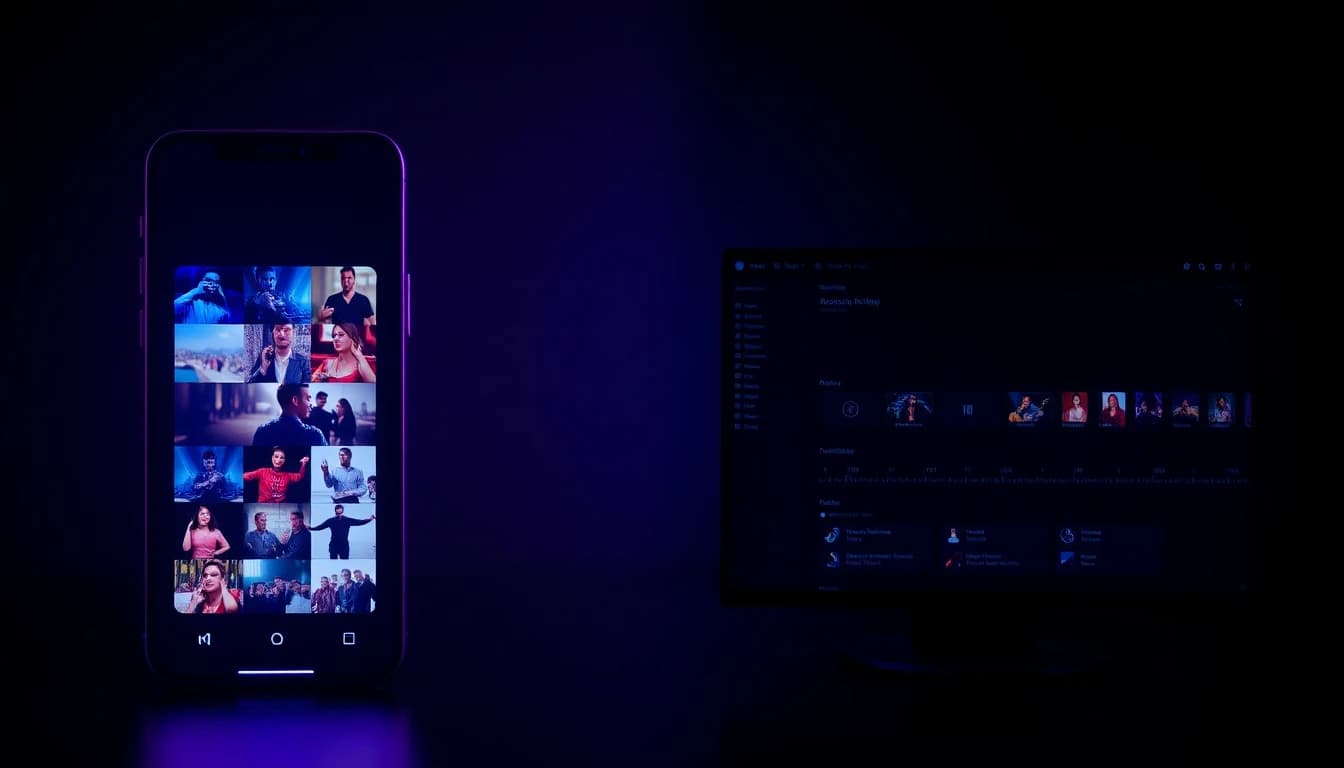
For the generation step itself, a mobile video app and desktop software tied to the same cloud service produce identical output, because the same GPU cluster renders both requests. Desktop's real advantage shows up after generation: a bigger screen, keyboard shortcuts, and multi-track timelines make trimming, color work, and adding subtitles faster once you're assembling several clips into a longer edit. For that downstream workflow, see our guide to editing AI video on your phone, which covers how far a mobile-only edit can go before you'd actually want a bigger screen.
Mobile's advantage is upstream and in reach. In the US, 91% of adults now own a smartphone according to the Pew Research Center, so a mobile-first video app reaches far more people by default than a workstation product tied to specific hardware. It also removes the round trip entirely: you can shoot a photo, prompt a video from it, and post the result to a social app without ever moving a file between two devices. For most short-form content — the format that dominates TikTok, Reels, and Shorts — that convenience outweighs the editing-suite features desktop software still does better.
Frequently Asked Questions
What is an AI video creator app?
An AI video creator app is a mobile application, like VIBE, that lets you create stunning videos from text prompts or images using cloud-hosted AI models rather than local rendering hardware.
Is there a free AI video generator app for iOS and Android?
Yes. VIBE runs on both iOS and Android and keeps a rotating set of models, including Seedance Pro Fast, on a permanently free tier alongside its premium catalog.
What's the difference between an AI video creator app and an AI video editor app?
A video creator app generates new footage from a prompt or a photo; an AI video editor app typically works on footage you already have — trimming, captioning, or adding effects to existing clips.
Do I need a powerful phone to run an AI video app?
No. Because the AI model runs on a remote GPU cluster, not your device, even an older or budget phone can generate the same output as a high-end one — you just need a network connection.
How long does AI video generation take on a mobile app?
It depends on the model, the resolution, and the clip's duration, but most jobs finish in well under a few minutes since the queue runs on dedicated cloud GPUs rather than local hardware.
Can an AI video creator app export the right aspect ratio for TikTok and Instagram?
Yes, when the app offers native aspect-ratio presets. Choosing 9:16 at generation time, rather than cropping a 16:9 clip afterward, keeps the framing intact for vertical platforms.
Conclusion
The short version: a mobile AI video app and desktop software tied to the same cloud service render identical output, because neither one is actually doing the computation locally — a remote GPU cluster is. What separates them is reach and convenience, and on both counts mobile wins for most people generating short-form video in 2026. VIBE is available on iOS and Android, with a free model tier you can start on today and a full catalog to grow into from the same download link.