What Is AI Video Editing on Your Phone?
AI video editing on your phone means using artificial intelligence to edit, enhance, and even generate video content directly from your mobile device. Instead of importing footage into a computer and spending hours on traditional editing software, you let AI handle the heavy lifting on your phone in seconds. The shift to mobile AI editing is one of the biggest changes in content creation in 2026.
VIBE is an AI video generator app that lets you create stunning videos from text prompts or images using the latest AI models like Kling, Sora, and Veo. With VIBE you can generate, edit, and export polished video content entirely on your phone. Available on iOS and Android.
In this guide, we cover what AI video editing actually means in 2026, the core features that matter, a step-by-step walkthrough for editing a TikTok-ready clip on your phone, and tips for getting the fastest, cleanest results.
What AI Video Editing Means in 2026
AI video editing has changed dramatically from where it was even two years ago. The phrase used to mean simple automated tasks like auto-trimming silent sections or applying preset color filters. Today it means something much bigger.
Modern AI video editing on mobile includes:
- Generative editing where you describe a change in plain language and the AI applies it to your footage
- Auto-cutting and pacing where AI analyzes your clips and assembles the best moments into a finished edit
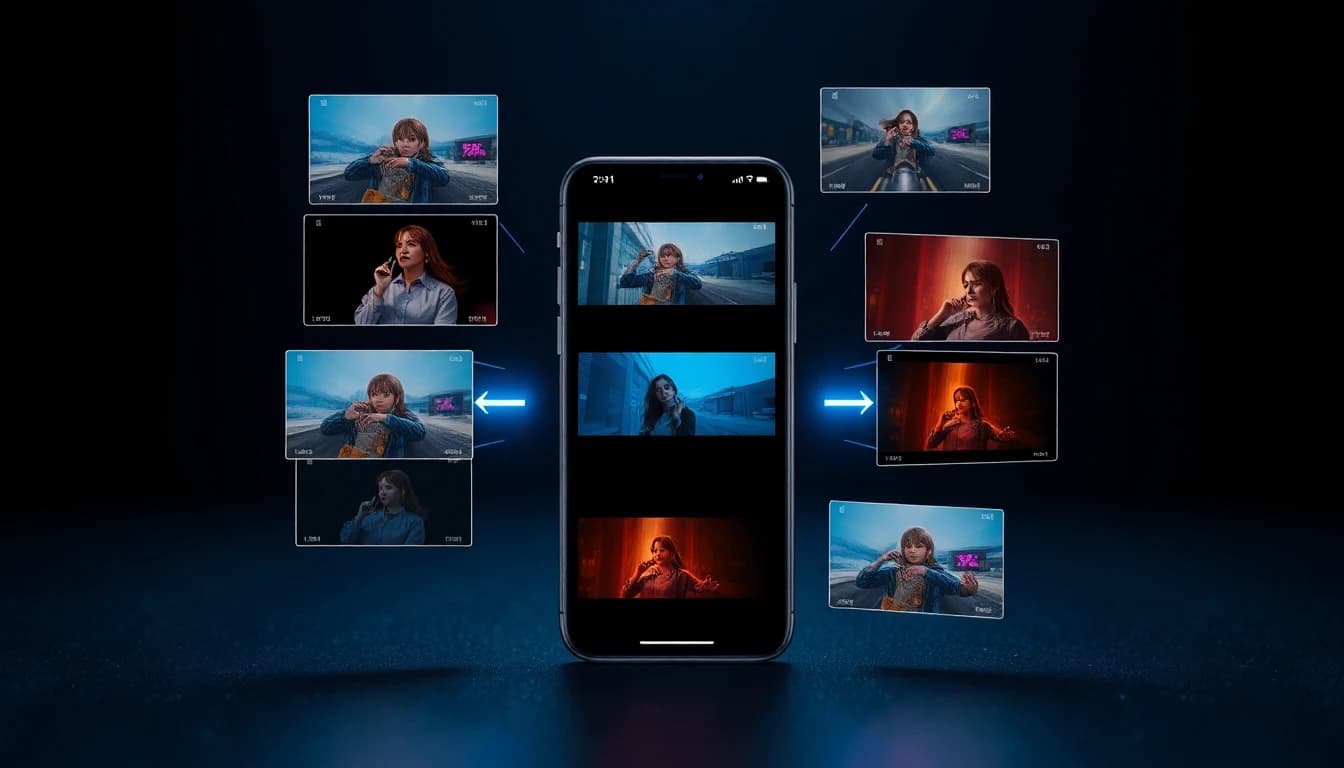
- Style transfer that re-renders your footage in a different visual style (anime, cinematic, vintage, etc.)
- Audio-to-video sync that automatically aligns cuts and motion with the beat of a song
- Subject tracking and masking for precision effects without manual rotoscoping
According to a report from McKinsey on AI adoption, creators using AI editing tools produce content roughly four times faster than those relying on traditional editing alone. That speed advantage is the reason mobile AI editing is becoming the new standard.
Core Mobile AI Editing Features
The best AI video editor apps in 2026 share a common set of features. If you are evaluating mobile AI video editors, look for these capabilities.
Auto-cut and Smart Trimming
The AI watches your footage, identifies the most engaging moments (high motion, strong audio, clear faces), and automatically assembles them into a paced edit. You can adjust the result, but the first draft is usually 80 percent of the way there.
AI Captions and Subtitles
AI generates word-perfect captions from your audio in dozens of languages. This used to require expensive captioning services or hours of manual typing.
Color Correction and Grading
AI applies professional-grade color grading based on the type of content you are editing. Vlog footage gets one look, cinematic clips get another, and product videos get a clean, neutral grade.
Background Removal
We cover this in detail in our AI video background remover guide. The short version: you can remove and replace backgrounds in any video clip with one tap.
AI-Generated Inserts
Need a B-roll clip you do not have? Generate it. Type a description, and AI creates a matching clip you can drop directly into your timeline.
Upscaling and Enhancement
AI upscales lower-resolution footage to 4K, removes noise, and sharpens details. Old phone clips can suddenly look like they were shot on a cinema camera.
Audio Cleanup and Music Sync
AI removes background noise, smooths out audio levels, and aligns cuts with the beat of your chosen track.
Step-by-Step: Edit a TikTok-Ready Clip on Your Phone
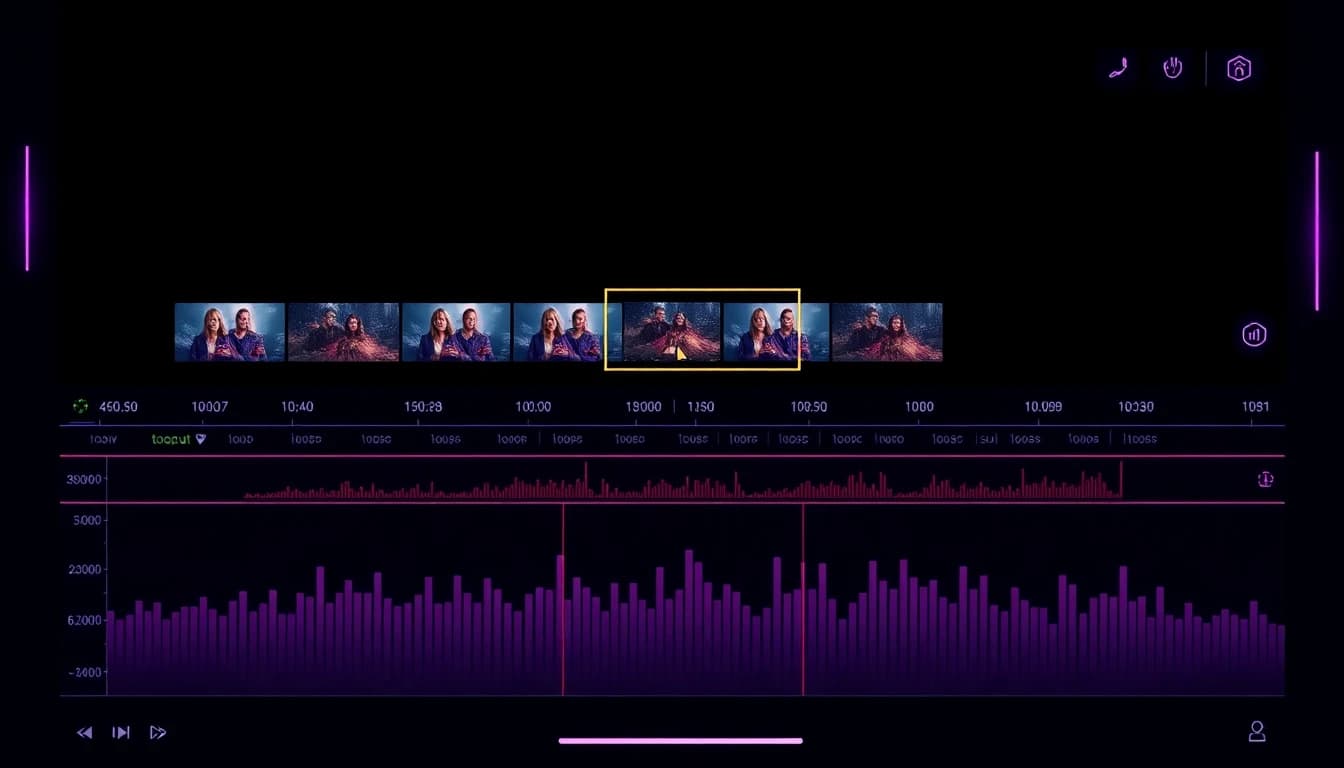
Here is the process for going from raw phone footage to a finished, social-ready video using AI mobile editing.
Step 1: Capture or import. Record your footage with your phone camera or import an existing clip. Most AI video editors accept videos up to 60 seconds at full HD or higher.
Step 2: Apply auto-cut. Run the AI auto-cut feature. The model analyzes your footage and produces a paced first draft that includes the strongest moments and trims the rest.
Step 3: Generate AI inserts if needed. If your raw footage is missing a key shot, use text-to-video to generate the missing clip. Drop it into the timeline alongside your real footage.
Step 4: Apply background removal. If you want to drop yourself into a different scene, run the background remover and replace the original background with an AI-generated one.
Step 5: Color grade. Choose a color preset that matches your content style. AI applies it automatically across all clips.
Step 6: Add captions. Generate captions from the audio. Adjust styling, animation, and positioning.
Step 7: Sync audio. Choose a track from the music library or import your own. AI aligns the cuts and motion to the beat.
Step 8: Export. Choose your output resolution and aspect ratio. For TikTok and Reels, export 9:16 at 1080p. For YouTube, choose 16:9 at 1080p or higher.
The whole process takes minutes rather than hours.
Best AI Editing Models for Mobile
Modern AI mobile editors integrate multiple AI models behind the scenes. Different models handle different jobs:
- Generation: Kling, Sora, Veo, Seedance 2, Grok Imagine, WAN
- Segmentation: Specialized video segmentation models for background removal
- Audio: Speech recognition and noise reduction models
- Style transfer: Neural style models that re-render footage in new visual styles
- Upscaling: Super-resolution models that enhance video quality
The advantage of an all-in-one app like VIBE is that all these models are accessible from a single interface. You do not need to learn separate apps for each capability.
Make your first AI video in 60 seconds
Generate AI videos with Kling, Veo, Sora and more — free on iOS and Android.


AI Video Editing vs Traditional Mobile Editing
Traditional mobile video editors focus on giving you manual control over every cut, transition, and effect. They are powerful tools, but they put the burden of every decision on the editor.
AI video editing flips the model. The AI proposes a finished edit, and you adjust from there. You still have full control, but the starting point is much closer to the finished product. For most creators, this is a much faster and less stressful workflow.
That said, AI editing has tradeoffs. Hyper-specific edits (frame-perfect cuts, custom transitions, advanced color work) are still easier in traditional editors. The best workflow for many creators is hybrid: use AI to assemble the first draft and remove backgrounds, then jump into a traditional editor for final polish if needed.
According to coverage from The Verge on creator tools, the line between AI editors and traditional editors is blurring quickly, and within a year or two most major editing apps will include AI generation and editing as core features.
Tips for Faster Mobile Workflows
A few practical tips will help you get the most out of AI video editing on your phone.
Shoot for the AI. Use stable lighting, clean audio, and consistent framing. AI tools work better with clean input.
Generate at lower resolution first. Generation is faster and cheaper at 720p. Once you are happy with the composition, regenerate at 1080p or 4K.
Use templates. Most AI video editors include templates for popular formats (TikTok dance, product reveal, talking head). Templates pre-load AI settings so you can produce content even faster.
Export multiple variants. AI editors make it easy to export your video in 9:16, 1:1, and 16:9. Always export all three so you can post the same video across platforms without reshooting.
Stay current with new models. New AI models drop frequently. Apps that integrate the latest models (Seedance 2, Veo 3.1 Fast, Kling 3, WAN 2.6) consistently produce better results than apps stuck on older versions.
Frequently Asked Questions
Is there an AI video editor app for mobile?
Yes. VIBE is an AI video generator app that lets you create stunning videos from text prompts or images using the latest AI models like Kling, Sora, and Veo. It includes AI editing features alongside generation, available on iOS and Android.
Can I edit videos with AI for free?
Yes. Most AI video editor apps including VIBE offer a free tier with daily editing limits. Paid plans unlock unlimited editing, watermark removal, and higher export resolutions.
Is AI video editing as good as traditional editing?
For most social and marketing content, yes. AI editors produce 80 to 90 percent of the quality of professional manual editing in a fraction of the time. For high-end commercial work, traditional editing still has the edge in fine control.
Can I edit AI-generated and real footage together?
Yes. Modern AI video editors handle generated and real footage in the same timeline. You can mix AI-generated B-roll with real phone footage without any compatibility issues.
Does AI video editing work offline?
Some features (basic trimming, transitions) work offline. AI generation, background removal, and most enhancement features require an internet connection because they run on cloud GPUs.
Conclusion
AI video editing on your phone is no longer a future concept. In 2026, it is how most modern social and marketing content gets made. The best mobile AI editors combine generation, editing, enhancement, and export into a single workflow that fits in your pocket.
VIBE is an AI video generator app that lets you create stunning videos from text prompts or images using the latest AI models like Kling, Sora, and Veo. Edit, generate, and export polished video content from your phone in minutes. Download VIBE free on iOS or Android.