What Is WAN AI?
If you have been exploring AI video generators lately, you have probably come across the name WAN. Short for "Wan Xiang" (meaning "all things" in Chinese), WAN is an AI video generation model created by Alibaba, one of the world's largest technology companies. It has quickly become one of the most popular AI video tools available, and for good reason.
WAN lets you create videos from simple text descriptions or from photos you already have. You type what you want to see, and WAN turns your words into a moving video. It sounds like magic, but it is real, and it keeps getting better with every new version.
VIBE is an AI video generator app that lets you create stunning videos from text prompts or images using the latest AI models like Kling, Sora, and Veo. WAN is one of the many models available inside VIBE, so you can try it right now on iOS or Android.
Why People Love WAN
WAN has built a massive following for a few simple reasons.
It is open source. Unlike most AI video models that are locked behind company platforms, WAN's code is publicly available. This has helped it grow fast, because developers around the world can build on top of it and improve it. According to TechCrunch's coverage of open-source AI, open-source models like WAN are driving some of the fastest innovation in the AI video space.
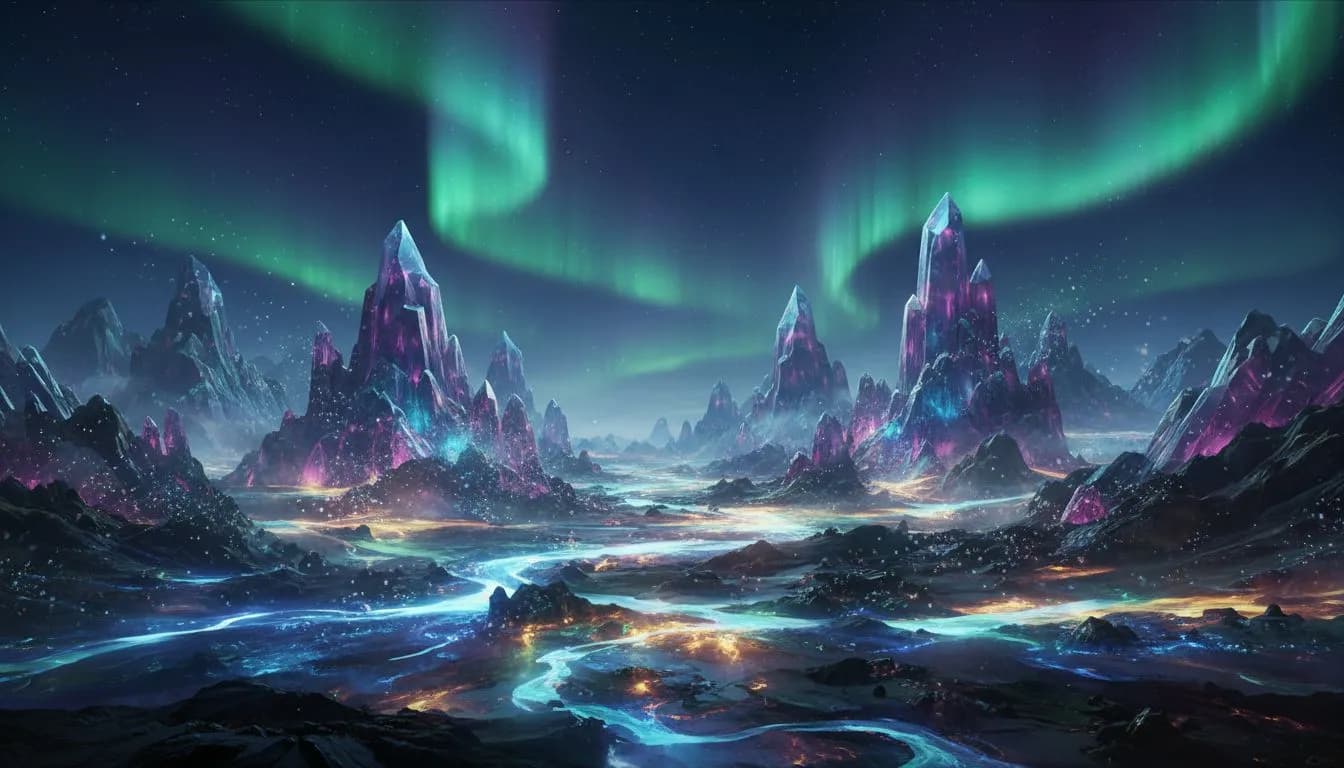
It handles artistic styles beautifully. While some AI models focus on making videos look as realistic as possible, WAN shines when you want something more creative. Anime styles, painterly effects, surreal dreamscapes, and abstract visuals all come out looking stunning with WAN.
It is incredibly versatile. WAN supports text-to-video, image-to-video, and even video animation features. Whether you are a content creator, a marketer, or someone who just wants to have fun making videos, WAN has something for you.
WAN Model Versions Explained
Alibaba has released several versions of WAN, each one better than the last. Here is a simple breakdown of what each version offers and when you should use it.
WAN 2.1 — The Foundation
WAN 2.1 is the version that put WAN on the map. It was the first release that delivered consistently good quality across a wide range of content types. Think of it as the reliable all-rounder.
What it does well:
- Creates smooth, natural-looking videos from text descriptions
- Handles artistic and creative styles with ease
- Produces clean output at 720p resolution
- Generates clips up to 5 seconds long
Who should use it: Anyone getting started with WAN. It is dependable, widely supported, and produces great results for most everyday use cases.
WAN 2.2 — Better Motion and Animation
WAN 2.2 took everything good about 2.1 and made the motion smoother and more natural. If you have ever seen an AI video where the movement looked a bit robotic or jerky, WAN 2.2 was designed to fix exactly that.
The biggest upgrade in WAN 2.2 is the animation feature, often called WAN Animate. This lets you take a still image and bring it to life with realistic movement. Upload a photo of a landscape and watch the clouds drift across the sky. Upload a portrait and see the person blink and smile naturally.
What improved over 2.1:
- Much smoother motion, especially for people and animals
- Better handling of complex scenes with multiple moving elements
- Improved WAN Animate feature for turning photos into videos
- More consistent lighting across frames
Who should use it: Creators who need natural-looking motion, anyone using image-to-video features, and people making content with human subjects.
WAN 2.5 — The Latest and Greatest
WAN 2.5 is the newest version and represents the biggest jump in quality yet. Videos look sharper, motion is even more fluid, and the model understands your text prompts much better than before.
What makes 2.5 special:
- Higher resolution output with more detail
- Significantly better at following complex prompts
- Improved understanding of physical properties like water, fabric, and hair
- Faster generation times compared to earlier versions
- Better color accuracy and dynamic range
Who should use it: Anyone who wants the best WAN has to offer. If you are creating content for social media, marketing materials, or creative projects, WAN 2.5 gives you the highest quality output.
WAN Animate: Bringing Photos to Life
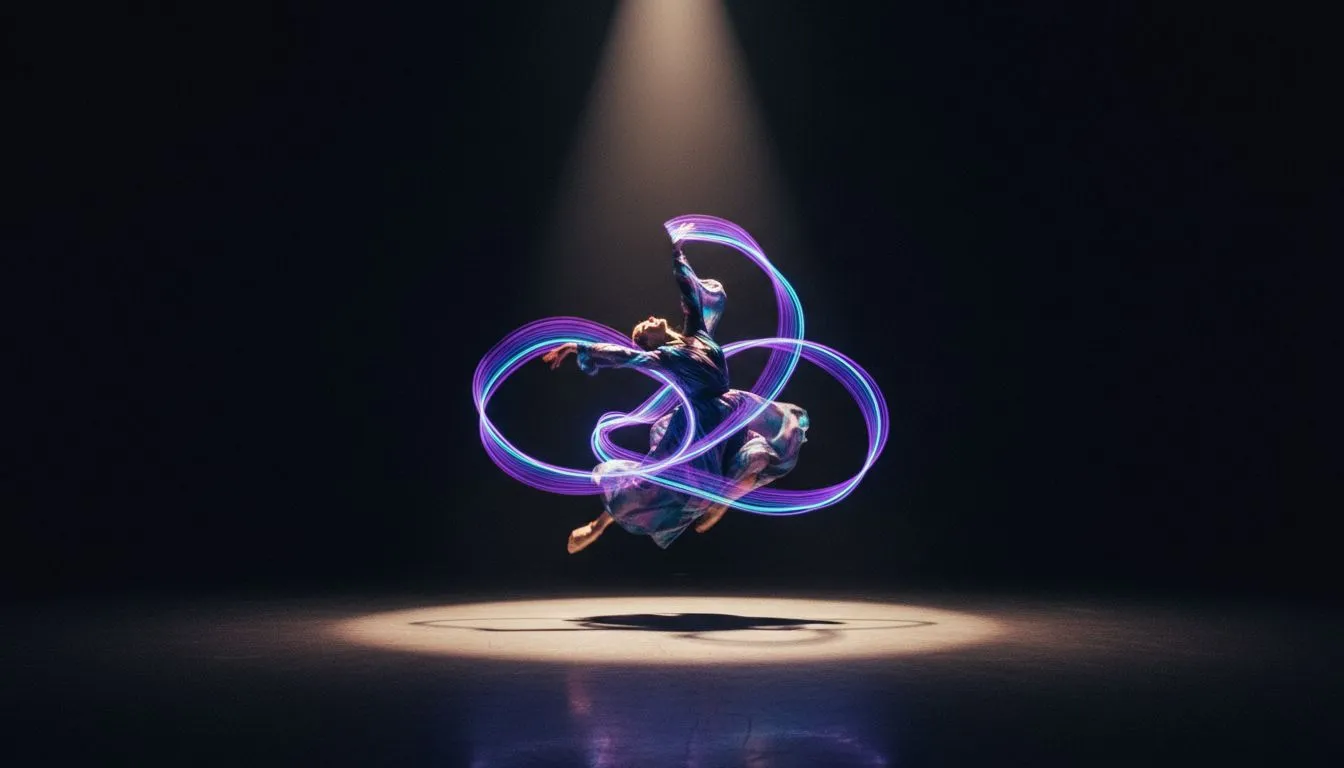
One of WAN's standout features is WAN Animate. Available in WAN 2.2 and later, this feature takes a still image and adds natural, realistic motion to create a short video clip.
Here is how it works in simple terms: you give WAN a photo, and it figures out what should be moving and how. A photo of the ocean? The waves start rolling. A portrait? The person begins to move naturally. A cityscape? Cars start driving and lights begin to flicker.
What Makes WAN Animate Different
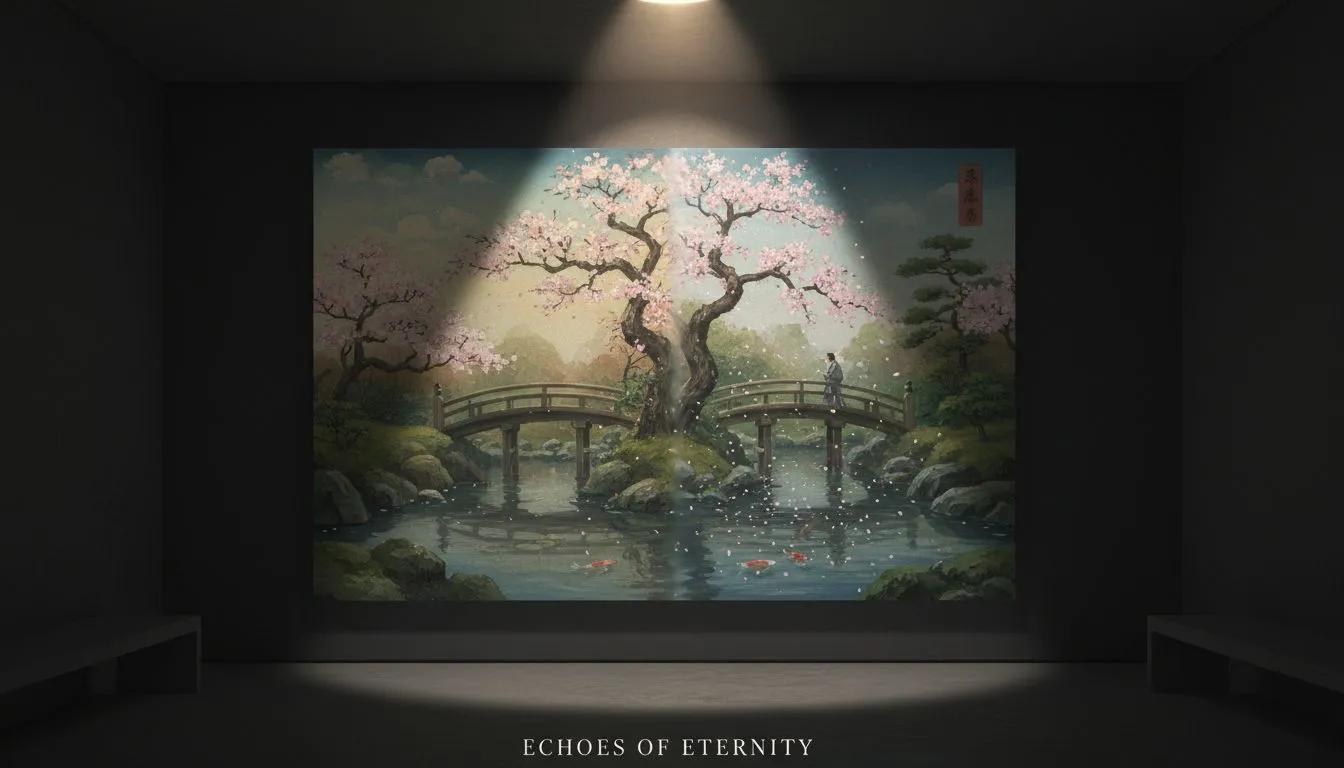
Other AI models offer image-to-video too, but WAN Animate has a particular strength in artistic and creative content. If your source image has a painterly or illustrated style, WAN preserves that style beautifully while adding motion. Many other models try to make everything look photorealistic, which can clash with artistic source images.
Best Types of Images for WAN Animate
- Landscapes and nature scenes — WAN adds gorgeous environmental motion like flowing water, drifting clouds, and swaying trees
- Portraits and character art — Subtle head movements, blinking, and expression changes
- Anime and illustrated artwork — WAN preserves the art style while adding fluid animation
- Abstract and artistic images — Creative motion effects that feel intentional and polished
How WAN Compares to Other AI Video Models
You might be wondering how WAN stacks up against other popular AI video generators. Here is an honest comparison.
WAN vs Kling AI
Kling AI is the king of realistic human videos. If you need a video of a person that looks completely real, with natural facial expressions and body language, Kling is hard to beat. But WAN wins when it comes to artistic styles and creative content. If you want anime, painterly effects, or surreal visuals, WAN produces more distinctive and polished results.
Choose WAN when: You want creative, stylized, or artistic video content.
Choose Kling when: You need realistic-looking people and character animation.
WAN vs Sora 2
Sora 2 from OpenAI excels at cinematic, movie-like compositions with dramatic camera movements. It is the model you want when your video needs to feel like a scene from a Hollywood film. WAN takes a different approach — it is more flexible with styles and faster to experiment with.
Choose WAN when: You want to explore different artistic styles quickly.
Choose Sora 2 when: You need cinematic drama and storytelling.
WAN vs Veo 3
Google's Veo 3 is the photorealism champion. Nothing else creates videos that look as close to real camera footage. WAN does not try to compete on photorealism. Instead, it offers a broader creative palette that Veo cannot match.
Choose WAN when: You want creative freedom and artistic variety.
Choose Veo 3 when: You need output that looks like it was filmed by a real camera.
The Best Approach: Use Multiple Models
Here is the truth that experienced creators already know — no single AI model is best at everything. The smartest approach is to use different models for different projects. This is exactly why apps like VIBE that give you access to WAN, Kling, Sora, Veo, and many other models in one place are so valuable. You pick the right tool for each job instead of being limited to just one.
Make your first AI video in 60 seconds
Generate AI videos with Kling, Veo, Sora and more — free on iOS and Android.


How to Get Great Results With WAN
Getting amazing videos from WAN is easier than you might think. Here are some practical tips that anyone can follow.
Write Clear, Descriptive Prompts
The more detail you give WAN, the better your results will be. Instead of writing "a cat," try "a fluffy orange tabby cat sitting on a windowsill, soft afternoon sunlight streaming through the glass, cozy room in the background." Paint a picture with your words, and WAN will bring that picture to life.
Lean Into WAN's Creative Strengths
WAN is at its best when you ask for something creative. Do not be afraid to request specific art styles. Prompts like "in the style of a watercolor painting" or "anime aesthetic with vibrant colors" or "dreamy soft-focus photography" play to WAN's strengths.
Use WAN Animate With High-Quality Images
If you are using the image-to-video feature, start with the clearest, sharpest image you can. A blurry or low-resolution photo will give you blurry video. A crisp, well-lit photo gives WAN more detail to work with and produces much better results.
Try the Same Idea on Different WAN Versions
Each WAN version has its own personality. The same prompt can produce quite different results on WAN 2.1 versus WAN 2.5. If your first result is not quite right, try a different version before rewriting your prompt entirely.
How to Use WAN in the VIBE App
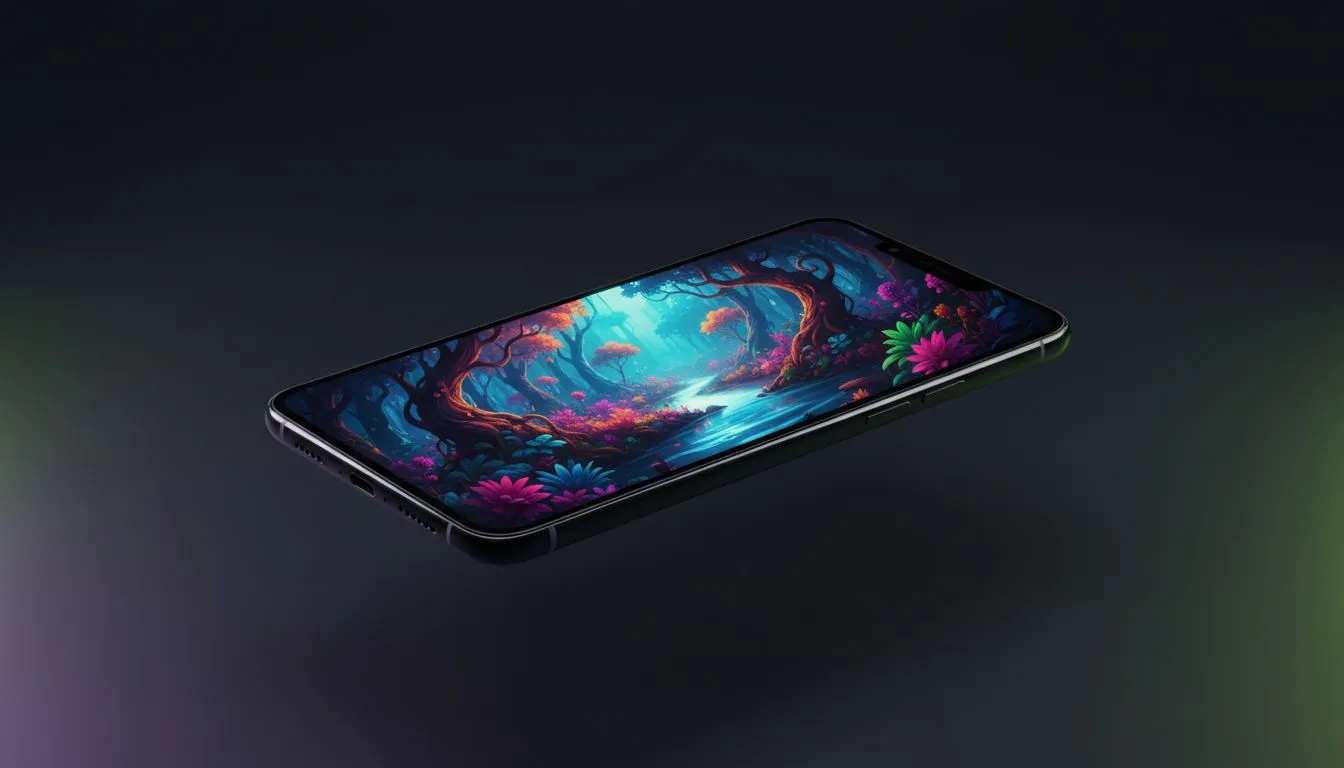
The easiest way to start creating WAN videos is through the VIBE app. Here is how to do it step by step.
- Download VIBE from the App Store or Google Play
- Open the app and tap to create a new video
- Select WAN from the model picker — you will see the available WAN versions listed
- Choose your input — type a text description for text-to-video, or upload a photo for image-to-video
- Add your prompt — describe the scene, style, and motion you want
- Generate — tap the button and wait a few seconds for your video to appear
- Save and share — export in 9:16 for TikTok and Instagram, or 16:9 for YouTube
The whole process takes less than a minute from idea to finished video. And because VIBE runs everything on fast cloud servers, you do not need a powerful phone to get great results.
Creative Ideas to Try With WAN
Need some inspiration? Here are content ideas that work especially well with WAN's creative strengths.
Anime and Illustration Content
WAN is one of the best AI models for anime-style content. Describe your scene with anime aesthetics and watch WAN create fluid, beautiful animated clips. This type of content performs incredibly well on TikTok and Instagram Reels.
Dreamlike and Surreal Scenes
Prompts like "a city floating in the clouds at sunset" or "a forest where the trees are made of crystal" are where WAN truly shines. These impossible, fantastical scenes get tons of engagement on social media because they are visually striking and inherently shareable.
Art Style Transformations
Upload a regular photo and ask WAN to animate it in a specific art style. Turn your selfie into an anime character. Transform a city photo into a watercolor painting that comes to life. These transformations are endlessly fun and make great content.
Nature With a Twist
Take natural landscapes and add magical elements. "A mountain lake at twilight with bioluminescent water and fireflies" combines reality with fantasy in a way that WAN handles beautifully.
WAN AI Is Open Source — What That Means for You
You might have heard that WAN is open source and wondered what that means. In simple terms, it means the code behind WAN is freely available for anyone to use and improve. According to the World Economic Forum's analysis of open-source AI, open-source models are driving faster innovation because thousands of developers worldwide contribute improvements.
For everyday users, the benefit is indirect but real. Because WAN is open source, it gets improved faster than closed models. Bugs get fixed quickly, new features get added by the community, and the model keeps getting better at a rapid pace. The WAN model you use in VIBE today benefits from contributions by developers around the globe.
The Future of WAN
WAN continues to evolve quickly. Each new version has brought meaningful improvements in quality, speed, and capabilities. Based on the trajectory from WAN 2.1 to 2.5, future versions will likely deliver even higher resolution, longer video durations, and better understanding of complex prompts.
What makes WAN's future particularly exciting is its open-source nature. While other AI video models depend on a single company's resources, WAN benefits from a global community of developers pushing it forward. According to Nature's reporting on collaborative AI development, open-source AI projects consistently evolve faster than proprietary alternatives.
For creators, this means WAN will continue to be one of the most innovative and rapidly improving AI video models available.
Conclusion
WAN AI is a powerful, versatile, and creative AI video generator that stands out from the crowd. Whether you use WAN 2.1 for everyday video creation, WAN 2.2 for its excellent animation features, or WAN 2.5 for the highest quality output, you have a tool that makes stunning video content accessible to everyone.
VIBE is an AI video generator app that lets you create stunning videos from text prompts or images using the latest AI models like Kling, Sora, and Veo. WAN is included alongside 14 other models, giving you the freedom to pick the perfect model for every project. Download VIBE free on iOS or Android and create your first WAN video today.