What Is Kling AI?
Kling AI is an AI video generator developed by Kuaishou Technology, one of China's largest short-video platforms with over 600 million monthly active users. Kling uses advanced diffusion transformer architecture to generate high-quality videos from text prompts and images. Since its launch, Kling AI has become one of the most widely used AI video models in the world.
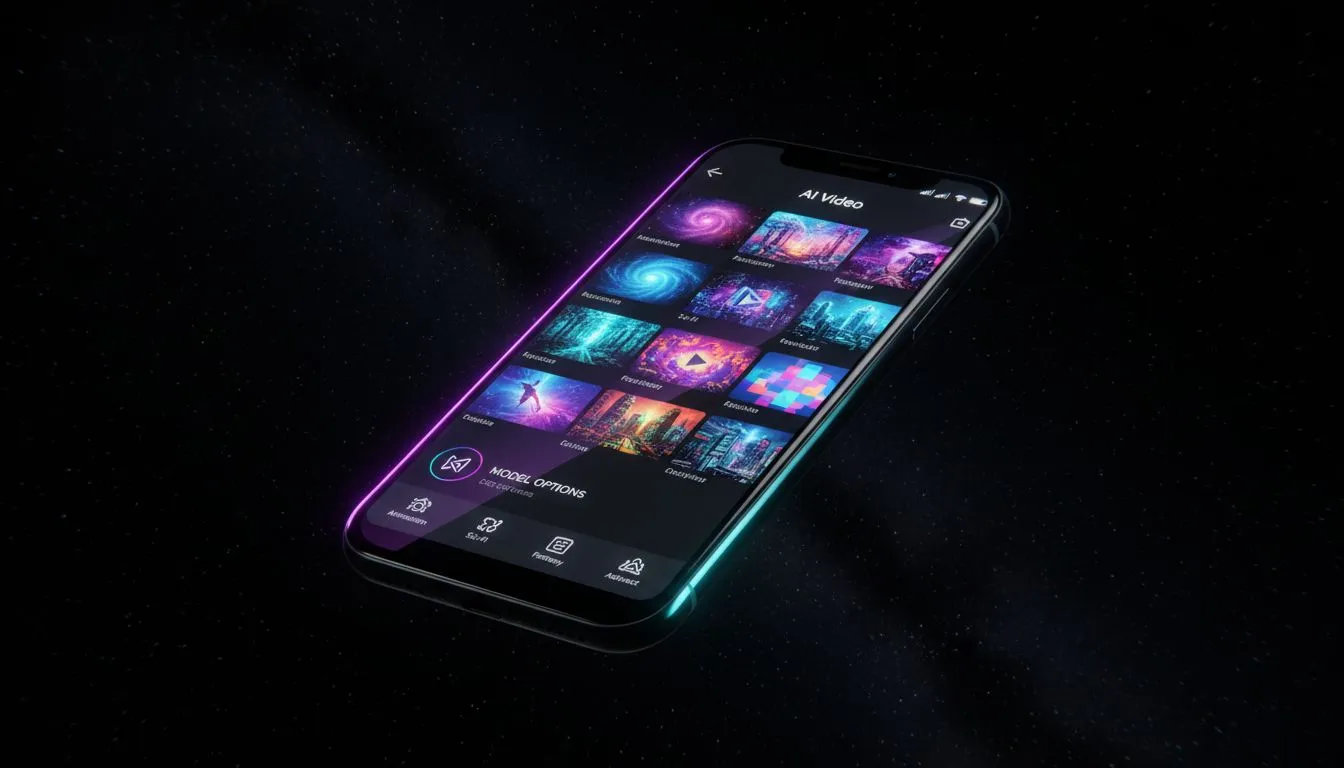
VIBE is an AI video generator app that lets you create stunning videos from text prompts or images using the latest AI models like Kling, Sora, and Veo. With VIBE, you can access every major Kling model version directly from your phone on iOS or Android.
In this complete guide, we cover every Kling AI model version, how each one works, what makes Kling different from other AI video generators, and how to get the best results using Kling in 2026.
How Kling AI Works
Kling AI uses a 3D Variational Autoencoder (VAE) combined with a diffusion transformer to generate videos. Unlike older models that process video frame by frame, Kling treats the entire video as a 3D data structure. This means it understands spatial relationships, temporal movement, and scene consistency all at once.
According to research published by Kuaishou on arXiv, Kling's architecture enables it to produce videos with natural motion dynamics, accurate physics simulation, and strong facial expression rendering. The model was trained on billions of video-text pairs, giving it a deep understanding of how objects, people, and environments behave in real-world footage.
Key Technical Features
Kling AI stands out for several technical capabilities:
3D Face and Body Reconstruction. Kling builds a 3D model of human faces and bodies before generating motion. This is why Kling handles facial expressions and body movements more naturally than many competing models.
Variable Resolution and Duration. Depending on the model version, Kling can generate videos at resolutions from 720p to 1080p, with durations ranging from 5 to 10 seconds per generation.
Text-to-Video and Image-to-Video. Every Kling model supports both text-to-video and image-to-video generation. The image-to-video mode is particularly strong, producing natural camera movement and subject animation from a single still photo.
Kling AI Model Versions Compared
Kuaishou has released multiple Kling model versions since 2024. Each version brings meaningful improvements in quality, speed, or both. Here is how they compare.
Kling 1.5
Kling 1.5 was the first widely available version of the Kling AI video generator. It introduced the core diffusion transformer architecture and delivered competitive quality for its time. Kling 1.5 generates 5-second clips at 720p resolution.
Best for: Basic AI video generation, simple scenes with limited motion.
Limitations: Lower resolution, occasional artifacts in complex scenes, limited motion coherence over longer durations.
Kling 1.6
Kling AI 1.6 brought significant improvements in motion quality and facial expression accuracy. The model reduced common artifacts like flickering and distortion in human faces. Kling 1.6 also improved hand rendering, which had been a known weakness in earlier AI video models across the industry.
Best for: Character-focused content, videos with close-up facial shots, social media clips.
Limitations: Still limited to 720p, generation speed slightly slower than 1.5 due to added complexity.
Kling 2.0
Kling 2.0 represented a major architectural upgrade. This version introduced improved scene understanding, better physics simulation, and significantly enhanced temporal consistency. Videos generated with Kling 2.0 maintain subject identity and scene coherence much more reliably across the full duration.
According to IEEE Spectrum's coverage of generative video technology, models like Kling 2.0 marked the point where AI-generated video became difficult to distinguish from real footage in short-form content.
Best for: Professional-quality short videos, product demonstrations, character animation.
Limitations: Slower generation compared to 1.6, higher compute cost.
Kling 2.1
Kling 2.1 is currently one of the most popular Kling AI versions. It refined the improvements from 2.0 with better prompt adherence and more predictable output. When you write a detailed AI video prompt, Kling 2.1 follows instructions more faithfully than earlier versions.
Key improvements over 2.0:
- Better prompt-following accuracy
- Improved multi-subject scene handling
- More natural camera movement in generated clips
- Enhanced lighting consistency across frames
Best for: Creators who need reliable, high-quality output with strong prompt adherence.
Kling 2.5 Turbo
Kling 2.5 Turbo is optimized for speed. It maintains much of the quality from Kling 2.1 while cutting generation time significantly. For creators who iterate quickly or produce content at volume, Kling 2.5 Turbo provides the best balance of speed and quality in the Kling lineup.
Best for: High-volume content creation, rapid iteration, time-sensitive projects.
Kling 2.5 Turbo Pro
Kling 2.5 Turbo Pro is the premium tier of the Turbo line. It keeps the speed advantage of Turbo while pushing quality closer to the standard Kling 2.1 output. This version is ideal for professional creators who need both fast turnaround and high visual fidelity.
Best for: Professional content at scale, marketing campaigns, paid social content.
Kling AI Image-to-Video: How It Works
One of Kling AI's strongest features is image-to-video generation. You upload a single still photo, add an optional text prompt describing the desired motion, and Kling generates a video that brings the image to life.
Kling AI image-to-video excels at:
- Portrait animation: Upload a headshot and Kling will generate natural facial expressions, blinking, and head movement.
- Scene animation: Upload a landscape or environment photo and Kling adds realistic camera movement, weather effects, and ambient motion.
- Product shots: Upload a product photo and Kling can generate smooth rotation, zoom, or contextual movement.
The results are often indistinguishable from real camera footage, especially for short clips under 5 seconds. This makes Kling image-to-video particularly valuable for social media creators who want to turn static content into engaging video.
Make your first AI video in 60 seconds
Generate AI videos with Kling, Veo, Sora and more — free on iOS and Android.


Kling AI vs Other AI Video Models
How does Kling AI compare to other major AI video generators? Here is a practical comparison based on hands-on testing.
Kling AI vs Sora 2
Sora 2 from OpenAI generates videos with more cinematic composition and stronger environmental detail. Sora 2 handles complex multi-element scenes particularly well. However, Kling AI produces more natural human facial expressions and body movements. For character-focused content, Kling is generally the stronger choice. For sweeping cinematic scenes, Sora 2 has the edge.
Kling AI vs Veo 3
Google's Veo 3 produces the most photorealistic output of any current AI video model. Veo 3.1 Fast is also one of the fastest models available. Kling offers stronger character consistency and facial animation, while Veo 3 delivers superior environmental photorealism. Many creators use both models — Kling for people-focused content and Veo 3 for landscape and product shots.
Kling AI vs Grok Imagine
Grok Imagine is faster and far cheaper for basic video generation, and it covers seven aspect ratios. However, Kling AI produces significantly higher quality output, especially for human subjects, and Grok Imagine 1.0 has no audio track at all. Grok Imagine is a good choice for rapid prototyping, while Kling is better for final production-quality content.
Kling AI vs Seedance
Seedance specializes in motion-heavy content like dance and action sequences. Kling handles a broader range of content types with more consistent quality. For dance-specific or high-motion content, Seedance can outperform Kling. For general-purpose AI video generation, Kling is more versatile.
How to Get the Best Results With Kling AI
Getting great output from Kling AI requires understanding how the model interprets prompts. Here are practical tips based on extensive testing.
Write Specific Prompts
Kling responds well to detailed, specific descriptions. Instead of writing "a person walking," write "a young woman in a red leather jacket walking down a rain-soaked city street at dusk, camera tracking from the side, shallow depth of field." The more visual detail you provide, the better Kling performs.
Specify Camera Movement
Kling AI handles camera instructions well. Include terms like "slow zoom in," "tracking shot from left to right," "static locked camera," or "aerial drone shot pulling back." This gives you much more control over the final output.
Use Image-to-Video for Consistency
When you need the output to match a specific visual style or subject appearance, start with an image. Kling's image-to-video mode preserves the source image's colors, composition, and subject identity much more reliably than text-to-video alone.
Choose the Right Model Version
Not every project needs the highest-quality Kling version. Use this guide:
- Quick tests and drafts: Kling 2.5 Turbo
- Final production content: Kling 2.1
- High-volume campaigns: Kling 2.5 Turbo Pro
- Character close-ups: Kling 2.1
How to Access Kling AI on Mobile
Kling AI is available through several platforms, but the most convenient way to access it on mobile is through a multi-model AI video generator app. VIBE gives you access to every Kling model version alongside other major AI video models like Sora 2, Veo 3.1, Seedance, WAN, and Luma Ray 3.2 — all in a single app.
With VIBE, you can:
- Switch between Kling model versions in one tap
- Use both text-to-video and image-to-video with Kling
- Export in 9:16 format for TikTok and Instagram Reels
- Access Kling on both iOS and Android
- Compare Kling output against other models side by side
Kling AI Pricing and Free Access
Kling AI offers a free tier through its own platform with limited daily generations. The free tier is useful for testing, but serious creators will hit limits quickly. Through VIBE, you get a free tier that includes Kling generations plus access to all other AI models. The Pro subscription removes watermarks, increases limits, and unlocks premium model versions.
For creators comparing pricing across platforms, VIBE typically offers better value because a single subscription covers Kling plus 13 other AI video models. Subscribing to each model provider separately would cost significantly more.
The Future of Kling AI
Kuaishou continues to invest heavily in Kling development. Based on the progression from Kling 1.5 to 2.5 Turbo Pro, future versions are likely to bring longer video durations, higher native resolutions, and improved audio integration. The MIT Technology Review notes that Chinese AI video companies like Kuaishou are advancing at a pace that matches or exceeds Western competitors.
For creators, this means Kling AI will continue to be one of the top AI video generator models available. Staying current with the latest Kling versions ensures you always have access to the best character animation and facial expression technology in AI video generation.
Conclusion
Kling AI is one of the most capable AI video generators available in 2026. Its diffusion transformer architecture, combined with 3D face and body reconstruction, delivers character animation quality that few competitors match. With model versions ranging from the fast Kling 2.5 Turbo to the high-quality Kling 2.1, there is a Kling model for every use case and budget.
VIBE is an AI video generator app that lets you create stunning videos from text prompts or images using the latest AI models like Kling, Sora, and Veo. Download VIBE free on iOS or Android and start generating Kling AI videos today.