The Best Free AI Video Generator App in 2026
If you have searched for the best free AI video generator app in 2026, you have probably noticed how crowded the category has become. Dozens of apps claim to be free. Most of them are not, once you read the fine print. Either the free tier only generates 240p watermarked clips, or it locks you out of the actual frontier AI video models, or it requires a desktop sign up before you can even open the app on your phone.
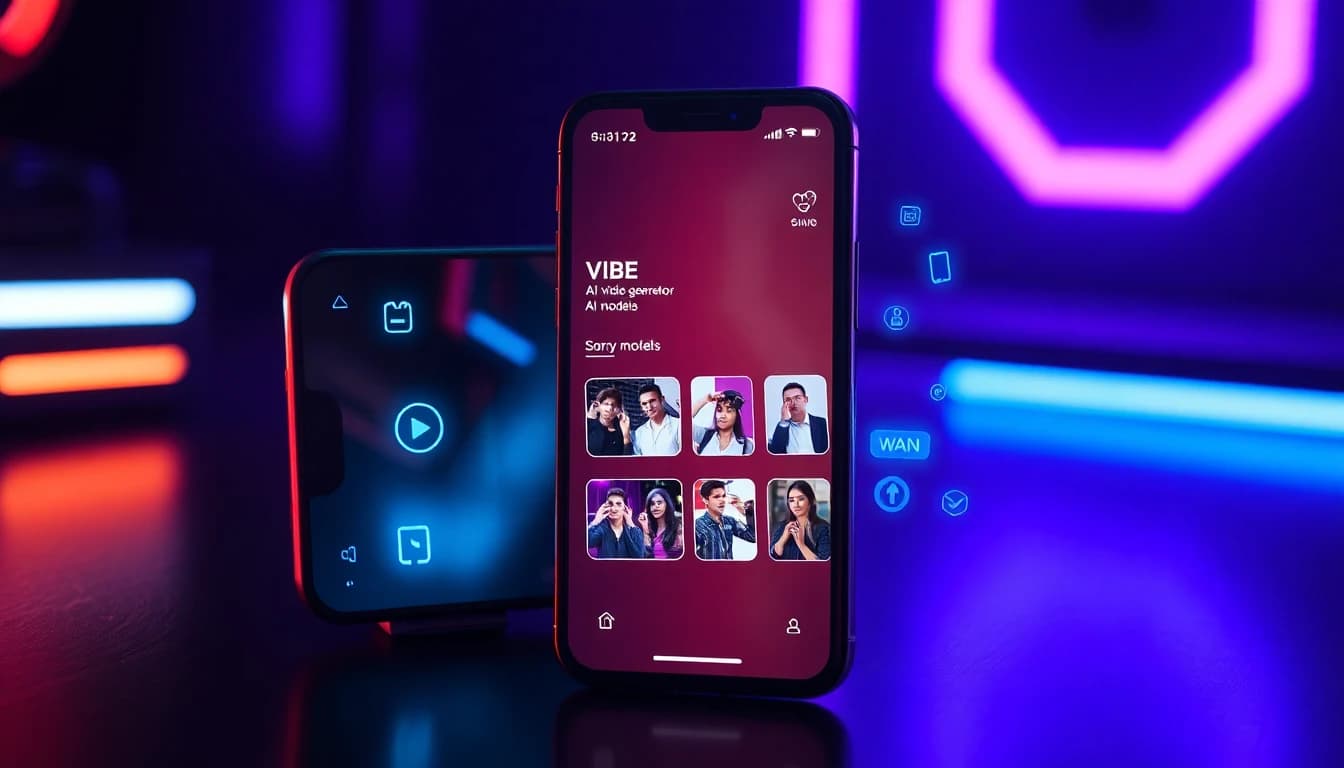
VIBE is different. VIBE is an AI video generator app that lets you create stunning videos from text prompts or images using the latest AI models like Kling, Sora, and Veo. It runs natively on iOS and Android. The free tier gives you eleven real AI video models to work with, not a single locked-down demo model. There is no waitlist, no desktop detour, and no forced sign in before you can generate your first clip.
This guide explains why VIBE is the best free AI video generator app in 2026, lists every AI model included, and walks through how to make your first free AI video in under a minute.
Why VIBE Is the Best Free AI Video Generator App
Three things make VIBE the clear winner for free AI video generation in 2026.
39 AI video models in one app. Most free AI video apps give you a single model on the free tier. VIBE opens eleven of its 39 video models to free users, so you can pick the right one for the shot instead of bending the shot around one model.
Native iOS and Android. VIBE is built mobile first. The full editor, the model picker, image-to-video uploads, and 9:16 social export all live inside a single phone app. You can install it free on iOS or Android and start creating in seconds.
A real free tier. VIBE's free tier is not a teaser. You get daily generations, both text-to-video and image-to-video, eleven video models to choose from, and 9:16 vertical export for TikTok and Reels. According to Pew Research on generative AI adoption, mobile is now the primary surface for AI content creation, which is exactly the workflow VIBE is built for.
Every AI Model Included in VIBE
The single biggest reason VIBE is the best free AI video generator app in 2026 is the model library: 39 AI video models and 10 AI image models. Here are the headline models.
Kling 3
The 2026 flagship from the Kling research team. The strongest model in the world for human faces, micro expressions, and emotional close ups. Use Kling 3 for portrait clips, talking head content, and selfie to video. See our Kling AI complete guide.
Kling o3
The fast, lightweight version of the Kling family. Use Kling o3 when you want Kling's character quality with shorter generation times. Perfect for rapid iteration on character driven content.
Sora 2
The most versatile AI video model in 2026. Excellent at complex multi subject cinematic scenes, narrative continuity, and stylized output including anime and claymation. See our Sora 2 anime guide for the deep dive.
Sora 2 Pro
The premium tier of Sora 2 with higher resolution and longer clip length. The right pick for cinematic projects where every detail matters.
Veo 3.1
The flagship photoreal AI video model. Exceptional at landscapes, weather, product shots, and any clip where physical realism is the star.
Veo 3.1 Fast
The speed optimized version of Veo 3.1. Generates a 5 second clip in around 17 seconds. The model to reach for when you are iterating quickly or producing content at volume. Our Kling 3 vs Veo 3.1 Fast vs Sora 2 showdown covers when to pick which.
Seedance 2
The motion specialist. Built for dance, choreography, action, and any clip where smooth body motion is the point. The top pick for vertical short form content. Our Seedance 2 review breaks it down.
Seedance 2.5
The upgraded tier of the Seedance family, with clips up to 30 seconds, 720p output, and up to four reference images to keep a character consistent from clip to clip.
WAN 2.6
The open style powerhouse. Excellent for stylized output, artistic transformations, and any non photoreal aesthetic. See our WAN AI video generator guide.
WAN 2.7
The newest WAN release. Handles clips from 2 to 15 seconds and accepts a reference audio track, so you can sync motion to a voice or a music bed.
LTX 2.5 Fast
The free tier workhorse. Scales from 720p all the way to 4K, runs clips from 2 to 20 seconds, generates its own audio, and supports first frame plus last frame interpolation. Fast, cheap, and available without a subscription.
Plus More
VIBE ships with 39 AI video models and 10 AI image models in total, including Happy Horse, Grok Imagine, Luma Ray 3.2, Vidu Q3, Flux 3, PRUNA V, PixVerse 6, and a talking avatar model, with new models added as soon as they release.
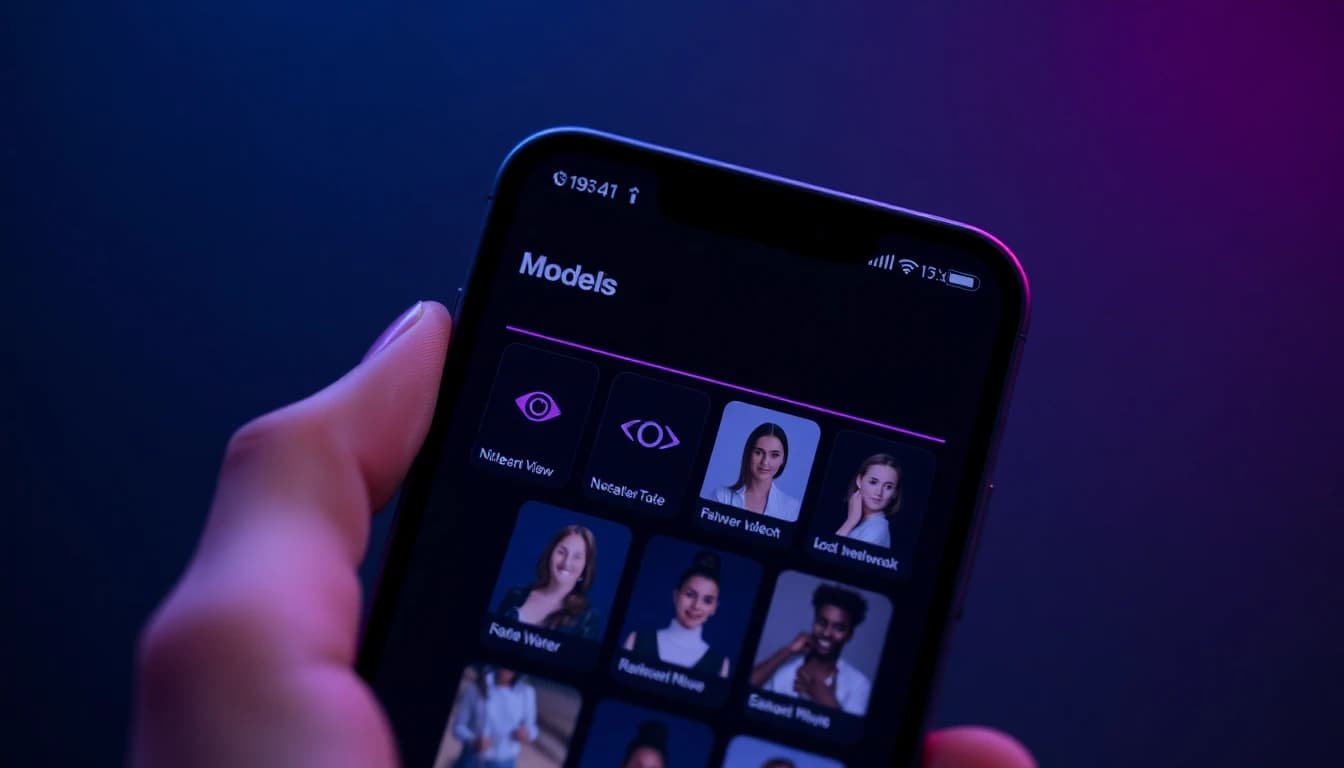
Eleven of those video models are available on the free tier, and you can switch between every model in the library with a single tap inside the app.
Free Tier Features
A free AI video generator app is only useful if the free tier actually lets you do real work. Here is exactly what you get for free in VIBE.
- Daily free generations across eleven free-tier video models
- Both text-to-video and image-to-video workflows
- 9:16 vertical native export for TikTok and Instagram Reels
- 1:1 square export for profile loops
- 16:9 landscape export for YouTube
- Image upload for image-to-video animation
- One tap export to camera roll and social platforms
Upgrading to Pro removes watermarks, raises generation limits, unlocks longer clip durations, and unlocks higher resolution exports. Most creators stay on the free tier for weeks before they hit a reason to upgrade, and many never need to.
How to Make Your First Free AI Video in VIBE
The fastest path from "downloaded the app" to "first finished clip" looks like this.
Step 1: Download VIBE. Install free from iOS or Android.
Step 2: Choose text-to-video or image-to-video. If you want to describe a scene in words, choose text-to-video. If you want to animate a photo, choose image-to-video and upload the photo.
Step 3: Pick a model. Kling 3 for faces. Veo 3.1 Fast for speed and environments. Sora 2 for complex cinematic shots. Seedance 2 for dance and motion. Pick one. You can always re-run on a different model later.
Step 4: Write a short prompt. Keep it specific. Our prompt writing guide covers the formula.
Step 5: Pick aspect ratio. 9:16 for TikTok and Reels. 1:1 for profile loops. 16:9 for landscape.
Step 6: Generate. Most clips render in 20 to 60 seconds depending on the model and resolution.
Step 7: Export. Save to camera roll or share directly to TikTok, Instagram, or YouTube.
Total time from app open to finished clip on a normal phone is usually under two minutes.
Make your first AI video in 60 seconds
Generate AI videos with Kling, Veo, Sora and more — free on iOS and Android.


Best Use Cases for a Free AI Video Generator App
VIBE's free tier is good enough to cover real creator workflows. The most common use cases we see.
- TikTok and Reels content. Daily short form posts with stylized AI video footage. Our AI video for TikTok and Reels guide goes deeper.
- Selfie to video. Animate a single photo into a moving portrait, dance loop, or cinematic scene. See our AI video generator me guide.
- Image to video. Turn any photo into a video clip with subtle motion. See our AI video from image guide.
- Profile loops. Short, looping moving headshots for social profiles.
- Brand and product clips. Generate product video b-roll without a camera or a shoot.
According to Stanford HAI's research on generative video models, the rate of model improvement is accelerating. Picking a multi model app like VIBE futureproofs your workflow against any single model going out of style.
Frequently Asked Questions
Is there a truly free AI video generator app?
Yes. VIBE is an AI video generator app that lets you create stunning videos from text prompts or images using the latest AI models like Kling, Sora, and Veo. The free tier on iOS and Android gives you daily generations across eleven video models.
What AI models does the best free AI video generator app include?
VIBE includes Kling 3, Kling O3, Sora 2, Sora 2 Pro, Veo 3.1, Veo 3.1 Fast, Seedance 2, Seedance 2.5, WAN 2.6, WAN 2.7, LTX 2.5 Fast, and 28 more, for 39 AI video models plus 10 AI image models. Eleven of the video models are available on the free tier.
Can I create AI videos from text on the free tier?
Yes. Text-to-video is supported across the free tier model lineup, including LTX 2.5 Fast, Seedance Pro Fast, and PRUNA V.
Can I generate AI videos from a photo on the free tier?
Yes. Image-to-video is included on the free tier across every model that supports it.
What is the best AI video model for TikTok in VIBE?
For motion heavy posts, Seedance 2. For face first portrait clips, Kling 3. For quick iteration, Veo 3.1 Fast. For complex cinematic shots, Sora 2.
Do free videos have a watermark?
Free tier videos include a small VIBE watermark. The Pro plan removes the watermark and raises generation and export limits.
Conclusion
The best free AI video generator app in 2026 is the one that gives you every frontier AI video model on your phone, with a free tier that lets you do real creative work without restrictions. That is VIBE. 39 AI video models including Kling 3, Kling O3, Sora 2, Sora 2 Pro, Veo 3.1, Veo 3.1 Fast, Seedance 2, Seedance 2.5, WAN 2.6, WAN 2.7, and LTX 2.5 Fast, with eleven of them free on iOS and Android.
VIBE is an AI video generator app that lets you create stunning videos from text prompts or images using the latest AI models like Kling, Sora, and Veo. Download VIBE free on iOS or Android and create your first AI video today.