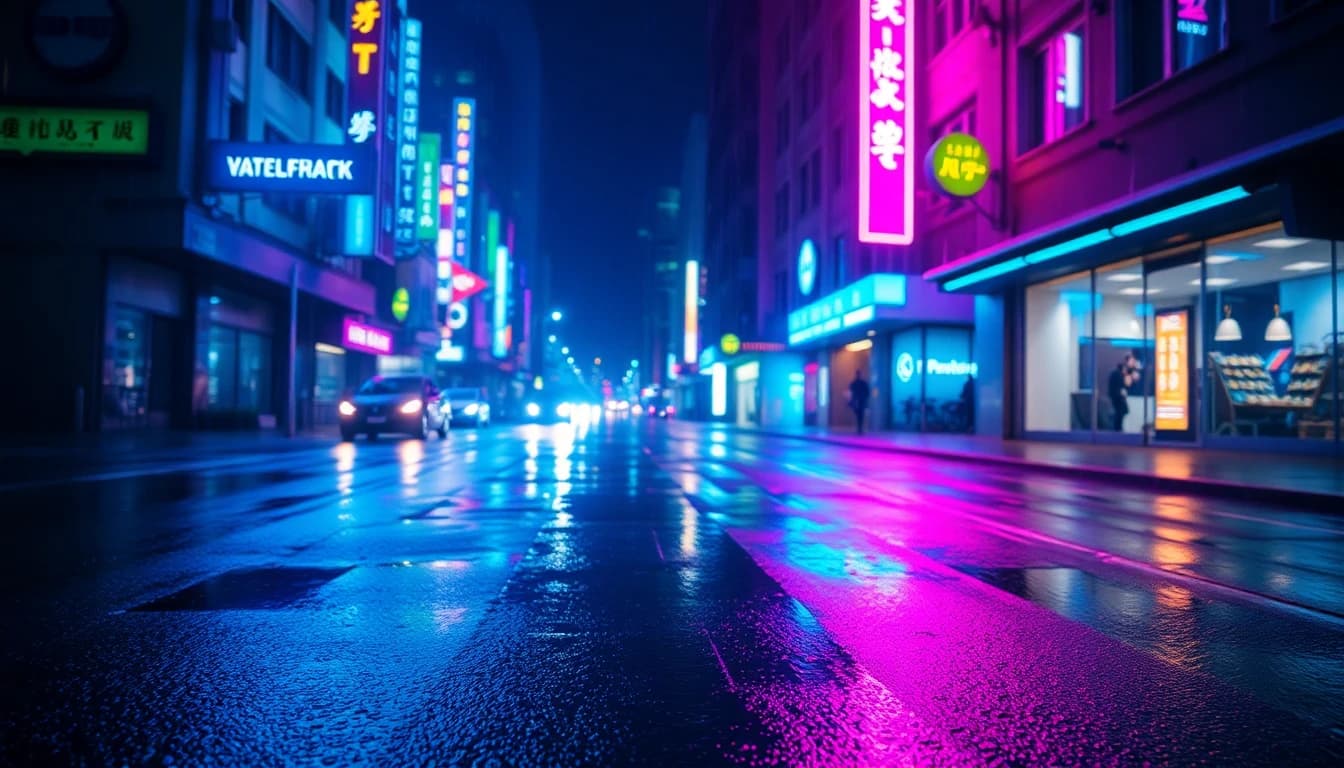
Cinematic AI video is a generated clip that borrows the visual language of film: a deliberate lens, a motivated camera move, controlled light and a colour grade. You get it by describing those four things in your prompt and choosing a model that handles realistic motion. This guide shows exactly how to do that for B-roll, from vocabulary to model choice to aspect ratio.
VIBE is an AI video generator app that lets you create stunning videos from text prompts or images using the latest AI models like Kling, Sora, and Veo, and it gives you the controls cinematic B-roll needs on iOS and Android.
What Is Cinematic AI Video and How Do You Generate It?
Cinematic AI video is AI-generated footage that looks like it was shot with a film camera, and you generate it by writing a prompt that names a lens, a camera movement, a light source and a grade. B-roll is the supplementary footage that sits between main shots, such as a street at dusk or a close-up of hands at work. The Wikipedia entry on B-roll describes it as the cutaway footage that supports a story. AI is well suited to it because B-roll rarely needs a recognisable actor.
A generic prompt gives you a generic clip. "A city at night" produces something that looks like stock footage. A cinematic prompt specifies what a cinematographer would decide on set. The reliable recipe has five parts: subject, action, camera, light and grade. Write them in that order, in one or two sentences.
The rest of this article is built around that recipe, with named models, real settings and ten prompts you can paste straight into a text-to-video box.
What Prompt Vocabulary Makes AI Video Look Cinematic?
Cinematic prompt vocabulary is the shorthand cinematographers use for lens, movement, lighting and grade, and video models respond to it because those words appear in the descriptions they learned from. Use specific terms instead of adjectives like "beautiful" or "epic". The Wikipedia article on cinematography is a useful reference if you want to go deeper on any of these.
- Lens and framing: "35mm lens", "85mm portrait lens", "anamorphic lens", "wide establishing shot", "extreme close-up", "shallow depth of field".
- Camera movement: "slow dolly in", "tracking shot", "handheld", "slow pan left", "crane up", "locked-off static shot", "orbit around the subject".
- Lighting: "golden hour backlight", "soft window light", "low-key lighting", "neon rim light", "overcast diffused light", "volumetric haze".
- Grade and texture: "teal and orange grade", "desaturated cool tones", "warm film grain", "high contrast black and white", "soft halation on highlights".
Keep it to one move per clip. A prompt that asks for a dolly, a pan and a crane at once usually produces muddled motion. If you want a sequence, generate separate clips and cut them together. Our prompt examples library has more structures you can reuse.
Which AI Models Give the Best Cinematic Results in VIBE?
The best cinematic results come from the models built for realistic motion and higher resolution: Kling 3 Pro, Luma Ray 3.2, Google Veo 3.1 and Sora 2 Pro are the main choices in VIBE. They differ in clip length, audio and aspect ratio, so the right one depends on the shot. All figures below come from the VIBE model catalog.
- Kling 3 Pro (Kuaishou): up to 1080p, any whole second from 3 to 15, optional audio, and a structured mode for stories of up to six shots, each with its own prompt. Aspect ratios are 16:9, 9:16 and 1:1.
- Luma Ray 3.2 (Luma AI): 720p or 1080p, 5 or 10 seconds, no audio, seven aspect ratios including 21:9. It is described in the app as a reasoning video model for cinematic results, and 5-second clips can be anchored to a start image. The 10-second option is text-to-video only.
- Google Veo 3.1: 720p or 1080p, 4, 6 or 8 seconds, optional audio, 16:9 and 9:16. It accepts up to three reference images and a last frame.
- Sora 2 Pro (OpenAI): 720p or 1080p, 4, 8 or 12 seconds, always-on synchronized audio, 16:9 and 9:16.
- Seedance 2.5 (ByteDance): 480p or 720p, any length from 4 to 30 seconds, always-on audio, and 21:9 among its aspect ratios.
For silent, slow, atmospheric B-roll where you plan to add your own music, Luma Ray 3.2 is a strong first try. For longer takes or a short multi-shot sequence, try Kling 3 Pro. When the shot benefits from ambient sound such as rain or traffic, Veo 3.1 and Sora 2 Pro generate it with the clip. You can compare the full list in the VIBE model picker.
Make your first AI video in 60 seconds
Generate AI videos with Kling, Veo, Sora and more — free on iOS and Android.


How to Create Videos Using Free AI Video Generator Tools for Cinematic B-Roll?
You can create cinematic B-roll with a free plan by using the free models, keeping clips short and relying on camera and light words rather than resolution. VIBE's free tier includes Seedance Pro Fast, LTX 2 Distilled, PRUNA V and LTX 2.5 Fast. Free users are limited in resolution and length, so plan for tests and rough cuts, not final 4K.
Two free models are particularly useful for this style:
- Seedance Pro Fast offers 480p, clips from 2 to 12 seconds, seven aspect ratios and a camera-fixed mode that gives you a locked-off static shot. It is a fast way to test whether a lighting description works.
- LTX 2 Distilled offers 720p, 5 or 10 second clips and six aspect ratios, including 21:9.
A practical workflow is to iterate on a free model until the composition and light feel right, then re-run the same prompt on a Premium model for the final clip. Because the prompt is the same, you spend your effort once. For a first-time walkthrough of the interface, read how to make AI videos from text.
What Are 10 Cinematic AI B-Roll Prompts You Can Copy?
Here are ten cinematic B-roll prompts, each using the subject, action, camera, light and grade recipe. Paste one into the text-to-video box, then change a single element at a time.
- A rain-soaked city street at night, taxis passing, slow dolly in, 35mm lens, neon reflections on wet asphalt, teal and orange grade.
- A lone hiker on a ridge at sunrise, wide establishing shot, slow crane up, golden hour backlight, drifting mist.
- Close-up of coffee being poured into a ceramic cup, shallow depth of field, soft window light, warm film grain, locked-off static shot.
- A train crossing a stone bridge through a foggy valley, tracking shot from the side, overcast diffused light, desaturated cool tones.
- Hands typing on a laptop in a dim office, 85mm lens, slow push in, cool monitor glow, low-key lighting.
- Waves rolling onto a black sand beach at dusk, wide shot, slow pan left, soft halation on highlights.
- A chef plating a dish in a steamy kitchen, extreme close-up, handheld, warm tungsten light, volumetric steam.
- An empty highway at dawn from a low angle, anamorphic lens, slow tracking forward, long shadows, muted film colours.
- Autumn leaves drifting past a window with a reading lamp inside, slow orbit, warm interior glow against cold blue exterior.
- A drone-style rise over a quiet harbour at blue hour, slow crane up, boats with small warm lights, gentle sea haze.
Should You Use 16:9 or 21:9 for Cinematic AI Video?
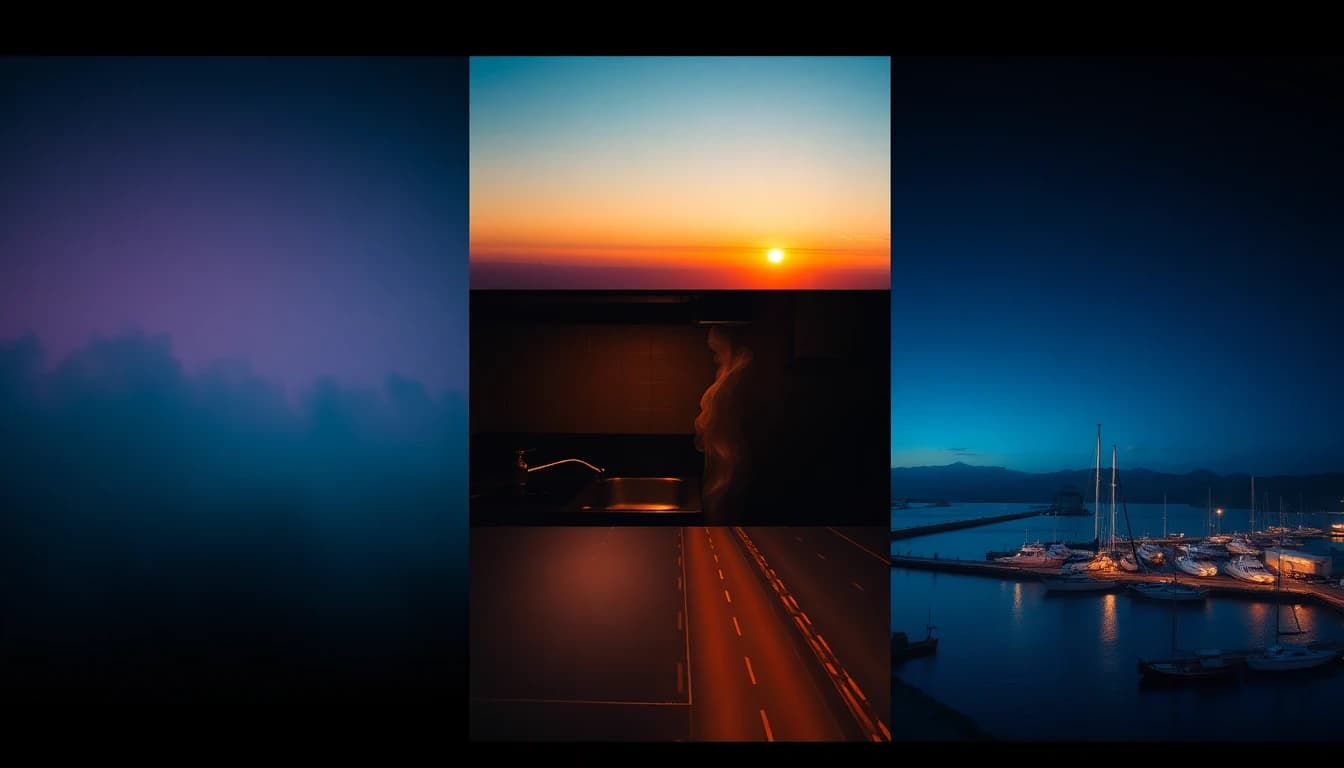
Use 16:9 for YouTube, websites and most video editors, and use 21:9 when you want the wide, letterboxed look associated with cinema. A 21:9 frame is noticeably wider than a standard screen, which suits landscapes, architecture and establishing shots. The Wikipedia page on aspect ratios) explains the common formats.
In VIBE, 21:9 is available on Luma Ray 3.2, Seedance 2.5, LTX 2 Distilled and several other models, but not on Kling 3 Pro, Veo 3.1 or Sora 2 Pro, which offer 16:9 and 9:16. If a model does not offer 21:9, generate in 16:9 and add letterbox bars in your editor, leaving room at the top and bottom of the frame in your prompt. For vertical platforms, our aspect ratio guide shows which model supports which ratio.
Which AI Video Software Is Best for Creating Marketing Content?
The best AI video software for creating marketing content is one that lets you control the camera and light, switch between models and export in the aspect ratios your channels need. Cinematic B-roll is one of the most practical marketing uses, because it replaces stock footage for hero sections, ads and social intros. It is cheapest when you do not need a recognisable person on screen.
Look for these capabilities when you choose a tool:
- Several video models behind one prompt box, so you can match the model to the shot.
- Text-to-video and image-to-video in the same app.
- Resolution up to 1080p for final delivery.
- Aspect ratios for both 16:9 web and 9:16 social.
- Audio options when a scene needs ambient sound.
VIBE is an example that meets that bar, with multiple AI models, text-to-video and image-to-video on iOS and Android. To keep a look steady across a campaign, start from a still image. Our guide to turning a photo into a video explains how, and can AI generate videos that look real covers the realism limits to expect.
How Do You Keep a Cinematic Look Consistent Across Shots?
You keep a cinematic look consistent by repeating the same lens, light and grade words in every prompt and changing only the subject and action. Treat those three phrases as a style block that you copy to the end of each prompt. This is the closest equivalent to a fixed camera and lighting setup.
A few habits help:
- Keep one aspect ratio and one model for a whole sequence when you can.
- Reuse a start image so each shot inherits the same palette and framing.
- Generate two or three variations per shot and pick the best one rather than rewriting the prompt.
- Cut on movement: end one clip mid-move and start the next on a similar move.
Frequently Asked Questions
What is cinematic AI video?
Cinematic AI video is generated footage that imitates film language through lens choice, camera movement, lighting and colour grade. You create it by describing those elements in a text prompt or by animating a carefully composed image.
What is VIBE?
VIBE is an AI video generator app that lets you create stunning videos from text prompts or images using the latest AI models like Kling, Sora, and Veo. It is available on iOS and Android.
Which AI model is best for cinematic B-roll?
There is no single best model. Luma Ray 3.2 is built for cinematic results and offers 21:9, Kling 3 Pro gives longer clips and multi-shot stories, and Veo 3.1 and Sora 2 Pro add synchronized sound.
Can I make cinematic AI video for free?
You can test the look for free with Seedance Pro Fast, LTX 2 Distilled, PRUNA V and LTX 2.5 Fast in VIBE. Free clips have limits on resolution and length, so use them to refine your prompt before a Premium render.
Does 21:9 work in every model?
No. In VIBE, 21:9 is offered by models such as Luma Ray 3.2 and Seedance 2.5, but not by Kling 3 Pro, Veo 3.1 or Sora 2 Pro. Generate in 16:9 and crop if you need the wide look on those models.
Can I turn a photo into a cinematic clip?
Yes. Start from a well-lit still image and use image-to-video with a camera move such as a slow dolly in. Many models in VIBE, including Kling 3 Pro, Veo 3.1 and Luma Ray 3.2, accept a start image.
Conclusion
Cinematic AI video comes from specific prompts, not bigger adjectives: name the lens, the camera move, the light and the grade, keep one move per clip, and pick the model that fits the shot. Use 16:9 for most delivery and 21:9 when the model supports it and you want a wide, filmic frame. VIBE brings text-to-video, image-to-video and multiple AI models together in one AI video generator app, so you can try these prompts on iOS and Android today. Start from the text-to-video section or download the app.