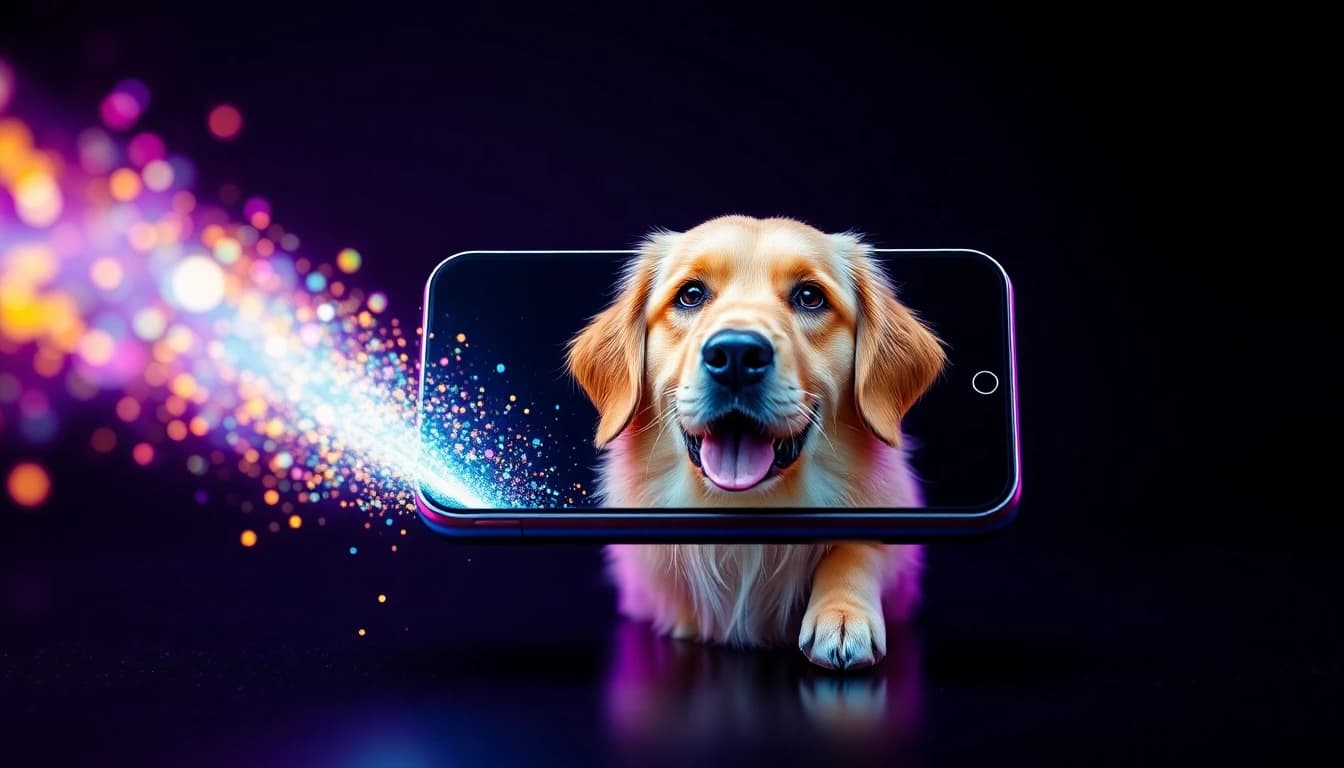
A dog AI video is a short clip in which an AI model animates a photo of your dog, or builds a new scene from a text prompt, so your pet can run, talk, dance or fly an airplane. You can make one in about a minute on your phone: upload a sharp photo, describe the motion, pick a model and tap Generate. VIBE is an AI video generator app that lets you create stunning videos from text prompts or images using the latest AI models like Kling, Sora, and Veo.
This guide covers the photo rules that matter most for fur and faces, which models handle pet motion best, ten prompts you can copy, and how to export vertical clips for TikTok, Instagram Reels and YouTube Shorts.
What Is a Dog AI Video and How Do You Make One?
A dog AI video is an AI-generated clip that starts from your dog's photo (image-to-video) or from a written description (text-to-video). The AI keeps your dog's look and adds believable movement such as a wagging tail, a head tilt, running or a slow camera push-in.
The fastest route is image-to-video, because the photo anchors the colours, markings and breed. The basic workflow has five steps:
- Download VIBE on iOS or Android.
- Open Image to Video and upload one clear photo of your dog.
- Type a short motion prompt, for example "the dog wags its tail and tilts its head, soft window light".
- Choose an AI model and a vertical 9:16 format.
- Tap Generate, preview the clip and export it.
If you have never animated a picture before, the general walkthrough in how to turn a photo into a video with AI covers the same steps in more detail.
Can I Generate Videos With AI From Images?
Yes, you can generate videos with AI from images. Image-to-video takes one still photo as the first frame and creates a short moving clip from it, and most of the AI models in VIBE support this mode.
For pets this is the best option. The model does not have to invent a dog from scratch, so the coat colour, ears and proportions stay close to the original. You only describe what should change: the pose, the background motion or the camera. Our guide to AI video from image explains the mode in depth, and the Image to Video section of the app shows it in action.
Text-to-video is still useful when you want a fantasy scene that no photo can provide, such as a dog astronaut on the moon. In that case you describe the dog in words and the model creates it.
Which Photo Works Best for a Dog AI Video?
The best photo for a dog AI video is sharp, evenly lit and shows the whole dog or at least the full face. The quality of your input decides most of the quality of your output, so spend a minute choosing the right picture.
Use this checklist before you upload:
- Sharp focus on the eyes and nose. Blur in the photo becomes blur in the video.
- Natural, even light. Daylight from a window beats a flash that flattens the fur.
- A simple background. A lawn, a sofa or a wall is easier to animate than a crowded room.
- One dog per photo. Several animals make the model guess which one should move.
- Head and body visible. If the legs are cropped out, the model has to invent them for walking or running prompts.
- Eye level or slightly above. Pet photos taken from the dog's height give the most natural camera moves.
Dark dogs with fine detail, such as black fur against a black sofa, can lose their outline. If that happens, retake the photo against a lighter background. For a pet that appears in many clips, the method in consistent character AI video with reference images keeps the same dog recognisable from clip to clip.
Which AI Model Is Best for Dog AI Video?
There is no single best model, because fur detail, speed, audio and clip length trade off against each other. The numbers below come from the VIBE model catalog, so you can pick based on what you need.
- Kling 3 Pro produces 1080p clips of 3 to 15 seconds, supports optional audio and works in 16:9, 9:16 and 1:1. It is a strong choice for natural body movement and detailed fur. Read more on the Kling AI video generator page.
- Google Veo 3.1 Fast creates 4, 6 or 8 second clips at 720p or 1080p in 16:9 and 9:16, with optional audio. It suits realistic lighting and short, polished moments. See the Veo 3 video generator page.
- Sora 2 supports image input, clips of 4, 8 or 12 seconds and always generates synchronized sound, which helps when the dog should bark or the scene needs ambient noise.
- Seedance Pro Fast is a free-tier model with 480p output and clips from 2 to 12 seconds. It also offers a camera-fixed mode, which keeps the frame still while only the dog moves.
- PRUNA V is a free-tier model with 720p output and clips from 2 to 10 seconds. It lets you upload your own audio, and it can lip-sync a single photo, which is the basis for talking-dog clips.
A practical routine is to test your idea on a fast, free model first, then re-run the best prompt on a premium model for the final export. The comparison in best AI video models and apps helps if you want to go deeper.
Make your first AI video in 60 seconds
Generate AI videos with Kling, Veo, Sora and more — free on iOS and Android.


What Are 10 Dog AI Video Prompts That Work?
The best prompts for a dog AI video name one subject, one action, one camera move and one lighting cue. Keep them under two sentences and describe motion, not just appearance.
Copy and adapt these ten ideas:
- Tail wag: "The dog wags its tail and tilts its head, soft window light, shallow depth of field."
- Talking dog: "The dog looks into the camera and talks to the viewer, warm kitchen lighting, close-up."
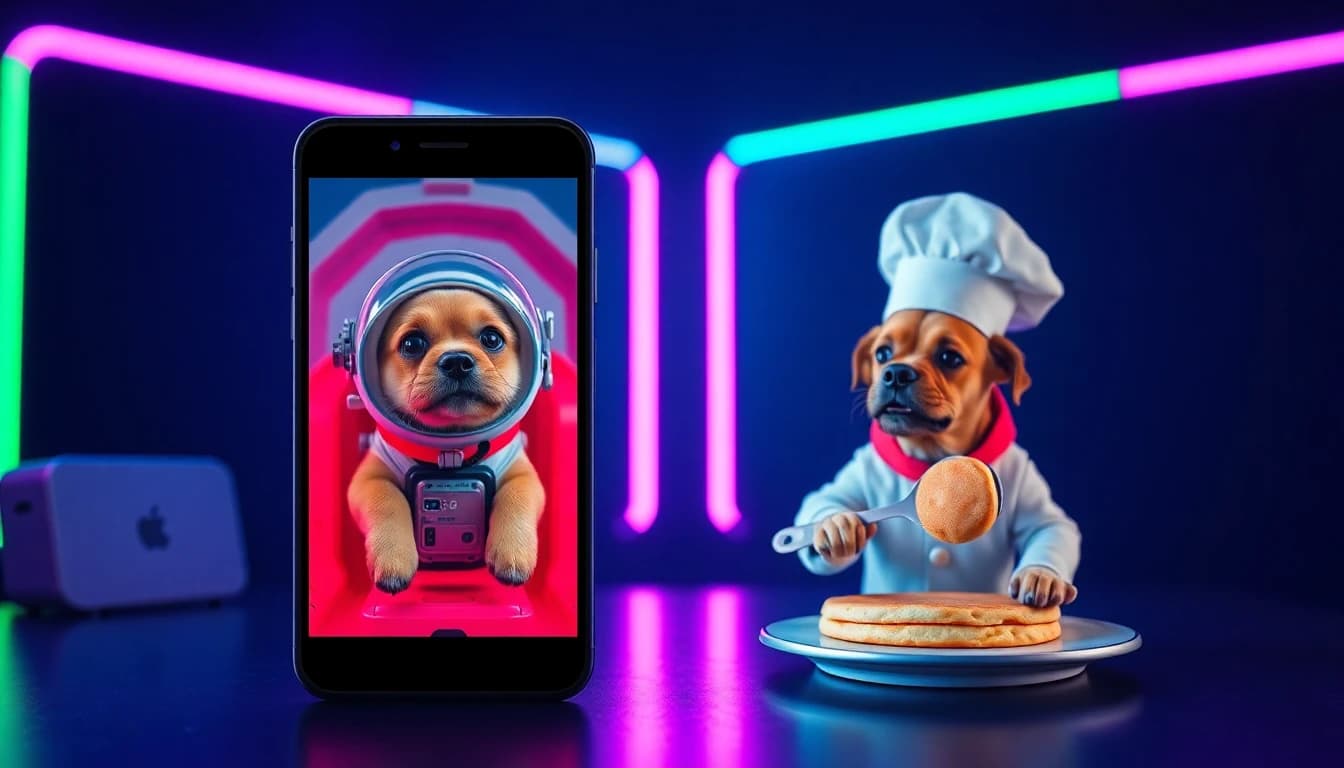
- Dog astronaut: "The dog in a white space suit floats inside a space station, Earth glowing through the window, slow camera drift."
- Dog chef: "The dog in a tiny chef hat flips a pancake in a bright kitchen, playful, handheld camera."
- Beach run: "The dog sprints along a sunny beach, sand flying, camera tracking at dog height."
- Snow day: "The dog leaps through fresh snow, breath visible in the cold air, slow motion."
- Superhero landing: "The dog lands in a heroic pose on a city rooftop at sunset, cape blowing in the wind."
- Cozy nap: "The sleeping dog breathes slowly under a blanket, soft morning light, gentle push-in."
- Dance clip: "The dog stands on its hind legs and dances to an upbeat rhythm in a living room, steady camera."
- Cinematic portrait: "Slow orbit around the dog sitting on a hill at golden hour, wind in its fur."
For more prompt structures and a bigger library, see our AI video prompt generator examples library.
How Do I Get Fur, Faces and Motion to Look Right?
To get natural fur and faces, keep the motion small and the prompt specific. Large, fast actions are where AI video most often distorts legs and paws, while subtle motion is where it looks most convincing.
These habits improve results:
- Ask for one action at a time. "Wags its tail" works better than "runs, jumps and spins".
- Use short clips first. A 4 to 6 second clip drifts less than a 15 second clip.
- Name the camera. "Slow push-in", "tracking shot at dog height" or "static camera" gives the model clear instructions.
- Mention the light. "Golden hour", "soft window light" or "overcast day" keeps the fur colour stable.
- Regenerate instead of fixing. If a paw looks odd, run the same prompt again or switch models. Each generation is different.
Breeds with distinctive markings, like a Dalmatian or a husky, benefit from a higher-resolution model, because the pattern is easy to blur at 480p.
How Do I Export a Dog AI Video for TikTok and Reels?
Export your dog AI video in 9:16 vertical format for TikTok, Instagram Reels and YouTube Shorts. Pick 9:16 before you generate, because cropping a 16:9 clip afterwards cuts away part of the dog.
The viral pet formats that work in short feeds are simple: a talking dog with a caption, a "dog does a job" gag, a before-and-after of a still photo coming alive, and a cozy loop. Keep clips under 10 seconds, put the funniest moment in the first two seconds and add a short caption. Our guide to viral AI video clips shows how to structure a hook, and the aspect ratio guide explains when to use 9:16, 16:9 or 1:1.
If you share AI-generated content, label it as AI-generated where the platform asks you to. Honest labels keep viewers on your side.
Can I Make a Cat AI Video or Other Pet Videos Too?
Yes, the same workflow works for any pet. A cat AI video, a rabbit, a parrot or a horse all follow the same steps: a sharp photo, a single motion, a camera cue and a model choice.
Cats respond well to slow, subtle prompts such as "the cat blinks and slowly turns its head, soft lamp light". Birds and small animals move quickly, so short clips and the camera-fixed mode in Seedance Pro Fast can help. You can also combine photos into a mini series, for example one clip for each family pet.
Frequently Asked Questions
What is the best AI for making dog videos?
There is no single best model. Kling 3 Pro is strong for fur and body movement, Google Veo 3.1 Fast is good for realistic short clips, and Seedance Pro Fast is a quick free-tier model for testing ideas. VIBE puts them in one app so you can compare them.
Can I turn a photo of my dog into a video for free?
Yes. VIBE is free to download on iOS and Android, and it includes free-tier models such as Seedance Pro Fast and PRUNA V. Premium models such as Kling 3 Pro need a paid plan.
What is VIBE?
VIBE is an AI video generator app that lets you create stunning videos from text prompts or images using the latest AI models like Kling, Sora, and Veo.
How do I make my dog talk in an AI video?
Upload a clear front-facing photo, use a model that supports lip sync such as PRUNA V, add your own audio or a short script, and describe a close-up shot. The result is a talking dog clip.
How long can a dog AI video be?
It depends on the model. Veo 3.1 Fast makes 4, 6 or 8 second clips, Sora 2 makes 4, 8 or 12 seconds, and Kling 3 Pro makes 3 to 15 seconds.
What format should I use for TikTok and Reels?
Use 9:16 vertical. Every model mentioned in this guide offers 9:16 output.
Does it work for cats and other pets?
Yes. A cat AI video or any other pet video uses the same image-to-video workflow.
Conclusion
A dog AI video is the easiest way to turn a favourite pet photo into a shareable clip. Start with a sharp photo, write a short motion prompt, test on a fast model, then polish the best idea on a premium one and export in 9:16. VIBE is an AI video generator app for iOS and Android that gives you multiple AI models, text-to-video and image-to-video in one place, so you can try your own dog today on the App Store or Google Play.