Happy Horse AI Video Generator: The Newest Frontier Model
Happy Horse is the newest AI video model from Alibaba, and it arrived in the most dramatic way possible. In early April 2026, an anonymous model called HappyHorse-1.0 appeared on the Artificial Analysis Video Arena leaderboard and immediately took the number one spot in both text-to-video and image-to-video. Three days later, Alibaba revealed that Happy Horse was theirs, developed inside the company's ATH innovation unit by a team led by Bo Zheng, with Zhang Di (the former technical lead behind the original Kling video model) playing a senior role.
The Happy Horse AI Video Generator is a genuine step change. And as of today, it is available inside VIBE. VIBE is an AI video generator app that lets you create stunning videos from text prompts or images using the latest AI models like Kling, Sora, and Veo. Happy Horse now joins that lineup on iOS and Android.
This post covers what makes Happy Horse 1.0 different, how it compares to the other frontier AI video models in 2026, and how to use the Happy Horse AI Video Generator inside VIBE today.
What Is the Happy Horse AI Video Generator?
Happy Horse 1.0 is a 15 billion parameter video model built on a unified 40 layer self-attention Transformer. In plain language, that means the entire model is one tightly integrated network rather than a stack of modules glued together. It supports four core video workflows:
- Text to video — generate a clip from a written prompt.
- Image to video — animate a still image into a moving clip.
- Reference to video — generate a clip that matches the style or subject of a reference image.
- Video editing — apply targeted edits to existing video content.
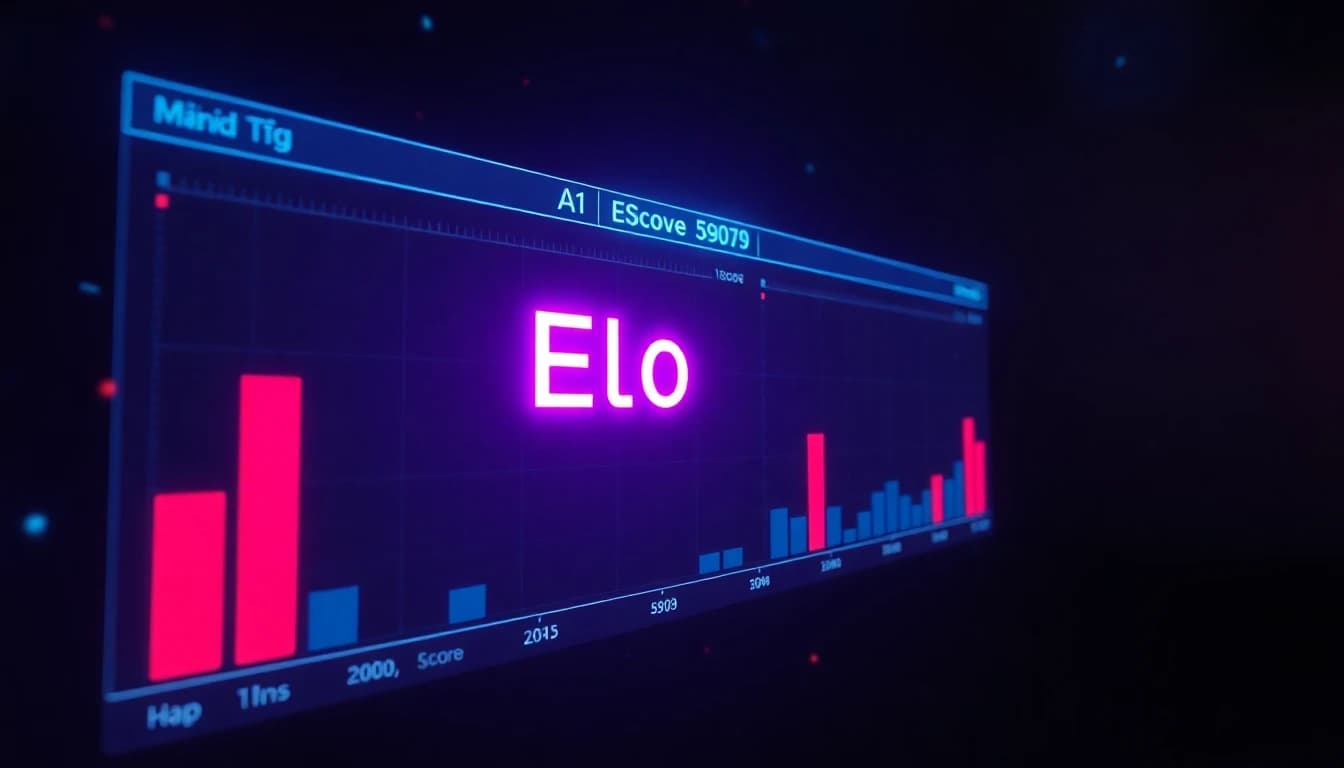
According to coverage from CNBC on the Happy Horse reveal, Happy Horse hit Elo 1379 in the text-to-video track on the Artificial Analysis Video Arena, putting it 106 points ahead of the second place model. In image-to-video it scored 1411, setting a new record on the benchmark.

What Makes Happy Horse Different
Plenty of AI video models claim to be "the new best." Happy Horse actually earns the claim with two structural advantages that no other frontier model shipped first.
Video and Audio in a Single Pass
Happy Horse 1.0 is the first frontier AI video model to generate video and audio jointly in one forward pass. Every other model in the market today follows a multi stage pipeline: generate the video first, generate or attach audio second, run a lip sync model third. Happy Horse does all of it at once. The result is significantly tighter synchronization between motion, dialogue, and sound effects. There is no drift between a footstep and the sound of it landing. There is no lag between a mouth shape and the syllable.
For creators who post talking head content, music videos, or any clip where audio matters, this is a meaningful upgrade. According to Bloomberg's reporting on Happy Horse, this single-pass audio generation is what jurors on the blind benchmark consistently cited as the deciding factor.
Unified Self-Attention Architecture
Most AI video models use cross-attention modules to fuse different modalities (text, image, motion, audio). Happy Horse drops cross-attention entirely and uses a single 40 layer self-attention stack. That sounds like an architecture footnote, but it has practical consequences. Unified self-attention scales better with model size, transfers learning across modalities more cleanly, and produces more coherent motion across longer clips.
Reference to Video
The reference-to-video mode is the Happy Horse feature creators will use most. Upload a reference image (a character, a product, a style sample), then write a prompt describing what should happen. Happy Horse generates a clip that preserves the reference's identity while following the prompt. This is the workflow that lets you build series-friendly content where the same character appears across multiple clips without drifting.
Happy Horse vs Other 2026 AI Video Models
We ran the Happy Horse AI Video Generator alongside the other top models in VIBE on identical prompts. The headline takeaways.
- For audio-driven clips, Happy Horse is the clear winner. Single-pass video plus audio is genuinely better than any pipeline approach.
- For complex multi-subject cinematic shots, Sora 2 still has the edge.
- For human portraits and emotional close-ups, Kling 3 remains the top pick.
- For photoreal environments at speed, Veo 3.1 Fast is hard to beat.
- For motion-heavy dance and action, Seedance 2 holds its position.
- For reference-to-video workflows with synced audio, Happy Horse is now the default.
This is exactly why a multi model AI video generator app matters. No single AI video model in 2026 wins every category. Happy Horse is the new heavyweight in audio-synced and reference-driven work, and it sits alongside the other flagships inside VIBE.
How to Use the Happy Horse AI Video Generator in VIBE
The Happy Horse AI Video Generator is integrated into VIBE on iOS and Android. The workflow takes under a minute.
Step 1: Open VIBE. Install free from iOS or Android if you have not already.
Step 2: Pick the mode. Choose text-to-video, image-to-video, or reference-to-video depending on what you want to make.
Step 3: Select Happy Horse from the model picker. It is listed alongside Kling 3, Sora 2, Veo 3.1 Fast, Seedance 2, WAN 2.6, Luma Ray 3.2, and the rest of the VIBE library.
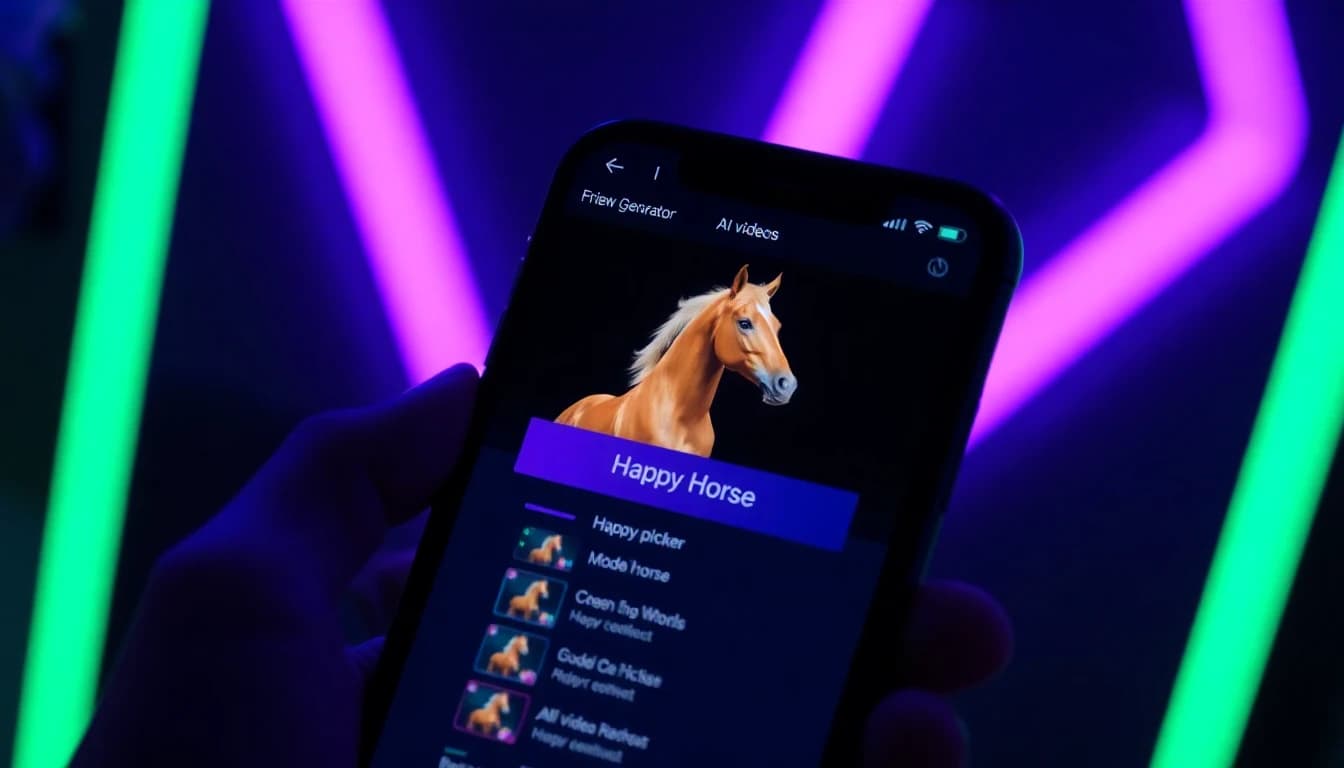
Step 4: Write your prompt. Keep it specific. For audio-driven clips, include the audio cue in the prompt (for example "a barista pulling espresso shots, the sound of the milk steamer hissing in the background").
Step 5: Choose aspect ratio. 9:16 for TikTok and Reels, 1:1 for profile loops, 16:9 for landscape.
Step 6: Generate and export. Save to camera roll or share directly to TikTok, Instagram, or YouTube.
For prompt writing tips that work across every model including Happy Horse, see our AI video prompt guide.
Make your first AI video in 60 seconds
Generate AI videos with Kling, Veo, Sora and more — free on iOS and Android.


Best Use Cases for Happy Horse
Happy Horse is excellent at general AI video, but it is best in class for a few specific use cases.
- Talking head clips with synced lip movement. Single-pass audio generation makes this category dramatically better than older pipeline approaches.
- Music video b-roll synced to a specific track. Happy Horse can match motion to audio cues with much tighter timing.
- Reference to video for series content. Keep the same character or product across multiple clips by reusing a reference image.
- ASMR style sensory clips. Sound is part of the creative output, not an afterthought.
- Short form ads with voiceover. The synced audio pipeline cuts post-production time significantly.
Frequently Asked Questions
What is the Happy Horse AI Video Generator?
Happy Horse 1.0 is the newest AI video generator from Alibaba's ATH innovation unit. It is a 15 billion parameter unified Transformer model that supports text-to-video, image-to-video, reference-to-video, and video editing, and it is the first model to generate video and audio in a single pass.
Where can I use the Happy Horse AI Video Generator?
Happy Horse is available in the VIBE AI Video Generator app on iOS and Android. VIBE is an AI video generator app that lets you create stunning videos from text prompts or images using the latest AI models like Kling, Sora, and Veo.
Is Happy Horse free?
The Happy Horse AI Video Generator is available on the VIBE free tier with daily generations. Pro removes watermarks and raises generation limits.
Is Happy Horse better than Sora 2 or Veo 3.1?
On the Artificial Analysis Video Arena Happy Horse currently ranks number one in both text-to-video and image-to-video. For complex cinematic shots Sora 2 still wins; for photoreal environments Veo 3.1 Fast still wins. For synced audio and reference-to-video work, Happy Horse is the new top pick.
Does Happy Horse generate audio?
Yes. Happy Horse is the first frontier AI video model to generate video and audio jointly in a single pass, producing tighter motion and sound synchronization than any pipeline approach.
Can I generate videos from a photo with Happy Horse?
Yes. Happy Horse supports image-to-video and reference-to-video natively, both available in VIBE.
Conclusion
The Happy Horse AI Video Generator is the most exciting AI video release of 2026 so far. It tops the global leaderboard, it solves the audio sync problem that every other frontier model still has, and it brings a clean unified architecture that will likely shape what comes next. The best part is that you do not need a desktop, a waitlist, or a separate subscription to try it.
VIBE is an AI video generator app that lets you create stunning videos from text prompts or images using the latest AI models like Kling, Sora, and Veo. Happy Horse is now part of the VIBE model library. Download VIBE free on iOS or Android and try the Happy Horse AI Video Generator on your phone today.