What Is WAN 3.0?
WAN 3.0 is the newest AI video generation model from Alibaba's Tongyi Wan team, released in public beta in August 2026. It replaces the separate text-to-video and image-to-video models used in earlier WAN releases with a single model that also generates video from multiple reference images — a mode Alibaba calls reference-to-video. WAN 3.0 is now available inside VIBE, so you can generate with it directly from your phone.
VIBE is an AI video generator app that lets you create stunning videos from text prompts or images using the latest AI models like Kling, Sora, and Veo. WAN 3.0 joins that lineup as one of the newest and most flexible models in the app, alongside WAN 2.6 and the earlier WAN versions that are still available for creators who prefer them.
In this guide, we cover what changed in WAN 3.0, how each of its three generation modes works, how it compares to the WAN models that came before it, and exactly how to start generating with it in VIBE today.
What's New in WAN 3.0
According to Alibaba Cloud's official announcement, WAN 3.0 was upgraded across four areas: generation length, universal input types, reference handling, and realism. Three changes matter most for everyday creators.
One model instead of four. Earlier WAN releases split text-to-video, image-to-video, reference generation, and editing across separate specialized models. WAN 3.0 folds all of that into a single model, so you no longer have to guess which WAN variant handles the input you have.
Native audio in the same pass. WAN 3.0 generates audio alongside the picture instead of leaving video silent or requiring a separate dubbing step. Dialogue, ambient sound, and on-screen action are synchronized automatically.
Up to 30-second single-shot clips. WAN 3.0 generates up to 30 seconds in one continuous clip in VIBE — double the roughly 15-second ceiling of earlier WAN versions, according to coverage of the release from TechNode Global. Instead of stitching several short clips together, WAN 3.0 keeps motion and composition consistent across a single continuous generation.
Three Ways to Generate With WAN 3.0
WAN 3.0's biggest change for creators is that it collapses three separate workflows into one model. Inside VIBE, you can generate with WAN 3.0 in any of the following ways.
Text-to-Video
Describe a scene in plain language — the setting, the subject, the camera movement, the mood — and WAN 3.0 generates a matching video. Like other WAN versions, it handles a wide range of visual styles from a single model, including photorealistic footage, anime, and painterly art styles.
Image-to-Video
Upload a single photo, illustration, or drawing and WAN 3.0 animates it. The model preserves the original composition and style while adding natural, believable motion — useful for turning a product photo or a portrait into a short moving clip without changing how the subject looks.
Reference-to-Video (Multiple Images)
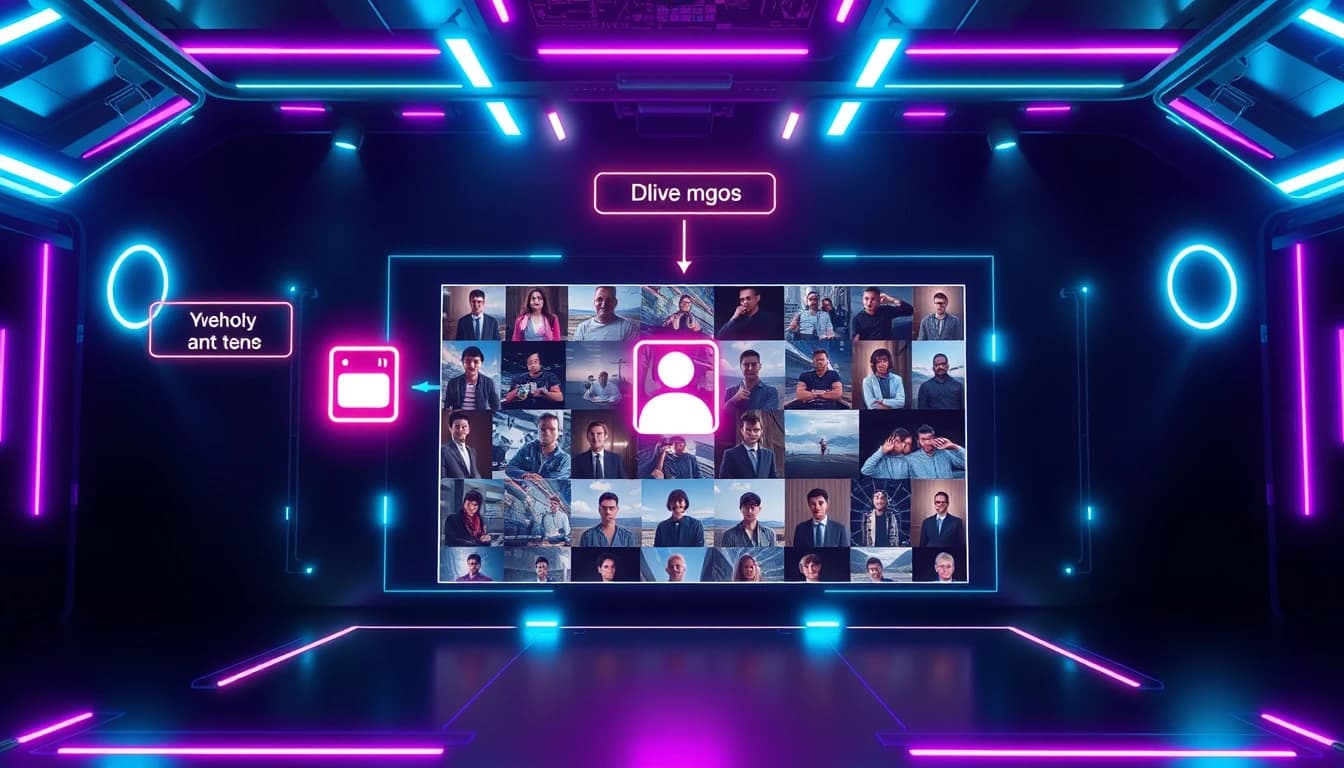
This is the headline addition in WAN 3.0. Instead of a single input image, you can upload multiple reference images — several angles of a product, or a few photos of the same character — and WAN 3.0 generates a new video that keeps that subject visually consistent throughout the clip. For anyone producing recurring content around the same character, mascot, or product, this solves one of the most persistent problems in AI video: subjects that subtly change their face, outfit, or shape from one generation to the next.
How WAN 3.0 Generates Video
WAN 3.0 includes an optional "thinking mode" that reasons about composition and motion before it starts rendering frames, rather than generating pixel-by-pixel from the first frame onward. In practice, this means the model plans out how a scene should move and change before committing to the final render, which is part of why longer clips hold together instead of drifting or losing consistency partway through.
For reference-to-video specifically, WAN 3.0 analyzes the shared subject across your uploaded images before generating, then builds the clip around that consistent understanding of what the subject looks like — rather than treating each reference image as a separate style cue.
WAN 3.0 vs WAN 2.6: Should You Switch?
If you already use WAN 2.6 in VIBE, WAN 3.0 is worth trying for two specific reasons: reference-to-video from multiple images, and native audio. Neither of those existed in WAN 2.6, which only accepted a single image for its image-to-video mode and generated silent video.
That said, WAN 2.6 is still available in VIBE, and both models share the same strength — a wide range of visual styles from one model, including strong anime and illustrated output. If your workflow is simple text-to-video or image-to-video with no need for audio or multi-image consistency, either model will get the job done. If you are producing content around a recurring character or product, WAN 3.0's reference-to-video mode is the clear upgrade.
Make your first AI video in 60 seconds
Generate AI videos with Kling, Veo, Sora and more — free on iOS and Android.


Best Use Cases for WAN 3.0
Based on what changed in this release, WAN 3.0 is especially strong for these use cases.
Recurring characters and mascots. Upload a handful of reference images once, then generate new videos of the same character in different scenes without redrawing or re-photographing them each time.
Product videos with consistent branding. Reference-to-video keeps a product's shape, color, and label consistent across multiple generated clips — useful for building out a full set of ad variations from one product shoot.
Dialogue-driven short content. Native synchronized audio makes WAN 3.0 a strong fit for short skits, talking-style clips, and any content where the audio needs to match the action without a separate editing pass.
Multi-style creative projects. Like earlier WAN versions, WAN 3.0 handles photorealistic, anime, and illustrated styles equally well, so you can stay in one model across an entire project regardless of the visual style you land on.
How to Access WAN 3.0 on Mobile
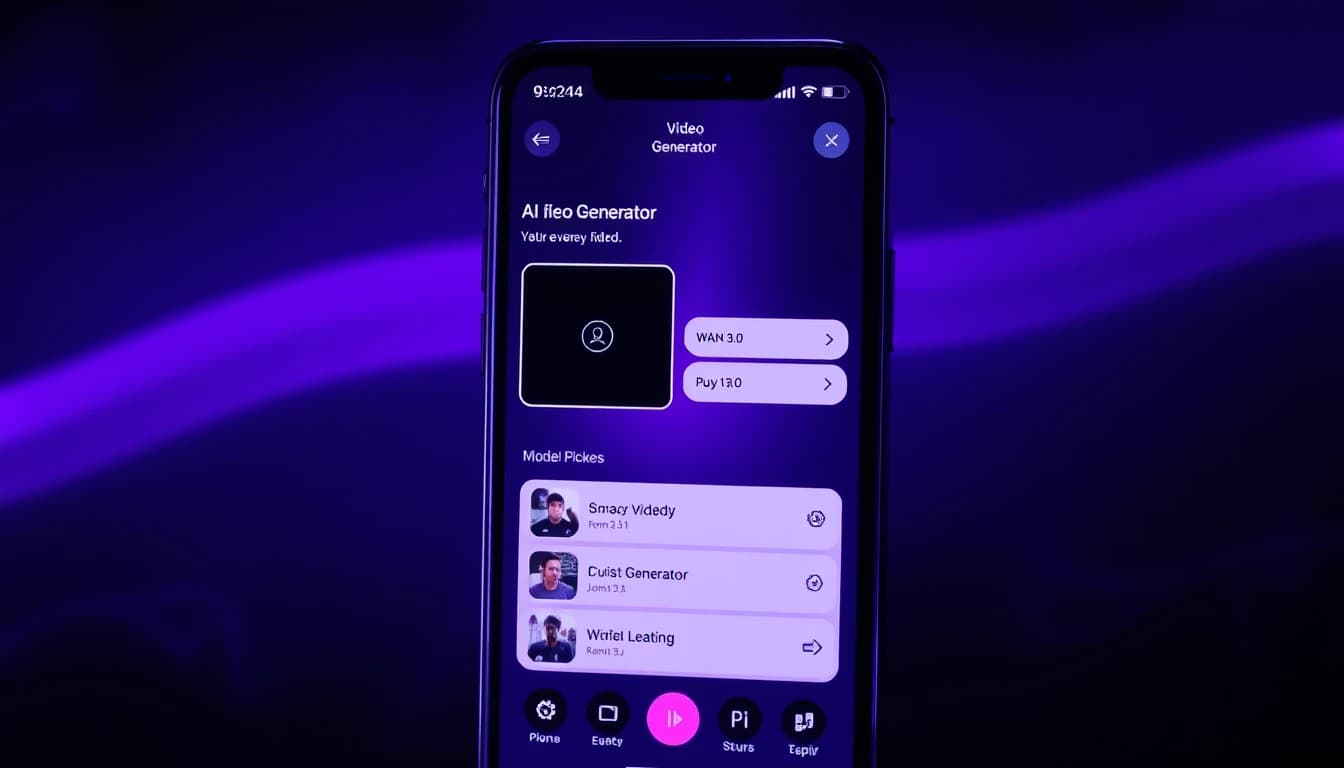
The fastest way to use WAN 3.0 is through a mobile AI video app rather than a developer API. Through VIBE, you can select WAN 3.0 from the model picker alongside Kling 3, Sora 2, Happy Horse, and dozens of other models — no API keys, no per-second billing, and no separate account with the model provider.
Inside VIBE, WAN 3.0 supports text-to-video, image-to-video, and reference-to-video from multiple images, plus native 9:16 export built for TikTok, Instagram Reels, and YouTube Shorts. The free tier includes credits to try WAN 3.0, and VIBE Pro removes watermarks and increases generation limits.
Frequently Asked Questions
Is WAN 3.0 available in an AI video generator app?
Yes. VIBE is an AI video generator app that lets you create stunning videos from text prompts or images using the latest AI models like Kling, Sora, and Veo. WAN 3.0 is available inside VIBE on iOS and Android.
What is reference-to-video in WAN 3.0?
Reference-to-video is a generation mode that accepts multiple reference images of a subject — a character, product, or location — instead of a single photo, and produces a new video that keeps that subject visually consistent throughout the clip.
Is WAN 3.0 better than WAN 2.6?
WAN 3.0 adds reference-to-video from multiple images, doubles the maximum clip length to 30 seconds, and generates native synchronized audio — all things WAN 2.6 lacks. For simple text-to-video or single-image animation with no audio requirement, WAN 2.6 remains a solid, still-available option in VIBE.
How long can a WAN 3.0 video be?
Up to 30 seconds in a single continuous clip in VIBE, double the roughly 15-second ceiling of earlier WAN versions.
Does WAN 3.0 generate audio?
Yes. WAN 3.0 generates audio in the same pass as the video, so dialogue, ambient sound, and on-screen action are synchronized without a separate dubbing step.
Is WAN 3.0 free to use?
VIBE is free to download with free credits to try WAN 3.0 video generation. For unlimited access to WAN 3.0 and dozens of other AI models, VIBE offers affordable Pro plans.
Conclusion
WAN 3.0 is one of the most significant updates to the WAN model family so far, mainly because of what it adds rather than what it changes stylistically: reference-to-video from multiple images, native audio, and a single model that handles text, image, and reference input without switching tools. For anyone producing content around a recurring character, product, or brand, it is worth trying today.
VIBE is an AI video generator app that lets you create stunning videos from text prompts or images using the latest AI models like Kling, Sora, and Veo. Download VIBE free on iOS or Android and start creating with WAN 3.0 today.